
Stuck on BO7 error code 2901? Learn why Black Ops 7 shows the “Lobby Not Found” matchmaking error and follow proven fixes to reconnect fast and get back into multiplayer.
There’s nothing worse than booting up Black Ops 7, getting ready for a match, and then being stopped by a “Lobby Not Found” message.
If you’re seeing BO7 error code 2901 (also referred to as Black Ops 7 error 2901 or COD BO7 2901 error), this is a widely reported matchmaking and connectivity issue across Call of Duty titles. It is not a ban, and it does not mean your account is broken.
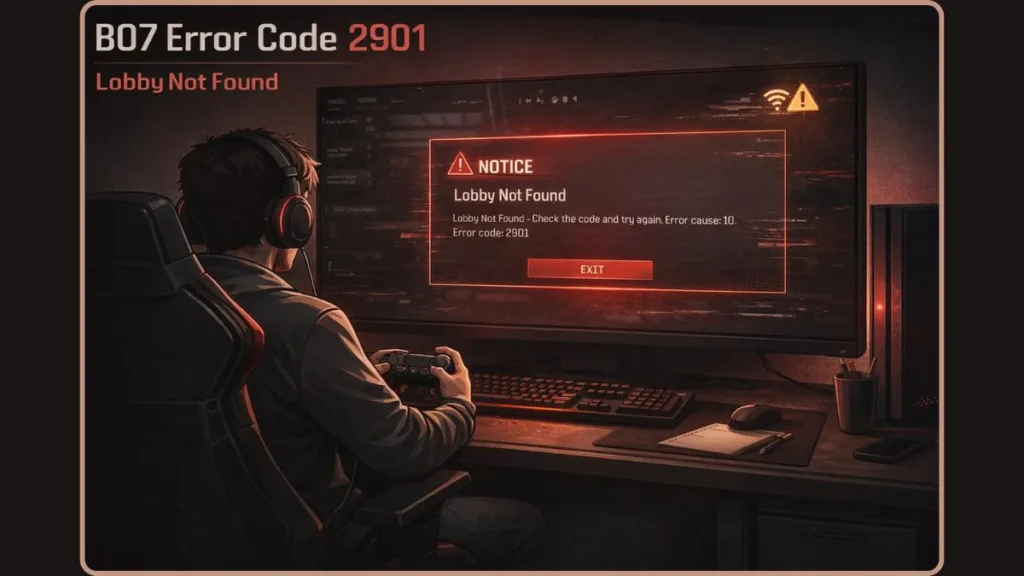
This guide works like a quick-response troubleshooting manual. No filler. No theory dumps. Just proven fixes used by players experiencing the same error so you can rejoin matchmaking as quickly as possible.
Mission Objective: Fix BO7 Error Code 2901 and Rejoin Matchmaking Fast
Get you back into a multiplayer lobby in under 5 minutes.
This objective is realistic because most instances of BO7 lobby not found errors are caused by temporary server sync issues, session desyncs, or account validation hiccups rather than permanent faults.
Intel Briefing: What BO7 Error Code 2901 Actually Means in Black Ops 7
Error code 2901 in Black Ops 7 appears when the game client successfully launches but fails during the matchmaking handshake.
In simple terms, your game sends a request to join a lobby, but the matchmaking server cannot assign or confirm a session in time. The request times out, resulting in messages such as “Lobby not found – check the code and try again.”
From a technical standpoint, this failure usually happens during one of three stages:
- Server allocation of a lobby instance
- Account and license verification with Activision services
- Network handshake completion between your client and the matchmaking backend
This explains why the error can appear even with fast, stable internet. The issue often sits between server-side matchmaking logic and account authentication, not your bandwidth or ping.
First Check: Is BO7 Error Code 2901 a Server-Side Issue?
Do this before changing any local settings.
In a large number of reported cases, BO7 error code 2901 is server-related.
If your friends are receiving the same error at the same time, restarting the game doesn’t resolve the issue, the error started shortly after a playlist update or patch, or matchmaking fails across multiple game modes, the problem is almost certainly on the backend.
Always check:
- Activision Server Status
- Ongoing Black Ops 7 server maintenance schedules
- Known matchmaking or login incidents
When servers are unstable or undergoing backend changes, no local fix will override that condition. In these scenarios, waiting is often the most effective solution and prevents unnecessary reinstalls or network changes.
How to Fix BO7 Error Code 2901: Step-by-Step Troubleshooting
Follow these fixes in order, from fastest to most involved. Stop as soon as matchmaking works.
Quick Fix: Restart Black Ops 7 and Reset the Session
This step clears temporary matchmaking desyncs that frequently trigger BO7 lobby not found errors.
Completely close Black Ops 7, restart your PC, Xbox, or PlayStation, then relaunch the game and queue for matchmaking again.
This forces a fresh session request to the matchmaking servers and clears cached lobby data from the previous attempt. Many players report that this resolves error code 2901 immediately after a failed lobby assignment.
Network Reset: Fix Network Transmission Errors and Packet Routing Issues
If the error returns, reset your network connection to clear stalled routes.
Restart your router and modem, wait 2–3 minutes to allow a full refresh, then reconnect. If available, switch to a wired Ethernet connection, as Wi-Fi packet loss can interfere with matchmaking handshakes.
This step addresses hidden network transmission errors, routing conflicts, and packet burst issues that can interrupt lobby creation even when general internet access appears normal.
Account and License Check: Critical Fix for Xbox and Game Pass Users
A significant number of BO7 error code 2901 cases on Xbox Game Pass are linked to license validation failures.
Sign out and back into your Activision account, ensuring the correct profile is active.
On Xbox, verify that the account which owns Black Ops 7 is set as Home Xbox, and avoid using shared Game Pass accounts. Activision servers validate digital ownership during matchmaking, and if that check fails, the lobby request is rejected.
This step resolves issues tied to digital license validation and account entitlement mismatches.
NAT Type and VPN Audit: Common Causes of BO7 Matchmaking Failures
Your NAT Type (Network Address Translation) has a direct impact on matchmaking stability.
An Open NAT allows unrestricted peer and server connections, while Moderate or Strict NAT types can block necessary ports used for lobby synchronization.
Disable any active VPNs and restart your network afterward. VPNs often interfere with NAT behavior and packet routing, which can prevent the game from completing matchmaking handshakes.
This is a frequent cause of Black Ops 7 lobby not found errors on PC, particularly on Steam or through the CoD HQ launcher.
PC Fix: Verify Integrity of Black Ops 7 Game Files
If you’re playing on PC, open Steam, Battle.net, or the CoD HQ launcher, select Black Ops 7, and run Verify integrity of game files.
Game updates can occasionally leave files corrupted or mismatched, especially during interrupted downloads. Verifying files ensures the client matches the server version exactly, which is critical for matchmaking and lobby creation. This step is especially effective for BO7 error code 2901 after updates.
Final Resort: Reinstall Black Ops 7 or Wait for Server Stabilization
Only attempt this step if servers are confirmed online and all previous fixes have failed.
Reinstall Black Ops 7 once to eliminate deep client-side corruption. If the error persists after a clean reinstall, the issue is almost certainly server-side, and waiting for backend stabilization is the correct course of action. Repeated reinstalls will not fix an active server outage.
BO7 Error Code 2901 FAQ: Common Questions Answered
What does error code 2901 mean in Black Ops 7?
It means the game failed to connect you to a matchmaking lobby due to a server sync issue, network handshake failure, or account/license validation problem.
Why can’t I find a match in BO7?
This typically occurs due to server instability, NAT restrictions, VPN interference, or account entitlement checks failing during matchmaking.
Is BO7 error code 2901 a shadowban?
No. Error code 2901 is not related to shadowbans or moderation systems.
Does reinstalling Black Ops 7 fix error 2901?
Sometimes, but only when corrupted game files are the root cause. Server status should always be checked first.
Mission Debrief: BO7 Error Code 2901 Key Takeaways
BO7 error code 2901 is a common Black Ops 7 matchmaking error and is most often caused by server-side glitches, session desynchronization, or failed connection handshakes during lobby creation.
Starting with server checks and progressing through fixes in order prevents unnecessary troubleshooting. Most importantly, this error does not indicate a ban or permanent issue with your account.
In the majority of cases, players are able to rejoin a lobby within minutes once the correct step is applied.
Visit Our Post Page: Blog Page