
Want to verify your exact funds in 2026? Learn how to check Amazon gift card balance using simple steps. From steps to view Amazon gift card balance on the app to checking without redeeming and avoiding scams. Verify your money securely today.
You are not here to read a manual on how gift cards work theoretically. You are here because you need to know exactly how much money is on your Amazon gift card, and you need to verify that number with your own eyes before you commit to clicking Buy Now.
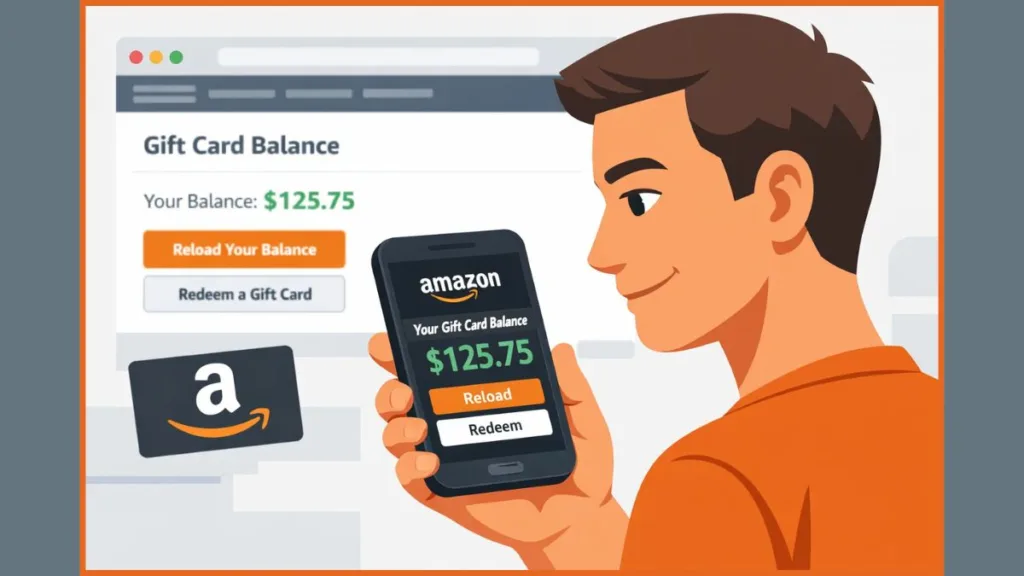
As we walk through these steps together, imagine I am standing right next to your desk or looking over your shoulder at your phone, pointing out exactly what to click, what to ignore, and which specific numbers matter.
How to Check Amazon Gift Card Balance on Your Account (Fastest Method)
If the gift card is yours and you intend to use it eventually, this is the only path you should take.
As you log into your Amazon account, you aren’t just checking a temporary status; you are taking the value off that plastic or digital card and attaching it permanently to your account. When you navigate to the page to redeem the card, you are essentially emptying a physical wallet into a digital vault.
The moment that claim code is accepted, the funds transfer to your Amazon account balance, and the physical card becomes useless plastic. This is good because you no longer have to worry about losing the card, scratching the code until it’s unreadable, or forgetting which drawer you threw it in.
At this point, you might hesitate, worrying that redeeming means you’re forced to spend the money immediately. Let me stop you right there—that is not how the system works. Redeeming is simply “loading” the gun; firing it happens later. Once the balance is added, it never expires, and it will quietly sit in your account dashboard until you decide to buy something. When you do eventually reach checkout, Amazon’s system is smart enough to automatically apply that balance first, deducting from your gift funds before it ever touches your credit card or bank account.
How to Check Amazon Gift Card Balance on Desktop (Website)
How do I check my Amazon gift card balance on the website step by step?
As you open your browser and load the Amazon homepage, your first action must be to confirm you are signed into the correct account. This sounds basic, but it is the number one reason for “missing” funds.
If you share a computer or have an old account you rarely use, check the greeting next to the account menu (e.g., “Hello, [Your Name]”) to verify you aren’t about to load money into the wrong profile. Once you are sure, move your cursor to Account & Lists in the top-right corner.
As you hover over that menu, you will see a dropdown list appear. Ignore the noise and look directly for Gift Cards under the Your Account column. When you click this, you are taken immediately to the gift card dashboard. Right here, without clicking anything else, your current balance is displayed in a box at the top of the page. This figure represents the total of all cards you have ever redeemed minus what you have spent.
If you are holding a new card and haven’t loaded it yet, this is the same screen where you click Redeem a Gift Card. As you type in the claim code and hit the apply button, watch the balance number. You will see it update instantly. That immediate visual change is your confirmation that the card was valid and successfully added to your reserves.
Why is my Amazon gift card balance not showing on the desktop site?
If you are staring at the dashboard and the balance looks wrong—or worse, it shows zero when you know you had funds—don’t panic and assume the card failed. First, look at the URL bar. You need to check which regional site you are currently browsing. Amazon operates distinct marketplaces, and gift cards are strictly region-locked. A card you bought for Amazon India (amazon.in) will simply not exist if you are logged into your Amazon US account (amazon.com).
If the region is correct and you just redeemed a code, refresh the page once. Occasionally, the browser caches the old balance data, and the visual update lags a second or two behind the database confirmation.
Warning: “If the balance still doesn’t appear after a refresh, stop entering the code again. Re-entering a redeemed code won’t fix the display issue and can actually lock the card temporarily because Amazon’s security algorithms might flag the repetitive entry as a bot attack.”
How to Check Amazon Gift Card Balance in the Amazon App (Android & iPhone)
How can I see my Amazon gift card balance on the app in real time?
If you are holding your phone, checking via the app is usually faster than using a mobile browser. Open the Amazon app and ensure you are signed in. Tap the menu icon (the three horizontal lines, usually at the bottom right) or your Profile icon (the silhouette of a person), depending on which version of the app interface you have. From this hub, tap the button labeled Your Account. You might find the list of options overwhelming; ignore the “Orders” and “Account Settings” for now and scroll down until you hit the Payments section.
Right here, you will see a specific option for Manage gift card balance. Tap it. Your current balance will appear at the very top of the screen in large, bold text. Below that main figure, the app provides a detailed ledger of your balance activity, showing every credit (redemption) and debit (purchase). This is incredibly useful if you need to trace exactly where your money went.
If you are trying to add a new physical card, this screen is also where you should stop typing and start scanning. When you tap “Redeem,” choose the option to use your phone’s camera to scan the claim code. The app uses optical character recognition (OCR) to read the digits for you, which eliminates the frustration of mistyping a ‘Q’ for an ‘O’ or a ‘B’ for an ‘8’.
What should I do if the Amazon app doesn’t show my gift card balance?
If the app feels like it is lagging or out of sync—which happens more often than Amazon admits—you need to force a refresh. First, force-close the app completely (swipe it away from your recent apps list) and reopen it. If the balance still hasn’t updated, sign out and back in. The app often caches account data to save data usage, and this cache can sometimes get “stuck” on an old balance. Signing out forces the app to re-fetch fresh data from the server. You will know it worked when the balance number updates to match what you expect.
Can You Check Amazon Gift Card Balance Without Redeeming It?
This is the friction point where most users get confused or scammed. You need to understand this clearly: You cannot independently check the balance of an unredeemed Amazon gift card. Amazon does not provide a public balance checker tool where you can just type in a code to see its value. This is a deliberate security design to prevent “enumeration attacks,” where hackers use bots to guess millions of random codes to find valid ones.
The only legitimate workaround exists for a specific scenario: if you bought the card for someone else (like a physical card from a grocery store) and you want to verify it was activated properly without claiming the money yourself. In this case, you must contact Amazon customer support. You will have to ask them to verify the balance manually. Note that you will likely need to provide the serial number (the long 16-digit number usually found at the very bottom of the card), not just the claim code, so the agent can look it up safely.
Critical Safety Warning: “Never, under any circumstances, enter your claim code into any website claiming to be a third-party ‘Amazon gift card balance checker.’ These sites exist solely to steal unused codes. The moment you type your code and click ‘check,’ a script instantly redeems it to the scammer’s account and displays a fake error message to you.”
Can You Check Amazon Gift Card Balance Without Logging In?
No, you cannot. If you are not logged in, Amazon has no secure way to verify who you are or associate the card data with a legitimate request. Any website or phone number that claims it can provide balance details without login is lying to you and is not affiliated with Amazon. These are phishing traps. Legitimate financial information regarding your balance is always gated behind a secure password and 2FA login. Avoid immediately any tool that suggests otherwise.
How to Check Unused or Leftover Amazon Gift Card Balance
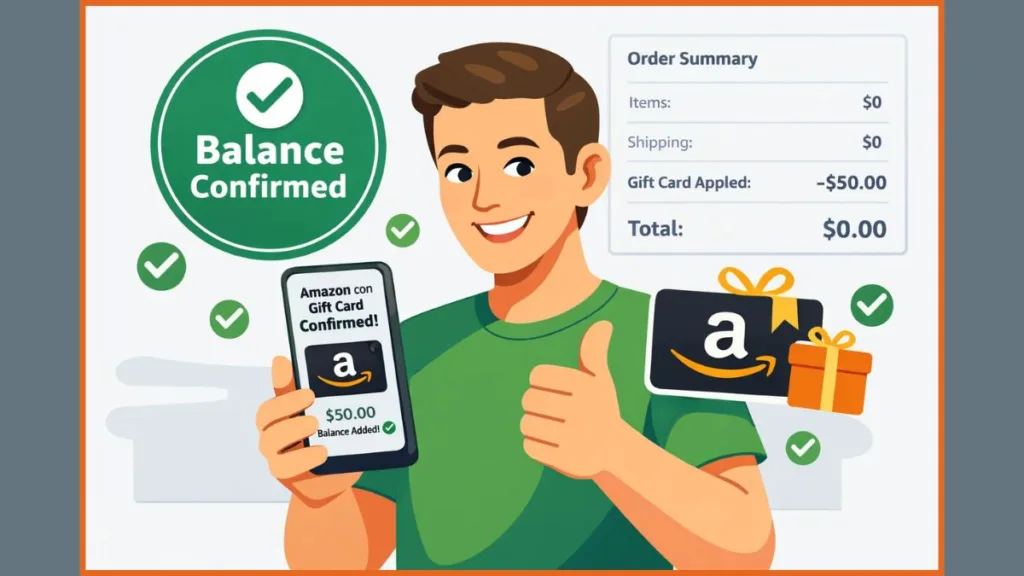
Once you have redeemed a card, you do not need to keep a mental note of how much is left. As you shop and eventually proceed to checkout, look at the payment method section. You will see your gift card balance listed as a payment option, and Amazon defaults to using it. If your purchase total is less than your balance, the leftover balance remains in your account automatically. You don’t lose a cent.
There is a pro-tip here that many users miss: If you want to save your gift card balance for a specific future purchase (like a big-ticket item), you can actually deselect the checkbox next to your gift card balance on the final checkout screen. This forces Amazon to charge the full amount to your credit card instead, leaving your gift card funds untouched and available for later.
If you ever need to confirm exactly what is left, just return to the Gift Cards section on the desktop site or Manage gift card balance in the app. Also, if you return an item bought with a gift card, the refunds processed back to gift cards will reappear in this same balance, usually within 2-3 hours of the return being processed.
How to Check Amazon Gift Card Balance by Region (US, UK, India)
As you attempt to check your balance or redeem a card, you must be aware of the currency borders. Gift cards are strictly tied to the country they were issued for. A card denominated in Pounds (£) is locked to Amazon.co.uk; a card in Dollars ($) is locked to Amazon.com. If you try to redeem a US card while logged into the UK site, the balance won’t appear, and you will likely get an error message telling you the code is invalid for this store.
If you realize you have done this, stop immediately and contact support. Do not keep trying to enter the code. While cross-border redemption is generally impossible, trying to “fix” it by re-entering the code repeatedly can trigger fraud alerts. Support is your only option here, though be warned: they generally cannot convert funds from one currency to another.
Amazon Gift Card Balance FAQs (Quick Answers)
Can I check an Amazon gift card balance without adding it to my account?
You cannot do this yourself. Your only option is to go through Amazon customer support. There is absolutely no self-service option on the website or app that allows you to “peek” at the value without claiming it.
How do I scan an Amazon gift card on my phone?
When you tap Redeem inside the app, do not start typing. Choose the “Scan your claim code” option. You will see a camera viewfinder open up. Center the claim code (not the serial number) in the box. Ensure you are in good lighting so the camera can read the characters accurately.
Do Amazon gift cards expire after redemption?
No. Once you have successfully redeemed the code, the balance stays in your account indefinitely. It will not disappear if you don’t use it. The only exception applies to certain promotional credits (which are different from purchased gift cards) that might have expiration dates buried in the fine print.
Where is the claim code on an Amazon gift card?
On a physical card, flip it over. You will see a strip of silver tape or a scratch-off panel. The code is under that scratch layer. If you have an eGift card, the code is in the body of the email you received. Be careful not to confuse it with the Card Serial Number, which is usually printed plainly on the card and does not require scratching.
Why is my Amazon gift card balance not showing up?
If the numbers aren’t there, you are almost certainly signed into the wrong account (check your email login) or looking at the wrong regional Amazon site (check the URL). Fix the account or the region, and the balance will be there.
Can I transfer my Amazon gift card balance to a bank account?
No. Once the money is in the Amazon ecosystem, it stays there. Amazon gift card balances can only be spent on Amazon. You cannot withdraw it to cash or transfer it to Venmo or PayPal.
Common Amazon Gift Card Balance Problems and Fixes
One of the most sinking feelings is scratching the back of a card and realizing you scratched too hard, making the claim code unreadable. Do not throw the card in the trash. As long as you have the receipt or the card’s visible serial number (the 16 digits that don’t need scratching), Amazon support can often recover the balance. They can cross-reference the serial number to find the claim code in their internal system.
If you redeem a code and the balance doesn’t update immediately, take a breath. Wait a full minute and refresh the page. This is almost always a display delay, not a transaction failure.
Finally, if you see an error saying the card is already redeemed, check your Gift Card History before you assume you were scammed. In many households, a spouse or child sharing the computer might have clicked “Redeem” without realizing which account was logged in, meaning the balance is safe, just sitting in a different account than you expected.
Final Notes Before You Use Your Amazon Gift Card Balance
As you finish up and head to checkout, pay attention to how the payment screen behaves. Amazon is designed to be frictionless, so it automatically applies your gift card balance to your order total. You generally do not need to select it manually. You can stack multiple gift cards onto one account—there is no ceiling on how much you can store—and you can even reload your balance if you prefer budgeting that way.
The rule to live by is simple: redeem only on Amazon, always verify your region before you start, and strictly ignore any third-party site asking for your claim code. If you follow that protocol, you will protect the balance and avoid the headaches that catch less careful buyers.
Visit Our Post Page: Blog Page