
Can’t download FB Live video? Learn how to download Facebook Live video before it gets deleted. Step-by-step methods to save HD videos on PC, iPhone, or Android—even from private groups.
We’ve all been there: You finish a high-energy Facebook Live, or you find a goldmine of a stream from a creator you follow, and you go to save it… only to find that the Download button is effectively a digital ghost.
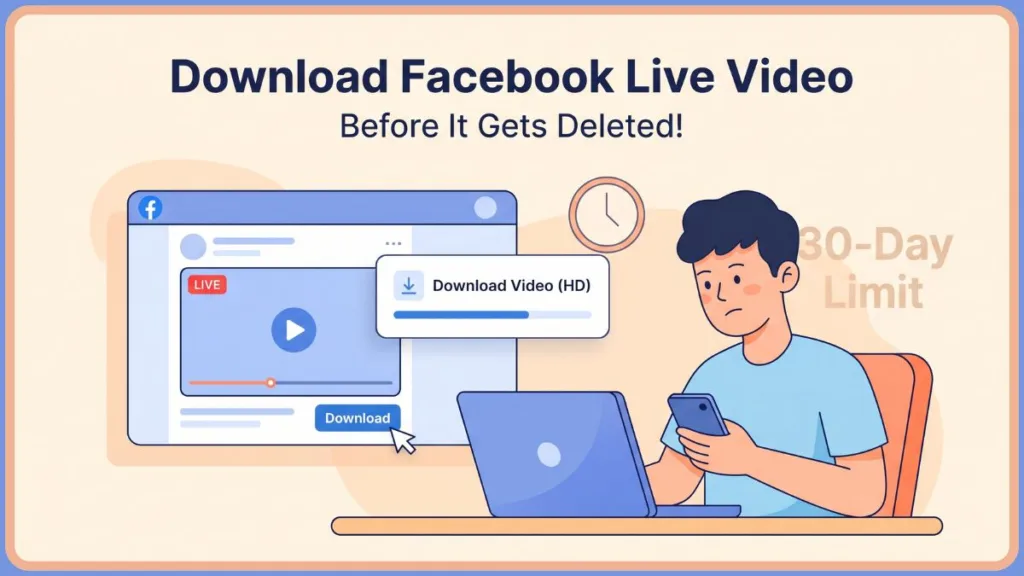
In 2026, the digital landscape has shifted toward a use it or lose it philosophy. Meta has been rolling out updated storage policies where some live videos may be automatically removed or moved to cold storage after a 30-day limit. This move, driven by the astronomical costs of hosting petabytes of video data, means that unless a video is manually moved to a permanent Page tab or converted into a Highlight, the high-definition source file is often purged from active servers. Whether you’re looking to save Facebook Live video for personal memories, legal evidence, or to repurpose content for Reels and TikTok, you need a reliable method that works before that window closes.
Digital archiving isn’t just for tech nerds anymore; it’s a necessity for anyone building a brand or preserving a legacy. This guide is designed to be the only resource you need to navigate the maze of Meta’s 2026 infrastructure.
Best Method Based on Your Situation (Quick Picks)
If you’re in a hurry and need your Facebook Live recording download immediately, here is the quick-glance hierarchy of solutions:
- For your own videos: Use the Meta Business Suite (highest quality, 1080p source).
- For public videos on PC: Use yt-dlp for speed or Cobalt.tools for a clean web interface.
- For public videos on Mobile: Use a browser-based downloader like SnapSave to save Facebook Live to iPhone camera roll or Android gallery via Safari/Chrome.
- For private group videos: Always use OBS Studio (PC) or a built-in screen recorder (Mobile). Third-party scrapers almost always fail here due to session-cookie requirements.
- For expired videos: If the 30 days have passed, check your Activity Log or the Manage section of a memorialized profile first.
- For technical users: Utilize yt-dlp with an FFmpeg dependency to ensure audio/video syncing.
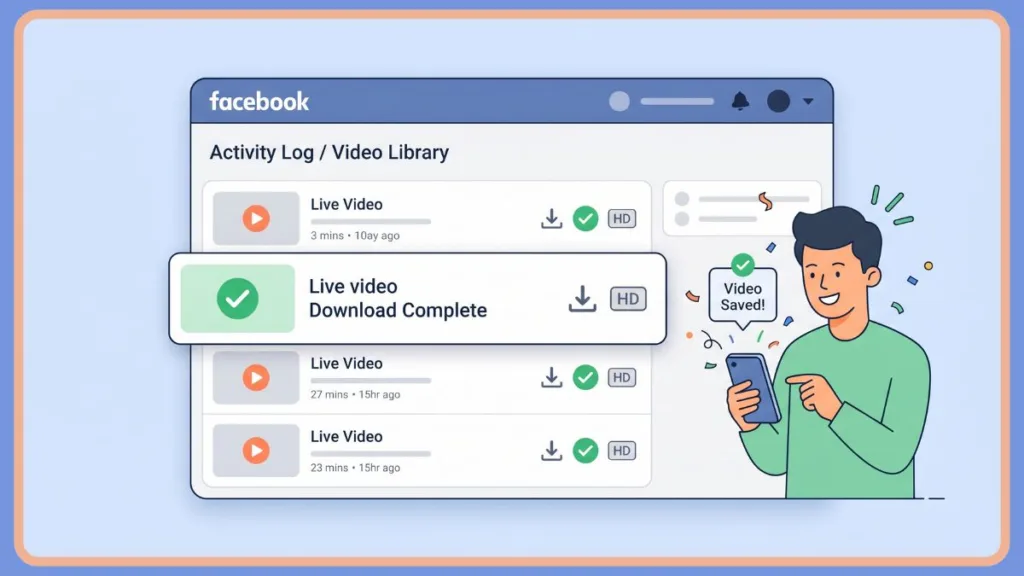
Choose the Right Method (At a Glance)
Don’t waste time on tools that won’t work for your specific scenario. In 2026, Meta’s security is tighter than ever, so matching the tool to the privacy setting is critical.
| Situation | Best Method | Quality | Estimated Difficulty |
| Your Own Live Video | Meta Business Suite | Original HD | Easy |
| Public Video (Quickly) | Online Downloader | High (720p/1080p) | Easy |
| Private or Group Video | OBS Studio | Variable | Medium |
| Bulk/Mass Downloads | yt-dlp Scripts | Maximum | Advanced |
| Loved One’s Profile | Legacy Data Archive | Original HD | Medium |
How to Download Your Own Facebook Live Video
If you are the creator, you have the Master Key to the original bits and bytes. However, Facebook doesn’t make it as simple as a Right Click > Save As. You must navigate the administrative backend to find the raw source file.
Method 1: The Meta Business Suite (Desktop Deep Dive)
As of 2026, the Creator Studio has been fully sunsetted and merged into the Meta Business Suite. This is the professional’s choice for a high-quality FB video downloader experience.
- Log in: Access the Meta Business Suite on your desktop. Ensure you are toggled to the correct Page or Profile in the top left corner.
- Navigation: Click on Content in the left-hand sidebar. This opens your entire media repository.
- Filtering: Use the filter icon to select Live. Then, navigate specifically to the Stream Archive tab, which houses completed broadcasts.
- The Download: Find your Facebook Live replay, click the Three-dot menu (…), and select Download HD.
Pro-Tip: If you only see Download SD, it means Meta is still re-rendering the archive from the live stream cache. In 2026, server-side rendering for 1080p/4K streams can take up to 4 hours post-broadcast. Wait and refresh.
Method 2: Facebook Data Export (The Bulk Solution)
If you need to mass download all my Facebook Live videos because you’re worried about the save FB live 30 day limit, this is the only way to get everything in one go.
- Navigate to the Download Your Information section within your Facebook settings.
- Click Request a Download.
- Configuration: Select Format: HTML or JSON. Set Media Quality: High.
- Selection: Deselect everything. Manually check Posts and Videos. This ensures you aren’t downloading unnecessary data like message history.
- The Wait: Meta will generate a series of ZIP files. In 2026, for a profile with 5 years of Live history, this can take 24–48 hours. You will receive an email when your Facebook Live recording download is ready.
Download Facebook Live Video on PC, Android, & iPhone
The operating system you use significantly changes which scripts or apps will work. Meta’s 2026 API reacts differently to mobile browsers versus desktop headers.
Download Facebook Live video on PC or Mac
Desktop users have the most powerful arsenal. You have two main paths:
- Browser Extensions: Use a Facebook video downloader Chrome extension like Video DownloadHelper. These extensions sniff the network traffic to find the hidden .mp4 link.
- Dedicated Software: Tools like Internet Download Manager (IDM) or JDownloader 2 are excellent for downloading Facebook Live video on PC. They offer multithreaded downloading, which makes the process 5x faster.
Download Facebook Live video on Android
Android’s open architecture allows for more direct downloading compared to iOS.
- Link Acquisition: Open the Facebook app, find the Live, and tap Share > Copy Link.
- The Downloader: Use an online portal like FDown.net or SnapSave. These sites are optimized for mobile Chrome.
- File Management: The file will be in your Downloads folder. In 2026, Android’s Files by Google app is the best way to move these to cloud storage.
Note: You can also download Facebook Live video without app installs by using Chrome in Desktop Mode and navigating tom.facebook.com, which often allows a long-press to Save Video.
Save Facebook Live to iPhone camera roll
Apple’s security sandboxing makes this a multi-step process.
- Copy the Link: Get the URL from the Facebook app.
- Safari is Key: Open Safari (do not use Chrome). Safari has a native Download Manager.
- Use Cobalt: Go to Cobalt.tools. Paste the link. Tap the download icon.
- The Files App: The video will go to the Downloads folder in your Files App.
- Gallery Move: Open the Files app, tap the video, tap Share, and select Save Video. Now, you have successfully saved Facebook Live to iPhone camera roll.
How to Download Someone Else’s Facebook Live Video
If you aren’t the admin, you don’t have a Download button. You have to scrape the video from the front end.
Method 1: Online Web Downloaders (The Quick Fix)
Websites like Cobalt.tools, FDown.net, and Getfvid are currently the top choices for an Online FB video saver in 2026.
- The Advantage: They are fast and require no technical knowledge.
- The Workflow: Copy the Video URL/Link, paste, and click.
Warning: Be wary of pop-up ads. In 2026, many of these sites are ad-heavy. Never click Allow Notifications. Always choose download Facebook Live in HD to avoid a low-res preview version.
Method 2: The Pro Tool — yt-dlp
If you are serious about archiving, you need to use yt-dlp. It is an open-source command-line tool.
- Installation: You need to install it via Python or download the .exe. It requires FFmpeg to merge high-quality tracks.
- The Command:
yt-dlp -f "bestvideo+bestaudio/best" --merge-output-format mp4 [URL] - Why it works: It mimics a real browser session, allowing it to grab high-quality files even when web tools fail. It can also grab the live chat (subtitles).
The Always Works Method: Screen Recording
In 2026, Meta is increasing the use of DRM (Digital Rights Management). When a downloader gives you a Forbidden error, screen recording is your only hope.
Desktop Recording (The OBS Method)
OBS Studio is the gold standard for record live stream software.
- Setup: Open OBS and create a Window Capture source. Select your browser window.
- Audio: Ensure Desktop Audio is active. This captures the stream’s sound.
- Encoding: Set the recording format to MP4 or MKV. MKV is safer because if your computer crashes, you don’t lose the file.
- Execution: Play the Live video in full screen and hit Start Recording.
Mobile Recording (The Built-In Method)
This is the fastest way to download Facebook Live video without app overhead.
- Do Not Disturb: This is non-negotiable. One notification can ruin a recording.
- Screen Recording: Swipe to your Control Center (iPhone) or Quick Settings (Android).
- Audio Check: Ensure System Audio is on, but Microphone is off.
- Storage: These files are huge. Ensure you have ample local space.
Special Case: Saving Videos of Loved Ones (Memorialized Accounts)
One of the most emotional reasons people search for how to save Facebook Live video is to preserve the voice of someone who has passed away.
- Memorialization Rules: When an account is memorialized, Meta locks it. You cannot log in anymore.
- The Legacy Contact: If you are the Legacy Contact, go to the profile, tap Manage, and find the Data Archive tool. This is the official and most stable way to download their history. For more info, check the Facebook Help Center.
- The Race Against Time: If no Legacy Contact was set, use yt-dlp or Screen Recording immediately. Backup these videos today.
Why Some Tools Fail (The Technical Reality)
If a tool gives an Unknown Error, it’s likely due to one of three technical barriers:
- Tokenized URLs: Meta generates unique tokens that expire after a few minutes. If a downloader is slow, the link dies, resulting in a 403 Forbidden error.
- HLS (HTTP Live Streaming): Videos are broken into hundreds of tiny .ts segments. You need a tool with FFmpeg integration (like yt-dlp) to stitch them back together.
- AES-128 Encryption: For some private streams, Meta uses encryption keys. This is why you often have to use a Chrome extension that rides on your current login session.
Why is the Download Video option missing? (Troubleshooting)
- The 30-Day Window: Meta has been testing policies where the Download option disappears after 30 days to encourage the internal Save feature.
- Processing Lag: A 1-hour Live creates a massive file. The download button often won’t appear until the 1080p version is finished.
- Privacy Restrictions: In a Private Group, the admin may have disabled the download toggle. Use screen recording as your workaround.
- Browser Incompatibility: In 2026, some older versions of Safari block the scripts. Try a Chromium-based browser like Chrome, Brave, or Edge.
Is It Legal to Download Facebook Live Videos?
- Your Own Content: You own the copyright. You can download and redistribute it freely.
- Others’ Content: Under Fair Use or Private Copying, downloading for personal archival purposes is generally considered a gray area.
- The Hard No: You should never download someone else’s Live and re-upload it as your own. This is a direct violation of Meta’s Terms of Service. Always ask permission if you plan to repurpose Facebook Live for Reels.
FAQ
How do I save a Facebook Live video before it is deleted?
Use a high-quality FB video downloader like Cobalt.tools. If you are the owner, use the Meta Business Suite immediately. Do not wait longer than 30 days.
Can I download a Facebook Live video from a private group?
Direct link downloaders usually fail. You must use record live stream software (like OBS) while logged into your account. Download private group live video content with respect for privacy rules.
Why is the Download Video option missing on my Facebook Live?
The video might still be processing, it’s private, or it has been flagged for copyright. Use the yt-dlp for Facebook tool.
How do I download a Facebook Live video that isn’t mine?
Copy the link and paste it into FDown.net. For private videos, use a browser extension that accesses your session cookies.
Can you download a live video while it is still streaming?
No, a file cannot be downloaded until it is closed on the server. However, you can screen record Facebook Live in real-time.
Is there a way to mass download all my Facebook Live videos?
Yes, use the Download Your Information tool in Settings. This will package your history into ZIP files.
How do I save a Facebook Live video to my phone?
To save Facebook Live to iPhone camera roll, use Safari, download to Files, and then Save Video. On Android, download directly via Chrome.
Pro Strategy: Repurposing Your Live Streams
Once you download Facebook Live video to PC, you should:
Clip it for Reels: Use the best 60 seconds to drive traffic.
Extract Audio: Turn your Live into a Podcast episode using Audacity.
Transcribe for SEO: Turn your video into a Blog Post.
Create Highlights: Refresh old content as a new Video Post.
Conclusion
The most important takeaway for 2026 is: Digital content is ephemeral. Between the potential save FB live 30 day limit and changing platform architectures, the video you see today might be gone by next month.
Whether you need to download Facebook Live video on PC for your professional portfolio or you’re trying to save Facebook Live to iPhone camera roll to keep a cherished memory, one of these methods will get the job done. Don’t wait for the Content Not Available screen to appear.
Visit Our Post Page: Blog Page