
Stuck with “Something happened on our end” error code 0x87E10BC6? Learn how to fix error code 0x87E10BC6 on Windows 11, Microsoft Store, Xbox, and activation using clear, step-by-step troubleshooting that works.
You are staring at your screen, retrying the same action—activating Windows, downloading an app, or launching a game—and the message refuses to change: “Something happened on our end. Here’s the error code: 0x87E10BC6.” While error code 0x87E10BC6 looks confusing and poorly explained, it is usually just a server communication glitch between your system and Microsoft’s services that we can fix quickly by correcting the exact point where the flow breaks.
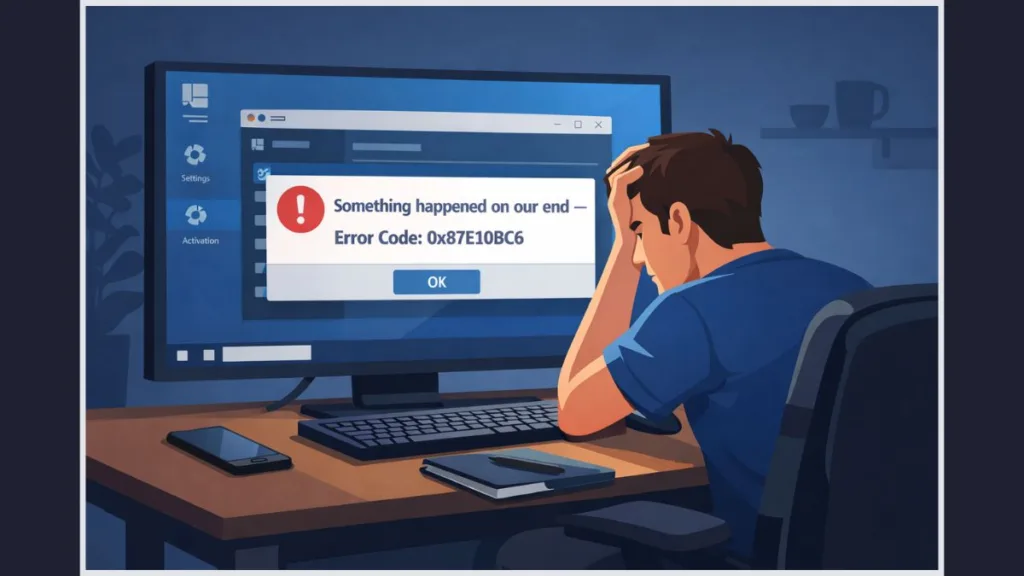
You are not dealing with a corrupted system, a damaged license, or a failed installation. You are dealing with a validation request that never completes.
What Does Error Code 0x87E10BC6 Actually Mean?
When error code 0x87E10BC6 appears, Windows is actively trying to validate something in real time—your digital license, product key, app ownership, or game entitlement—and the request never successfully reaches or returns from Microsoft’s servers. You will notice that Windows does not show a detailed explanation, does not highlight a failed setting, and does not indicate what part of the process stopped. That silence is the clue.
You click Activate, Retry, or Install, the progress spinner appears briefly, and then the same message reappears. No countdown. No alternate prompt. This behavior confirms that the failure happens before validation completes, not after. The system never gets a usable response back.
This same error surfaces across Windows activation, Microsoft Store, and Xbox-related installs, because all three rely on the same backend licensing and region-aware validation services.
Where Are You Seeing Error 0x87E10BC6 Right Now?
Are You Seeing Error 0x87E10BC6 During Windows Activation?
You typically hit Windows activation error 0x87E10BC6 immediately after a clean installation, a reset, or a major hardware change. You open Settings, click System, select Activation, and press Activate. The screen pauses, then throws the error without telling you whether the product key was accepted or rejected.
This is the point where most people assume the license is invalid. That assumption is usually wrong. The activation request is failing before Microsoft confirms or denies the license.
Are You Seeing Error 0x87E10BC6 in the Microsoft Store?
In the Microsoft Store flow, you click Install, Get, or Update, and the button either snaps back instantly or hangs briefly before the error appears. Downloads do not start. Ownership is not checked. This is the classic Microsoft Store error 0x87E10BC6, and it indicates that the Store cannot complete a licensing handshake for your region or account session.
Are You Seeing Error 0x87E10BC6 in Xbox Apps or Games?
On the Xbox app or Xbox console, Xbox error 0x87E10BC6 usually appears when you try to launch or install a game. You may already own the game. The app may even show it as owned. The failure happens when the system attempts to verify that ownership against Xbox Live services and fails silently.
Why Does Error 0x87E10BC6 Keep Happening?
Is a Region or Location Mismatch Causing Error 0x87E10BC6?
This is the most common trigger. When your Windows Region settings do not match your real physical location, Microsoft routes your request to the wrong regional servers. You see the failure immediately, but Windows never explains why.
This often happens after travel, fresh installations, manual region changes, or when a VPN is active. The validation request is technically valid but rejected because it is routed incorrectly.
“The system looks online, but the validation endpoint is wrong.”
Are Microsoft Activation or Store Servers Failing to Respond?
At times, Microsoft’s licensing services are overloaded or temporarily unavailable. When this happens, retries fail instantly because your session is stuck in the same broken state. Waiting creates a new session context, which is why the error sometimes disappears without any visible change.
Is Your Product Key Invalid for the Installed Windows Edition?
If you installed Windows 11 Pro but your license is for Windows 11 Home, activation will never complete. Windows does not clearly explain this mismatch and instead returns 0x87E10BC6 after failing validation.
Is Your Network Blocking Validation Traffic?
Firewalls, proxies, strict DNS rules, or enterprise networks often block the specific endpoints Windows uses for activation and Store licensing. Your internet works, browsers load pages, but validation traffic never completes.
How Do You Fix Error 0x87E10BC6 Step by Step?
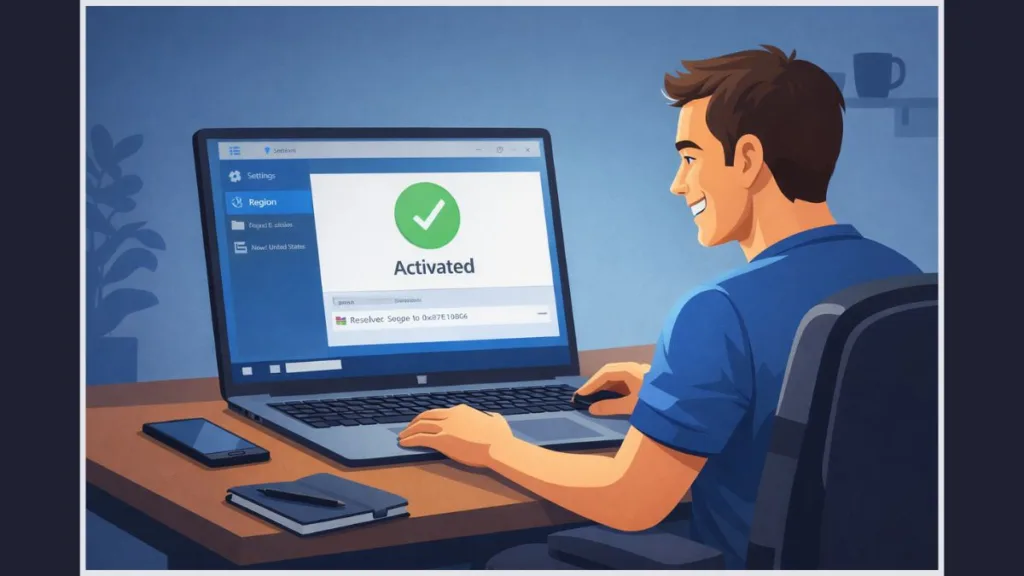
How Do You Fix Error 0x87E10BC6 by Correcting Windows Region Settings?
Open Settings, click Time & Language, and select Language & Region. Set Country or Region to your actual physical location. Do not guess. Do not pick a nearby country. Select the correct one. Restart the system immediately.
“A restart is mandatory. Theregion settingdoes not fully apply without it.”
Disable any VPN before retrying activation, Store downloads, or Xbox installs.
How Do You Fix Error 0x87E10BC6 by Disabling VPNs?
Turn off all VPN software completely. Do not rely on split tunneling. Do not leave the VPN connected in the background. Retry the action once after disabling it.
“VPNs break licensing validation even when everything else works.”
How Do You Fix Error 0x87E10BC6 by Verifying Windows Edition?
Open Settings, click System, and select About. Check Windows specifications and confirm the edition matches your license. If the edition is wrong, activation will never succeed.
“A valid key will always fail on the wrong edition.”
How Do You Fix Error 0x87E10BC6 by Waiting and Retrying Correctly?
Stop retrying immediately. Close Settings or the Microsoft Store completely. Wait at least 30 minutes. Reopen the app and retry once.
“Repeated retries reuse the same broken session.”
How Do You Fix Error 0x87E10BC6 Using Phone Activation?
Press Win + R, type slui 4, and press Enter. Follow the phone activation steps exactly. This method bypasses the online activation path that often fails with 0x87E10BC6.
How Do You Fix Error 0x87E10BC6 by Resetting the Microsoft Store Cache?
Press Win + R, type WSReset.exe, and press Enter. Wait until the Store opens automatically.
“This clears cached licensing data without affecting your apps. See Microsoft’s guide on fixing Store launch issues for more details.”
Retry the download or install immediately after.
How Do You Fix Error 0x87E10BC6 by Checking Firewall and Network Rules?
Temporarily disable Windows Defender Firewall or third-party firewalls. Retry activation or Store access. If the error disappears, re-enable the firewall and whitelist Microsoft services properly.
What Should You Not Do When You See Error 0x87E10BC6?
- Do not reinstall Windows repeatedly.
- Do not buy another license immediately.
- Do not run activation cracks, registry hacks, or random scripts.
“These actions do not fix server communication failures and often create permanent damage.”
How Do You Confirm Error 0x87E10BC6 Is Fully Resolved?
Open Settings, click System, and select Activation. Confirm the status reads “Windows is activated.” Open the Microsoft Store and confirm downloads begin instantly. Launch Xbox games without ownership checks repeating.
If the error does not reappear, the validation path is restored.
Frequently Asked Questions About Error 0x87E10BC6
What does error code 0x87E10BC6 mean? It means Windows or Microsoft services failed to complete online license or ownership validation.
Is error 0x87E10BC6 a server issue? Yes. In most cases, it is a server routing, region, or connectivity failure—not a local system problem.
Why is my Windows activation failing with error 0x87E10BC6? Because the activation request cannot reach the correct Microsoft endpoint or validate your license context.
How do I fix error code 0x87E10BC6 on Xbox? Correct region settings, disable VPNs, reset the Store cache, and retry after waiting.
How do I reset Microsoft Store cache to fix error 0x87E10BC6? Run WSReset.exe and retry immediately after it completes.
When Should You Contact Microsoft Support for Error 0x87E10BC6?
Contact Microsoft Support only after confirming region accuracy, edition matching, VPN removal, firewall checks, and phone activation failure. At that point, the issue exists in Microsoft’s backend licensing records, not on your system.
“If all local checks pass and validation still fails, escalation is justified.”
Visit Our Post Page: Blog Page