
Stop paying twice! Learn how to game share on Xbox Series X|S and PC in 2026. Our guide covers the Home Xbox trick, Game Pass sharing, and the 5-switch limit.
It sounds too good to be true: what if you and a friend could combine your entire digital Xbox libraries, including Xbox Game Pass, effectively doubling the games you can play? It’s not a secret glitch or a hack; it’s an official Xbox feature called “My home Xbox,” and it remains one of the best-kept secrets in gaming as we move through 2026.
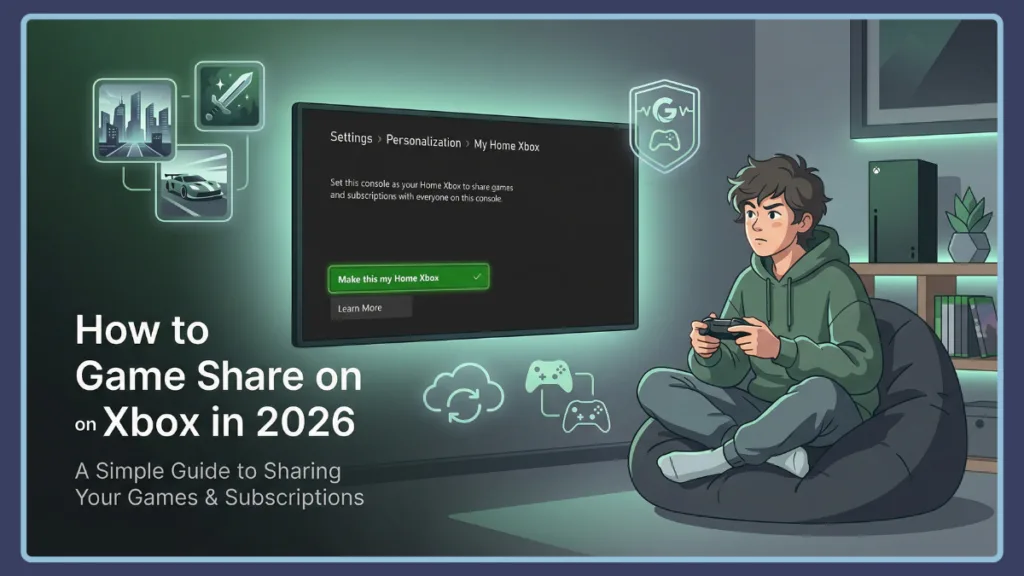
Because it sounds so good, it’s often misunderstood. This guide will clarify exactly how it works, walk you through the simple setup, and explain the rules so you can start sharing today.
Did Xbox Stop Game Sharing? The Truth About the “Home Xbox” Feature
If you’ve been scrolling through forums lately, you might have seen people panicked, asking: did Xbox stop game sharing? The short answer: Absolutely not. While Microsoft has tightened some of its ecosystem rules and adjusted subscription tiers, the “Home Xbox” feature is a core part of their digital rights management (DRM) strategy. They understand that gaming is a social hobby.
Whether you are looking to split the cost of a new $70 AAA release or share a massive library of indie gems, game sharing on Xbox remains the most legit, cost-effective way to play. Think of it as the digital equivalent of lending a disc to a friend—only both of you can play it at the same time.
How Does Xbox Gameshare Work? The “Primary Device” Logic Explained
The name of the feature, “My home Xbox,” is arguably the most confusing part of the entire process. To truly grasp how does Xbox gameshare work, it is best to ignore the name and think of it like a “Primary Device” on a streaming service like Netflix or Disney+.
Every game you buy digitally comes with two “keys” or licenses:
- The Account Key: This follows you wherever you sign in.
- The Hardware Key: This stays on whichever console you designate as your “Home.”
By swapping these keys with a friend, you create a shared ecosystem:
- Your Friend’s Console becomes your “Home” Console: You set your friend’s machine as the main one for your account. It gets all your digital games and subscriptions automatically. Anyone on that console can play your games—even if their internet goes out.
- Your Own Console becomes your “Secondary” Console: You still have 100% access to your games. The only “catch” is that your console must be online to do a quick, automatic “check-in” to verify it’s really you.
Key Takeaway: For the vast majority of the time you’re online, you will never notice a difference on your own console—except that you suddenly have access to all of your friend’s games, too.
Compatibility Check: Does Xbox Game Sharing Work on All Consoles?
A common question we get here at Izoate is: Can I game share on Xbox series X & s?
The answer is a resounding yes. But it goes further than that. Does Xbox game sharing work on all consoles? It works seamlessly across the entire modern Xbox family. You can share between:
- Two Xbox Series X consoles.
- Two Xbox Series S consoles.
- An Xbox Series X and an older Xbox One.
As long as the games are digital, the hardware generation doesn’t matter. If you have a friend who is still on the Xbox One while you’ve upgraded to a Series X, you can still pull them into your Game Pass library and play Halo or Forza together.
Step-by-Step: How Game Sharing Works on Xbox Series X and Series S
Ready to double your library? The whole process takes less than five minutes. You will need to be at your friend’s console (or have their login details handy) to begin game sharing Xbox series x.
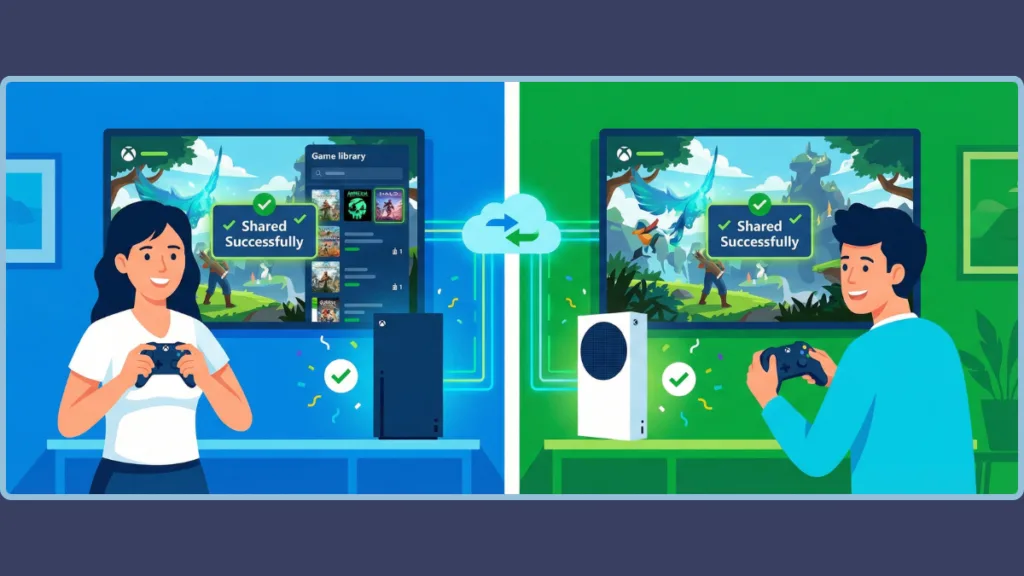
Phase 1: Setting Your Account on Their Console
- The Handshake: Sit down at your friend’s Xbox and log in with your Microsoft account.
- The Path: Press the Xbox button on your controller to open the guide. Navigate to the far right and select Profile & system > Settings.
- The Centerpiece: In the General tab, select Personalization, and then scroll down to My home Xbox.
- The Confirmation: Select Make this my home Xbox. If your account has high security, you might be asked for a password or a mobile notification—enter it and you’re golden.
Phase 2: “Completing the Circle”
To make the sharing mutual (so you get their games, too), your friend needs to follow the exact same steps on your console using their account.
Once both consoles are set as the “Home” for the opposite person, you can both sign out of each other’s profiles. You’ll find their games in your library, and they’ll see yours.
Beyond the Console: How to Gameshare on Xbox PC
In 2026, many of us aren’t just console players; we’re part of the “PC Master Race,” too. Naturally, people are asking how to gameshare on Xbox pc. This is a slightly “trickier” process because it involves two different apps: the Microsoft Store and the Xbox App.
- The Store Login: On the PC where you want to share, open the Microsoft Store and log in with the account that actually pays for the Xbox game pass sharing subscription.
- The App Login: Now, open the Xbox App and log in with the account of the person who actually wants to play the games (the “guest”).
- The Mismatch Trick: Go into the Xbox App settings. You’ll see an option for “Account.” Ensure that the “Microsoft Store Account” is the one with the subscription, while the “Xbox Account” is the player’s account.
- Profit: The guest can now download and play any Game Pass title while earning their own achievements and saves.
The Rules of the Road: Limits for Game Sharing Xbox Series X
Before you rush off to share with ten different people, there are some firm “rules of the road” that Microsoft enforces to keep the system fair.
- The 5-Switch Limit: This is the big one. You can only change your designated “home Xbox” five times in a one-year period. This limit is rolling.
- Digital Only: If you have a physical disc of Elden Ring, you cannot share it. The disc must be physically inside the console being played.
- The 2-Person Cap: Game sharing on Xbox is designed for a 1-to-1 partnership. You cannot share your library with a third person without cutting off the first one.
- In-Game Currency: Items like Fortnite V-Bucks, CoD Points, or Overwatch Coins are tied to your specific Gamertag and cannot be shared.
- Pre-order Bonuses: Most “standard” DLC and map packs share perfectly. However, “consumable” bonuses (like a one-time XP booster) usually stay with the original buyer.
Troubleshooting: Why is My Xbox Game Pass Sharing Not Working?
Sometimes technology decides to be difficult. If you follow the steps but the games aren’t appearing, don’t panic. Here are the “pro” fixes for 2026:
- Error Code 0x8b050033: This is the classic “too many cooks in the kitchen” error. It usually means the system is confused about who is logged in where. Log out of all accounts, restart, and log back in.
- The “Full Library” Refresh: Sometimes the dashboard is slow to update. Go to My Games & Apps > Full Library > All owned games. Often, the shared games are sitting there waiting to be “claimed.”
- The Hard Restart: Hold the power button on the front of your console for 10 seconds. Unplug the power brick for 30 seconds. This clears the cache and forces the license check to reset.
- The “Home” Check: Every once in a while, a system update might reset your settings. Double-check Settings > Personalization > My home Xbox to ensure the box is still checked.
FAQ: Common Questions About How to Share Games on Xbox
Is it safe to share my account?
Warning: Only share with someone you trust implicitly. Since they need your login info to set their console as your “Home,” you are effectively giving them the keys to your digital life. Use the Xbox mobile app for “two-factor authentication” to stay safe.
Can we both play the same game at the same time?
Yes! This is the best part. You can both be in the same Call of Duty lobby or Minecraft world using only one digital copy of the game.
What happens if I’m offline?
If your internet goes out, you can only play games on your “Home” console. This means if you are game sharing, you won’t be able to play your own games offline, but your friend will be able to play yours.
Final Thoughts: Maximize Your Library with Game Sharing on Xbox
Learning how to share games on Xbox is the ultimate “pro move” for any gamer in 2026. It turns a solo hobby into a shared experience and, more importantly, keeps your bank account happy. By partnering with a trusted friend, you can explore massive worlds and competitive arenas without ever having to pay full price twice.
It’s an official, supported, and brilliant feature. So, go ahead—pick your partner, swap those “Home” settings, and start downloading.
Visit Our Post Page: Blog Page