
Want to hide WhatsApp conversations without deleting or archiving them? With Chat Lock and Secret Code, you can keep certain chats out of sight—without erasing history or losing anything important.
We’ve all been there.
You’re showing a friend a photo on your phone. Or handing it to a colleague to check something quickly. And then—ping—a WhatsApp notification slides down with a message that wasn’t meant for anyone else’s eyes.
You swipe it away fast, but that uneasy feeling lingers.

It’s not that you’re doing anything wrong.
It’s just that some conversations are personal, and your phone shouldn’t turn them into a public display.
That’s exactly what this guide is about: how to hide WhatsApp messages without deleting them, so your chats stay private, intact, and fully under your control.
Why “Archive” Isn’t Enough Anymore
For a long time, archiving felt like the safe option. Out of sight, out of mind—right?
Not quite.
In 2025, archiving has clear limitations that make it unreliable for real privacy. Archived chats can automatically return to your main chat list as soon as a new message arrives, unless you manually enable “Keep Chats Archived.” Even when that setting is turned on, the archive folder itself remains visible, meaning anyone familiar with WhatsApp’s interface can still open it and read everything inside. Archiving also does nothing to protect message previews, contact names, or chat content from being exposed once the archive is opened. At best, archive reduces clutter. It does not meaningfully protect sensitive conversations.
Muting chats creates a similar false sense of privacy. Muting only stops notification sounds and alerts, but the chat remains visible in your chat list, and messages are still fully readable with a single tap.
Deleting messages, on the other hand, is often too permanent. When you delete a chat, you lose important context such as dates, shared links, photos, files, confirmations, and conversations you may need later for reference. Memories and useful information disappear along with the chat.
What most people want isn’t deletion.
They want invisibility without erasing history.
So, Can You Hide WhatsApp Messages Without Deleting Them?
Yes.
And WhatsApp already gives you the tools—you just need to use them the right way.
The most effective approach combines two built-in features: Chat Lock and Secret Code. When used together, they create what feels like a private vault inside your phone.
Your messages don’t disappear.
They’re simply tucked away where no one can stumble into them accidentally.
This approach is designed specifically for people who want privacy without losing access to their conversations.
Think of It as “Ghost Mode” for Your Chats
When you lock a WhatsApp chat, the conversation is removed from your main chat list and placed inside a separate Locked Chats folder. Message previews are hidden completely, and notifications no longer reveal the sender name or message content. Even if someone is holding your unlocked phone, they won’t see the chat sitting in plain sight.
Adding a Secret Code takes this one step further. Once enabled, the Locked Chats folder itself disappears from the WhatsApp interface. It doesn’t show up in your chat list, it doesn’t appear when scrolling, and it doesn’t reveal itself unless the correct secret code is typed into WhatsApp’s search bar.
At that point, the chats are effectively invisible.
They exist, but only for you.
It’s like invisible ink—still there, but unreadable without the key.
How to Hide WhatsApp Messages Without Deleting Them (Step-by-Step)
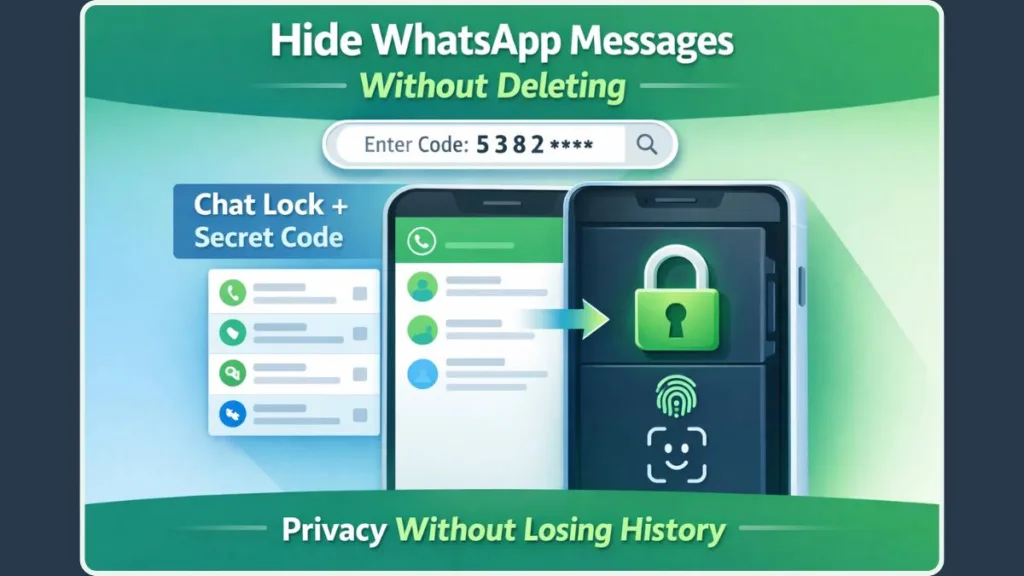
Step 1: Lock the Chat You Want to Hide
Open WhatsApp and locate the chat you want to protect. On Android, long-press the chat. On iPhone, open the chat and tap the contact or group name at the top. Select Chat Lock, then confirm using your fingerprint, Face ID, or device passcode.
Once this is done, the chat is immediately removed from your regular chat list and placed into the Locked Chats section. No messages are deleted, and nothing is altered inside the conversation itself.
Step 2: Understand Where Locked Chats Go
Locked chats are stored in a dedicated Locked Chats section that sits outside your normal chat list. Accessing this folder requires biometric authentication or your device passcode, adding an extra layer of protection.
Because these chats are separated from your everyday conversations, there are no previews, no accidental taps, and no casual scrolling exposure. Even if someone opens WhatsApp on your phone, they won’t see which chats are locked or how many messages are inside them.
Step 3: Hide the Locked Chats Folder Using a Secret Code
This is where full invisibility begins.
Inside the Locked Chats section, you can enable the Secret Code option. Once a code is set, the Locked Chats folder disappears completely from your WhatsApp interface. It no longer appears at the top or bottom of your chat list.
To access your hidden chats after this, you must manually type the secret code into WhatsApp’s search bar. Without that exact input, there is no visible indication that locked chats exist at all.
This turns Chat Lock from simple protection into true concealment.
Want Even More Privacy? Hide Message Previews Too
Locking chats protects content inside WhatsApp, but notifications are another common point of exposure.
To tighten privacy further, you can disable message previews on your lock screen, limit notification visibility to generic alerts, or mute notifications for specific chats. When combined with Chat Lock, this ensures that no private messages appear on your screen when your phone lights up in public or shared spaces.
Privacy isn’t just about hiding chats—it’s about controlling what shows up when your screen lights up.
Common Privacy Mistakes (That Break the Illusion)
Even with Chat Lock enabled, small oversights can weaken your privacy. Locking chats while leaving full notification previews enabled can still expose message content. Assuming archive provides real protection often leads to unwanted visibility. Forgetting that backups may store chat data can also create blind spots, especially if backups aren’t protected with strong security settings. Finally, sharing your phone’s unlock method too freely can undo even the strongest in-app protections.
These aren’t mistakes born from carelessness—they’re gaps in how privacy tools are commonly understood. Once addressed, WhatsApp becomes far quieter and far more controlled.
Real-Life Reasons People Hide WhatsApp Messages
Hiding messages doesn’t mean hiding wrongdoing.
Many people use Chat Lock for planning surprise gifts or events, keeping work conversations separate from family phones, managing boundaries on shared devices, reducing mental clutter, or protecting sensitive discussions while traveling or attending meetings.
Privacy isn’t secrecy.
It’s intentional space.
FAQ: Quick Answers You Might Be Wondering About
Will the other person know I locked the chat?
No. Chat Lock is entirely local to your device, and the other person receives no notification or signal.
Can locked chats be recovered?
Yes. As long as you can authenticate using your biometric data or secret code, your chats remain fully accessible.
What if I forget the secret code?
Access can still be restored using your device authentication, though security protections remain intact.
Is Chat Lock safer than archive?
Yes. Archive only changes visibility, while Chat Lock actively controls access.
Final Takeaway: Your Messages, Your Rules
You shouldn’t have to delete memories just to feel comfortable holding your phone.
WhatsApp’s Chat Lock and Secret Code features allow you to keep conversations intact while controlling who can see them. They give you boundaries without confrontation and privacy without loss.
Your phone is personal.
Your messages are personal.
And now, they can stay that way—quietly, confidently, and completely on your terms.
Visit Our Post Page: Blog Page