
Want to organize your gifts perfectly for your next big event? Learn how to make an Amazon registry using simple steps. From adding items from any website to setting up group gifting and claiming your completion discount. Stay in control of your gift planning today.
Planning a big life moment—whether it’s welcoming a baby, celebrating a wedding, or moving into a new home—often comes with a long list of things to prepare. The good news is that setting up your gift registry can actually be one of the most enjoyable parts of the process.
Instead of guessing what gifts you might receive, you can create a curated list of items you genuinely need and love. An Amazon registry makes this incredibly simple. With millions of products, built-in gift tracking, and easy sharing options, it allows friends and family to pick the perfect gifts while giving you complete control over your list.
If you’ve never created one before, don’t worry. This guide walks you through how to make an Amazon registry step by step, so you can move from feeling overwhelmed to feeling organized—and even a little excited about the packages heading your way.
Taking the guesswork out of gift-giving means you can spend less time managing logistics and more time actually celebrating your milestone with the people who matter most.
Why You Might Want to Make an Amazon Registry
There’s nothing wrong with wanting to keep your gift planning highly organized and centralized. An Amazon registry is essentially a personalized gift list that you create on Amazon. It allows you to add products you’d like to receive for a specific event or milestone. Once your registry is ready, you can share it with friends and family so they can purchase gifts directly from the list.
Here are the most common reasons and events people create an Amazon registry for:
- Baby showers: To coordinate essentials for new parents.
- Weddings: To build a home together with necessary appliances and decor.
- Birthdays: To keep personal wishlists organized for family members.
- Housewarming parties: To gather essentials for a new living space.
- Graduations and Holidays: To manage gift requests during busy seasons.
The system works smoothly behind the scenes. When someone buys an item from your registry, Amazon automatically marks it as purchased so others won’t buy the same gift again. The item is then shipped to the address you provided, keeping everything organized and stress-free.
Can You Still Make a Universal Amazon Registry in 2026?
When comparing registry platforms like Babylist, Target, or The Knot, Amazon frequently wins out due to its unbeatable shipping speeds and familiar checkout process. Most of your guests already have an account and their payment information saved, which drastically reduces the friction of buying a gift.
Here is what makes Amazon’s registry system stand out today:
- Universal Adding: By utilizing features like the Amazon Assistant browser extension, you are not strictly limited to items sold directly by Amazon. You can often add gifts from other external websites, effectively turning your Amazon list into a universal registry that centralizes everything.
- Forgiving Returns: Amazon often allows up to a full year for baby registry returns and one hundred eighty days for wedding registry returns, giving you plenty of time to decide if you truly need that extra blender.
- Massive Selection: Almost anything you can imagine—from baby gear to kitchen appliances—can be found in one place.
How to Make an Amazon Registry Using Desktop
Creating an Amazon registry is designed to be straightforward, even if you’ve never done it before. Follow these simple steps to set everything up.
Step-by-Step Guide to Create an Order List
- Sign In to Your Amazon Account: Start by visiting Amazon and signing in to your account. Once logged in, look for the Account & Lists menu near the top right corner of the page. From there, select Registry & Gift List. This section is where you can create, manage, and share all your registries. (If you’re new to Amazon, you can quickly create an account using your email address and a password).
- Choose the Type of Registry: Next, Amazon will ask you what type of registry you want to create. Common choices include a baby registry, wedding registry, birthday gift list, housewarming registry, or a holiday gift list. Select the option that best matches your event.
- Enter Your Registry Details: Amazon will ask for a few details to personalize your list. These usually include your name, event or due date, shipping address, country or location, and privacy settings.
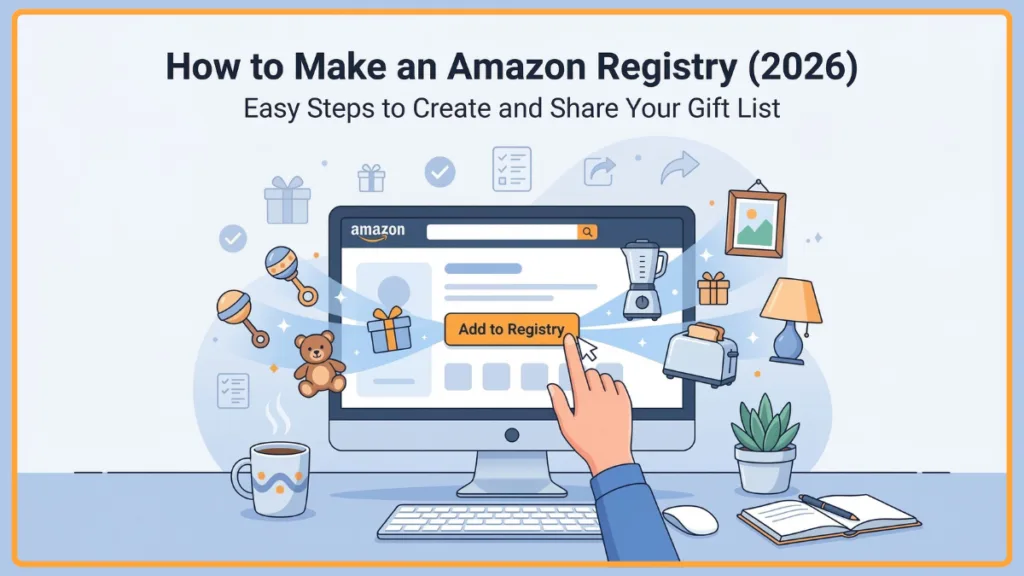
- Add Items to Your Amazon Registry: As you browse Amazon’s product catalog, you’ll notice an Add to Registry button on product pages. Clicking this option instantly adds the item to your registry. You can explore items by category, search for specific products, or browse Amazon’s “most gifted” suggestions. (If you are a highly visual planner, you can also use the Amazon mobile app barcode scanner to scan physical products in a retail store and drop them right into your digital registry).
- Customize and Organize Your Registry: Amazon allows you to customize your registry by adding notes explaining why you chose a product, adjusting quantities, or prioritizing specific items as “must-have” gifts. Taking organization a step further, you can group your items by category or room to make browsing effortless for guests.
Key Points to Remember
Before jumping in, gathering a few details makes the preparation step smoother and faster.
- Have an active account: If you anticipate ordering a lot of items yourself, it might be worth upgrading to an Amazon Prime account before you start to unlock the highest discounts.
- Know your event date: This helps organize your registry and unlock certain benefits like completion discounts at the exact right time.
- Confirm your shipping address: Many people choose their home address, but you can also select another trusted location if needed.
- Plan your price ranges: A good registry typically includes products at different price ranges so everyone can participate comfortably. Spend a little time browsing buying guides or Pinterest to get a clear idea of what items are necessary.
How to Share Your Amazon Registry Without Hassle
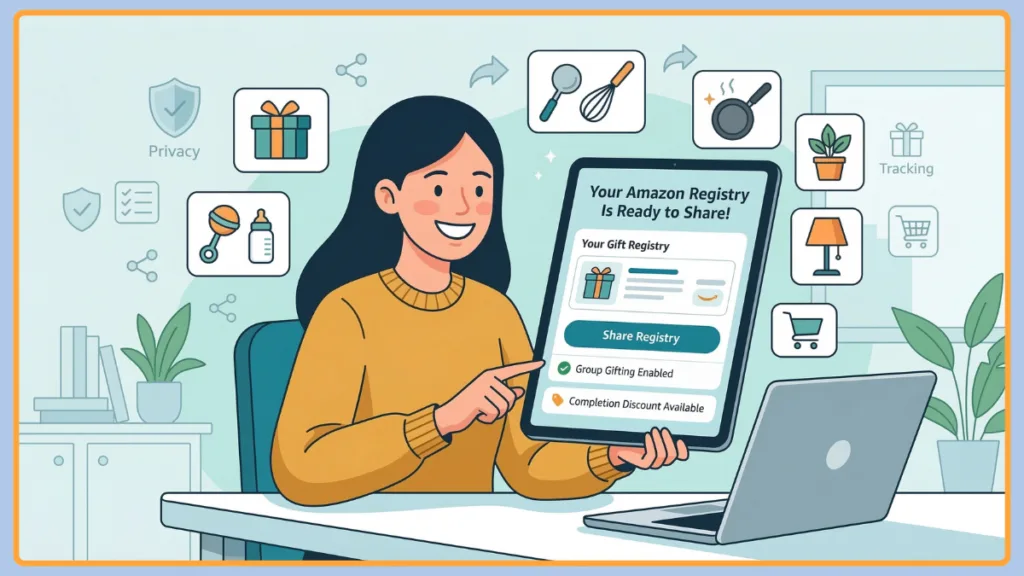
After setting up your registry, the next step is sharing it. Amazon provides a unique registry link that you can copy and send to friends and family. This link allows guests to view your list and purchase items directly.
You can share your registry in several ways, including through email invitations, messaging apps, social media posts, and event invitations. If your registry is set to public, guests can also search for it by your name using Amazon’s registry search feature.
Pro-Tip for Sharing: Sharing your registry shouldn’t feel awkward—it’s simply a helpful guide for guests who want to celebrate with you. For a highly polite and seamless sharing experience, consider integrating your Amazon link into a dedicated event website. Services like Zola, The Knot, Evite, or Joy allow you to embed your registry link directly onto your digital invitation or wedding portal. This method provides all your event details in one place and ensures your guests can find the gift list without feeling like they are being directly solicited.
How to Hide Amazon Registry Details from Guests Using Privacy Settings
If privacy is a concern, Amazon includes flexible privacy settings so you can control who sees your registry and your personal information.
There are three main options:
- Public registry: Allows anyone to find your list by searching your name on Amazon.
- Shared registry: Can only be accessed through the direct link you provide.
- Private registry: Remains visible only to you and your co-registrant until you decide to share it.
No matter which setting you choose, Amazon protects your personal details by hiding your full shipping address from guests. This built-in security gives you peace of mind while sharing your registry. Furthermore, even if a guest purchases an item fulfilled by an independent third-party seller on the platform, Amazon acts as the secure middleman. Your sensitive delivery information is never fully exposed, ensuring maximum safety and privacy throughout the entire delivery process.
Additional Ways to Maximize Your Amazon Registry
Even after setup, you can take control of your Amazon account and maximize your benefits using the following strategies:
1. Claim Your Completion Discount One of the biggest benefits is the registry completion discount, which allows you to purchase any remaining items from your list at a discounted price after your event. For those with an active Amazon Prime membership, this discount is exceptionally generous, often reaching fifteen percent on eligible items (or ten percent without Prime). This benefit alone can save you hundreds of dollars on major purchases.
2. Utilize Group Gifting and Gift Tracking Amazon includes helpful features like group gifting, where multiple people can contribute toward a larger item. When guests contribute to a group gift, Amazon actually issues those contributions to you in the form of an electronic Amazon Gift Card balance. You then use that collected balance to purchase the high-ticket item yourself. You should also utilize the gift tracker tool, which shows who purchased which item, making it easier to send thank-you notes later.
3. Claim Welcome Boxes and Diaper Funds Baby registries may include a welcome box filled with sample products, which can be a nice bonus for new parents. Another brilliant addition for expecting parents is the Diaper Fund feature, which allows friends and family to contribute custom monetary amounts strictly dedicated to your future diaper purchases.
4. Manage and Update Your List Regularly Your registry doesn’t have to stay static. It is incredibly beneficial to review your list every few weeks leading up to your event. Because Amazon acts as a marketplace for thousands of third-party sellers, prices can fluctuate and popular seasonal items can easily go out of stock. Regularly pruning your list to remove out-of-stock items guarantees that your guests are never met with frustrating error messages.
Limitations of and Mistakes to Avoid with Amazon Registries
Even with these incredible tools, there are a few things and common pitfalls you should know:
- Adding too few items: Guests appreciate having multiple options, so aim to include a generous variety of products across different price ranges.
- Forgetting expiration dates: The highly valuable completion discount does not last forever; it typically expires a few months after your listed event date. Set a reminder on your calendar to utilize it!
- Ignoring third-party policies: Be cautious about adding highly specialized items that are only available through unverified third-party sellers, as their shipping speeds and return policies might not match Amazon’s standard guarantees.
Final Thoughts on How to Make an Amazon Registry
Creating an Amazon registry isn’t just about organizing gifts—it’s about making the journey toward your next milestone a little smoother and more enjoyable.
To summarize:
- Build a list filled with items that truly matter to you, across various price points.
- Take advantage of universal tools, group gifting, and completion discounts.
- Utilize privacy settings to keep your shipping address completely secure.
- Keep your list updated regularly to avoid out-of-stock issues.
Once your registry is ready, share it with confidence, keep it updated, and enjoy watching the thoughtful gifts arrive. And don’t forget—this is your moment to celebrate, so go ahead and add that one extra item you’ve secretly been hoping for. 🎉
Frequently Asked Questions (FAQ)
Q1: How do I create an Amazon baby registry?
To create a baby registry, sign in to Amazon, go to the Registry & Gift List section, and select Baby Registry. Then follow the prompts to enter your details and start adding items.
Q2: Can I make a wedding registry on Amazon?
Yes, Amazon offers a dedicated wedding registry where couples can add household items, electronics, décor, and more.
Q3: What are the benefits of an Amazon registry?
Benefits include group gifting, completion discounts, gift tracking, easy returns, and a massive product selection.
Q4: How do I add items to my Amazon registry?
Simply visit any product page and click the Add to Registry button to include it in your list.
Q5: How do I share my Amazon registry?
You can share the unique registry link through email, social media, or invitations so friends and family can access your list.
Q6: Can I add items from other websites to my Amazon registry?
Yes, by using the Amazon Assistant browser extension, you can easily add products from almost any other online retailer directly to your Amazon list, creating a highly flexible and universal registry experience for your guests.
Q7: Is there a limit to how many items I can add to my registry?
Amazon allows you to add thousands of items to your registry, meaning you will not run out of space whether you are registering for a small birthday gathering or outfitting an entire new home from top to bottom.
Visit Our Post Page: Blog Page