
Want to stop Meta from using your data for AI in 2026? Learn how to opt out of Meta AI training with simple steps. From submitting the Right to Object form to adjusting privacy settings—take control of your data today.
INTRO
If you’re wondering how to opt out of Meta AI training and stop Meta from using your personal posts, photos, and activity to train its AI models—you’re in the right place.
With recent Meta privacy policy updates, the company now uses public data from Facebook, Instagram, and other platforms as part of its generative AI training data.
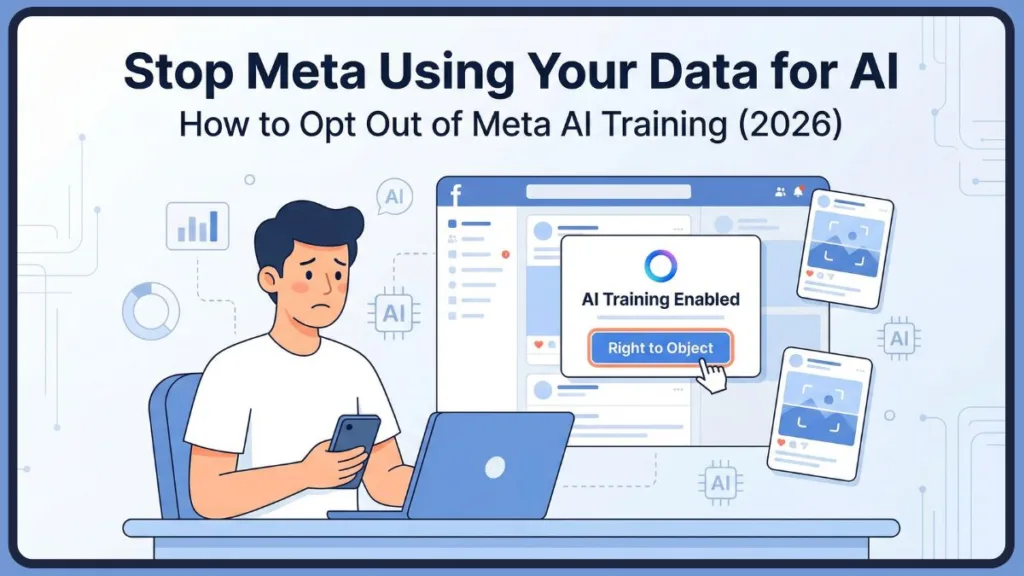
This includes things like your posts, comments, captions, and even interactions with AI tools.
For many users, this raises a serious question:
Can you actually stop Meta from using your data for AI?
“Meta may already be using your public posts to train AI—even if you never agreed.”
“You can opt out of Meta AI training using the ‘Right to Object’ form—but availability depends on your region.”
The short answer: Yes—but only in certain regions, and with limitations.
If you’re in regions protected by data protection laws like GDPR, you can submit a request to opt out of Meta AI training using the official “Right to Object” form.
However, in countries like the US or India, the options are more limited—but there are still ways to reduce how much of your data is used.
In this guide, you’ll learn:
How to opt out of Meta AI training step by step
How to opt out of Facebook AI training and Instagram AI training
Whether you can opt out of WhatsApp AI training
What to do if the opt-out option is not available in your country
And how to stop Meta from using your data for AI as much as possible
Quick Answer (For Fast Readers)
You can opt out of Meta AI training by submitting the “Right to Object” form inside the Meta Privacy Center.
This option is mainly available in regions with strong privacy laws (like the EU/UK).
If unavailable, you can still adjust Meta AI privacy settings, make your account private, and limit public data exposure.
QUICK STEPS
How to Opt Out of Meta AI Training (Quick Steps)
If you just want the fastest way to opt out of Meta AI without going through all the details, follow these steps:
- Go to your Facebook or Instagram account settings
- Open Settings & Privacy > Privacy Center
- Look for the section about Meta AI training or data usage
- Click on “Right to Object” (this is the official opt-out form)
- Enter your email address linked to your account
- Briefly explain why you want to opt out of Meta AI training
- Submit the form and wait for confirmation
What Each Step Means (Quick Breakdown)
| Step | What You’re Doing | Why It Matters |
| Go to Privacy Center | Access Meta’s data controls | This is where all Meta AI privacy settings are located |
| Click “Right to Object” | Open the official opt-out form | This is the only way to formally opt out Meta data for AI |
| Submit your request | Send objection to Meta | Meta reviews your request based on laws |
| Wait for confirmation | Get approval or rejection | Your AI training opt-out is only valid after approval |
Important Before You Proceed
Opt-out is not automatic — Meta must approve your request.
It may not be available in all regions (Meta AI opt out US / India limitations).
It does not fully stop Meta from using data others post about you.
You may need to submit separate forms for Facebook and Instagram.
WHAT META IS DOING
Why Meta Is Using Your Data for AI Training
To understand how to opt out of Meta AI training, it’s important to first understand what Meta is actually doing with your data—and why.
Meta (the company behind Facebook, Instagram, and WhatsApp) has been actively expanding its AI ecosystem, including tools like chatbots, AI assistants, and content generation features.
To make these systems smarter and more human-like, Meta relies heavily on generative AI training data—and a large part of that comes from user-generated content.
What Data Does Meta Use for AI Training?
According to Meta’s updated policies, the company can collect and use publicly available data from its platforms to train AI models.
This includes:
- Your public posts and captions
- Photos and videos you share publicly
- Comments and replies
- Interactions with AI tools (like chatbots)
- Activity across platforms (Facebook, Instagram, Threads)
This type of data falls under what’s known as social media data for AI—a key component in building advanced AI systems.
Why Does Meta Need Your Data?
Meta uses your information to:
Train and improve generative AI models
Enhance AI-powered features like recommendations and chatbots
Build smarter AI training datasets
Support developers and AI research within its ecosystem
In simple terms:
Your content helps Meta make its AI tools more accurate, more personalized, and more human-like.
Key Concept: AI Training Dataset
When you post something publicly, it may become part of a larger AI training dataset.
These AI training datasets are used to teach AI systems how humans communicate, how images and captions relate, and how conversations flow.
This is why keywords like AI model training consent, platform data collection, and Meta data usage are becoming increasingly important in today’s privacy discussions.
The Bigger Picture: Public Data Scraping Debate
Meta is not alone in this practice. Across the tech industry, there’s an ongoing debate around public data scraping:
Tech companies argue:
Public data = fair game for AI training
Critics argue:
Users never gave clear consent for AI training
This has led to legal challenges, privacy concerns, and increasing demand for training data opt-out options.
Why This Matters to You
Even if you’re not actively using AI tools, your old posts could still be used. Your photos might be included in datasets, and your online behavior contributes to AI learning.
That’s why many users are now searching for ways to:
opt out of Meta AI training
stop Meta from using their data for AI
Gain more control over their digital privacy
IMPORTANT REALITY CHECK
Can You Really Stop Meta from Using Your Data?
Now let’s address the most important question—and be completely honest about it.
Can you fully stop Meta from using your data for AI training?
The answer is: Not completely. And not for everyone.
1. Opt-Out Is Not Guaranteed
Even if you submit a request to opt out of Meta AI training, Meta clearly states that your request will be reviewed, not automatically approved.
Approval depends on local data protection laws, and there is no universal opt-out system.
2. Region Matters More Than You Think
Your location plays a major role:
| Region | Can You Opt Out? | Why |
| EU / UK | Yes | Protected by GDPR (data protection laws) |
| US | Limited | No strong federal privacy law |
| India & others | Limited | No enforced AI-specific opt-out rights |
Keywords like Meta AI opt out GDPR and Meta AI opt out US exist for a reason—because access is not equal globally.
3. Your Data Can Still Be Used Indirectly
Even if your request is approved, there are important limitations.
Meta can still use photos others post of you, content where you are tagged, and past data that has already been included in AI training datasets.
“Will opting out stop Meta using photos others post of me?” > No, not fully.
4. Private Data vs Public Data
Meta claims it does NOT use private messages for AI training, but it DOES use public data.
So if your content is:
Public > It can be used
Private > It’s more protected
This is why adjusting Meta AI privacy settings becomes crucial.
5. Opting Out Doesn’t Mean Full Data Removal
Even after opting out, your data may still exist in older AI training datasets.
Opt-out mainly affects future data usage, limiting new data processing rather than erasing history.
6. You May Need Multiple Actions
To truly reduce Meta data usage, you may need to combine submitting the opt-out form, changing privacy settings, limiting public posts, and managing AI interactions.
Think of it as risk reduction, not total control.
Who Can Opt Out of Meta AI Training? (EU, US, India Explained)
When it comes to opting out of Meta AI training, the most important factor isn’t the steps—it’s your location.
Many users assume that Meta provides a universal setting to stop AI data usage, but in reality, your rights depend on local data protection laws.
EU & UK Users (GDPR Protection – Full Control)
If you are located in the European Union or the UK, you have the strongest rights.
Under the General Data Protection Regulation (GDPR), Meta is required to provide a way for users to object to data processing, including the use of their data for generative AI training.
This is why users in these regions can access the “Right to Object” form. When you submit this form, you are essentially telling Meta:
“I do not consent to my personal data being used for AI model training.”
Meta is legally obligated to review and respond to your request. However, even under GDPR, the control is not absolute. The opt-out applies mainly to your data, not content uploaded by others.
US Users (Limited Legal Protection – Partial Control)
If you are in the United States, the situation is more complex. Unlike the EU, there is no single federal law that guarantees full AI training opt-out rights.
As a result, Meta does not provide a guaranteed way to fully opt out of Meta AI training for US users.
While you may still see some data control options, these are not legally enforceable in the same way as GDPR-based rights. The company may continue to process publicly available information.
That said, US users are not completely powerless. You can still reduce your exposure by adjusting Meta AI privacy settings, making your account private, and limiting what you share publicly.
India & Other Regions (Growing Awareness – Limited Options)
For users in India and many other countries, there are currently limited enforceable rights when it comes to fully opting out.
You may not have direct access to a formal training data opt-out mechanism like the GDPR “Right to Object” form.
The focus here shifts toward control and prevention. By actively managing your account settings, you can reduce how much of your data becomes part of Meta’s AI training data pipeline.
Regional Comparison (Understanding Your Position Clearly)
| Region | Legal Protection | Opt-Out Availability | Practical Control |
| EU / UK | Strong (GDPR) | Full (Right to Object) | High |
| US | Moderate (state laws) | Limited | Medium |
| India | Emerging | Limited | Medium |
You may not have complete control, but you do have some level of influence over how your data is used. Understanding your regional rights is the first step toward protecting your data.
STEP-BY-STEP GUIDE
Now that you understand where you stand based on your region, let’s walk through the actual process to opt out of Meta AI training across different platforms.
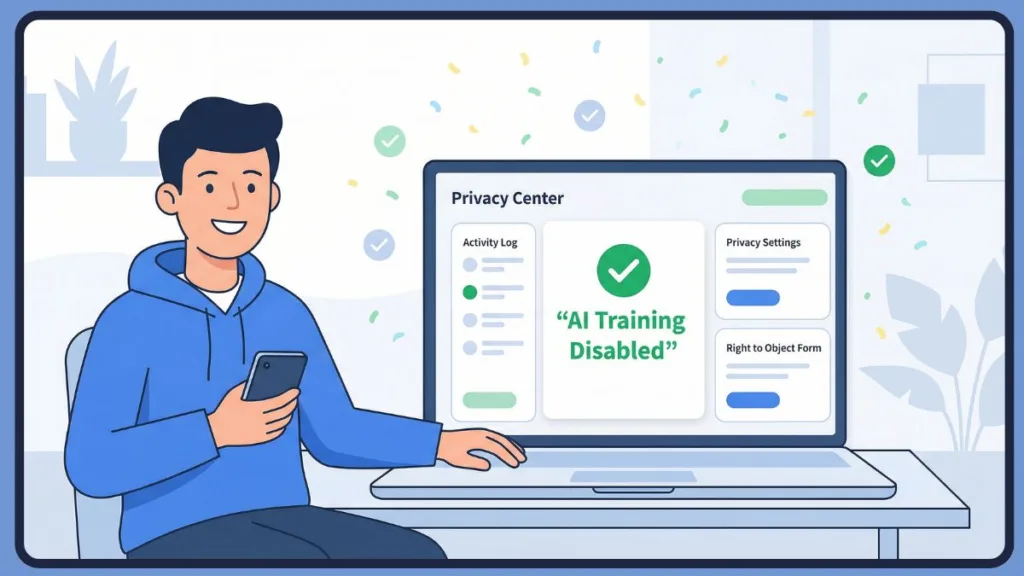
How to Opt Out of Facebook AI Training (Step-by-Step)
Accessing the Privacy Center
Log into your Facebook account, click your profile icon, and go to Settings & Privacy.
From there, enter the Privacy Center, which acts as the central hub for all Meta data usage controls.
Understanding the AI Data Usage Section
Inside the Privacy Center, you will notice a section explaining how Meta uses your data for generative AI models.
This is where Meta informs you about your right to object.
Submitting the “Right to Object” Form
Clicking on the “Right to Object” link will take you to a dedicated form. You will be asked to provide your email address and explain how this data processing affects you.
A simple and effective response could be:
“I wish to exercise my right to object to the processing of my personal data for AI training purposes under applicable data protection laws.”
Waiting for Approval and What It Means
After submission, wait for confirmation.
Approval means that Meta has agreed to limit the use of your data for future AI training, but it does not necessarily remove your data from existing datasets.
Internal Resource: If you want to completely remove AI-related features from your experience, you can explore this detailed guide:Learn how to remove Meta AI from Facebook completely
How to Opt Out of Instagram AI Training
Navigating Instagram Settings
Open the Instagram app, go to your profile, tap the menu icon (three lines), and select Settings & Privacy.
Scroll down to find the Privacy Center.
Accessing and Submitting the Objection Form
Look for the section explaining how Meta uses social media data for AI, and select the “Right to Object” option.
Fill in your details, provide a reason, and submit your request through the “Right to Object” form.
Instagram relies heavily on visual content, making it crucial to control your privacy settings to protect your photos and reels.
Can You Opt Out of WhatsApp AI Training?
No Direct Opt-Out Mechanism
Currently, WhatsApp does not provide a dedicated “Right to Object” form.
WhatsApp focuses on private messaging, which Meta claims is not used for AI training in the same way as public content.
What You Can Control Instead
Even though there’s no direct opt-out, you can avoid interacting with AI-powered chat features.
You can also delete conversations involving AI tools and adjust privacy settings to limit data sharing.
Platform Comparison (Clarity at a Glance)
| Platform | Opt-Out Availability | Method | Level of Control |
| Available (region-based) | Privacy Center form | High | |
| Available (region-based) | Privacy Center form | High | |
| Not directly available | Manual controls | Medium |
LIMITATIONS YOU SHOULD KNOW
What Opting Out of Meta AI Training Does NOT Do
Many users assume that opting out gives them complete control over their data.
In reality, opting out is a protective step, not a complete solution.
Opt-Out Primarily Affects Future Data Processing
When your request to opt out of Meta AI training is approved, it generally applies to future data collection.
This does not retroactively remove your data from systems that have already been trained.
Your Control Does Not Extend to Other People’s Content
Your control is limited to content you personally manage.
If someone else uploads a photo of you publicly, that data may still be considered part of publicly available social media data for AI.
Public vs Private Data Still Plays a Major Role
Public data (posts, comments) is far more likely to be used in AI training datasets than private data (direct messages).
This means simply opting out is not enough; you also need to actively manage your Meta AI privacy settings.
Opting Out Does Not Remove AI Features
Opting out does not affect the presence of AI chatbots or content recommendations across Meta platforms. These tools remain active.
Approval Is Conditional, Not Guaranteed
Meta evaluates each request based on location and legal basis.
Two users submitting similar requests may receive different outcomes, especially outside GDPR regions.
Realistic Takeaway: Opting out helps you limit future data usage, but it works best when combined with privacy controls and mindful usage.
How to Opt Out of Meta AI Training on Different Devices
Using iPhone to Access Meta AI Privacy Settings
Open your account on Facebook or Instagram and navigate to Settings & Privacy > Privacy Center.
Once you find the AI data usage explanation, the “Right to Object” option becomes available (depending on your region).
Navigating Android Devices for AI Training Opt-Out
The steps are identical: access your profile, open Settings & Privacy, and locate the Meta Privacy Center.
If you face inconsistencies in menu layouts due to app updates, switching to a browser-based version can make the process easier.
Desktop Experience (Most Reliable Method)
Logging into your account via a web browser provides the most transparent experience. Navigate to Settings & Privacy > Privacy Center.
The larger screen allows you to read detailed explanations clearly, making it easier to make decisions about AI model training consent.
Switching from mobile to desktop will not change your eligibility—it only improves your ability to navigate the process.
Frequently Asked Questions About Opting Out of Meta AI Training
How do I opt out of Meta AI training?
To opt out of Meta AI training, access the Meta Privacy Center through your account settings.
Locate the “Right to Object” form to submit a request to stop Meta from using your data in AI training datasets. This is mainly available in regions with strict data protection laws.
Where are Meta’s opt-out settings located on Facebook?
The settings are located inside the Meta Privacy Center, accessed through:
Settings & Privacy > Privacy Center
How do I opt out of Meta AI training on Instagram?
Go to your profile, open Settings & Privacy, access the Privacy Center, and select the “Right to Object” option under the AI data usage section.
Will opting out stop Meta from using photos others post of me?
No. Meta can still process photos uploaded by others, public posts where you are tagged, or mentions in comments, as this is part of the broader public data ecosystem.
Is opting out of Meta AI training permanent or reversible?
Opting out is an ongoing preference.
However, Meta may re-evaluate policies or update its privacy policy, requiring users to re-submit requests in the future.
Does opting out affect my account features or recommendations?
No, opting out of Meta AI training does not significantly impact your core account experience, social media feeds, or messaging features.
Will Meta still use my public posts for AI if I opt out?
If approved, Meta should limit the use of your future public posts.
However, past data may still exist in AI training datasets, and enforcement depends entirely on your region.
Can I opt out without deleting my Meta account?
Yes, you can opt out of Meta AI training without deleting your account. This allows you to maintain your online presence while improving data privacy.
Does opting out apply across Facebook, Instagram, Threads, and WhatsApp?
Not always. You may need to submit separate requests for Facebook and Instagram via the “Right to Object” form, while WhatsApp offers limited direct control.
How long does it take for an opt-out to take effect?
Confirmation can take anywhere from minutes to longer periods, depending on request volume and region. Once approved, changes apply to future data processing.
Does Meta use private messages (DMs) to train AI?
Meta has stated that it does not use private messages for AI training. However, interactions directly with AI tools or chatbots may still be processed.
Key Takeaway from FAQs: You can take steps to opt out of Meta AI training, but complete control is not always guaranteed.
FINAL THOUGHTS
Should You Opt Out of Meta AI Training?
If you’ve made it this far, you already understand how Meta uses your data, how to opt out of Meta AI training, and what limitations exist.
Is it actually worth opting out?
The Reality of AI and Data Today
AI systems rely heavily on real user data. Your posts, interactions, and online behavior are part of a much larger AI training ecosystem.
Why Opting Out Still Matters
When you opt out of Meta AI training, you are reducing how your future data is used.
You are also exercising your rights over data processing, and taking a proactive stance on digital privacy. It’s about gaining more control than doing nothing at all.
Privacy Is About Layers, Not One Action
True privacy comes from combining opt-out requests, Meta AI privacy settings adjustments, and conscious sharing habits.
By taking multiple steps, you create layers of protection.
A Practical Approach Moving Forward
Submit the “Right to Object” form if available, review your privacy settings regularly, limit public sharing, and be mindful of how you interact with AI features.
Final Takeaway: You may not be able to completely stop Meta from using your data for AI, but you can absolutely limit it, control it, and make informed choices. In today’s AI-driven world, that level of control is more valuable than ever.
Visit Our Post Page: Blog Page