
Missed shipping deadlines? Learn how to print an Amazon gift card in minutes using email or PDF. A fast, reliable print-at-home gift solution for 2025.
Missed Shipping Deadlines in December 2025? Printing an Amazon Gift Card Still Works Instantly
If you’re shopping in mid-to-late December 2025, you’re likely feeling the pressure. Shipping deadlines are closing fast, delivery prices are climbing, and even expensive options no longer feel reliable.
As of December 18, 2025, today is the final safe shipping day for widely used services like USPS Priority Mail and FedEx Ground (4-Day). Budget ground shipping already closed on December 17, and missing today’s cutoff forces shoppers into overnight or same-day delivery tiers. Thanks to holiday peak surcharges, these options often cost more than the gift itself.
On top of that, winter weather delays and widespread out-of-stock issues—especially for electronics and popular toys—make physical gifts risky. Even paying more doesn’t guarantee on-time delivery anymore.
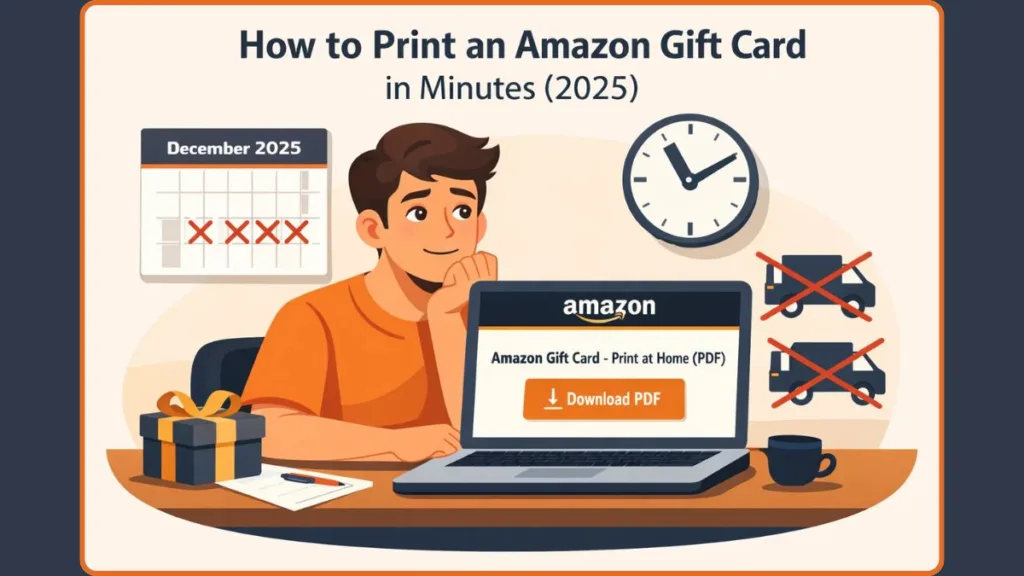
That’s exactly why printing an Amazon gift card at home has become the most reliable option right now. There’s no shipping, no waiting, and no delivery uncertainty. You buy it, print it, and it’s ready to gift immediately.
According to the National Retail Federation (NRF), gift cards are the second most popular gift in 2025, with projected spending reaching $29 billion. So this isn’t a backup choice—it’s one of the most trusted gifting solutions this season.
Can You Print an Amazon Gift Card at Home? (Yes—Here’s How It Works)
Yes, you can absolutely print an Amazon gift card at home, and Amazon officially supports this option.
When you choose Print at Home, Amazon generates a PDF gift card that includes the claim code and gift details. This PDF is available directly in Your Orders and is also sent via a confirmation email once the gift card is ready.
To print it successfully, you’ll need an Amazon account, a printer, and Adobe Reader or another compatible PDF viewer. Once downloaded, the file opens like any standard PDF and can be printed in just a few clicks.
This setup is ideal for last-minute gifting while still allowing you to hand over something physical and thoughtful.
Two Ways to Print an Amazon Gift Card (Already Bought vs Buy New)
Print an Amazon Gift Card You’ve Already Purchased
If you’ve already purchased an Amazon gift card and just need to print it, the process is simple.
Sign in to your Amazon account and go to Your Orders. Find the gift card order, open Order Details, and select Print gift card(s) once the card has finished processing.
You can also access the printable version directly from the confirmation email Amazon sends after purchase. Selecting Go to download page and then Download takes you straight to the PDF.
If you don’t see the print option, it usually means the gift card is still processing or has already been redeemed on an Amazon account, which prevents additional prints.
Buy and Print a New Amazon Gift Card (Print-at-Home Option)
If you haven’t bought the gift card yet, this is the fastest and most flexible route.
Head to the Amazon Gift Cards section and select Print at Home as the delivery option. This ensures Amazon sends you a printable PDF instead of a physical card or email-only format.
You’ll then choose a design, enter the amount, personalize the message, and complete checkout. After purchase, Amazon sends a confirmation email with a download link. Open the PDF and print it immediately.
From start to finish, this usually takes less than five minutes, making it perfect for true last-minute gifting.
Step-by-Step: How to Buy and Print an Amazon Gift Card at Home
Step 1: Go to the Amazon Gift Cards Page
Open Amazon and navigate to the Gift Cards section, where you’ll see all available gift card formats.
Step 2: Select “Print at Home” Delivery
Choose Print at Home instead of email or physical delivery. This tells Amazon to generate a printable PDF.
Step 3: Customize Your Amazon Gift Card
Pick a design from the available templates. In 2025, Minimalist Holiday and Animated designs are especially popular for printed cards. Enter your desired amount and add a personal message. Short, personal notes tend to feel more meaningful than generic holiday greetings, even when the gift is purchased at the last minute.
Step 4: Complete Checkout
Finish the checkout process just like any other Amazon purchase. Once payment is confirmed, Amazon processes the gift card.
Step 5: Download the Amazon Gift Card PDF
You’ll receive a confirmation email with a download link once the gift card is ready. You can also access it later through Your Orders.
Step 6: Print the Gift Card
Open the PDF using Adobe Reader or another PDF viewer and click Print. Use standard paper or cardstock depending on how you plan to present it.
How to Print an Amazon Gift Card from Email, Phone, or Computer
If you’re printing from a computer, open the confirmation email, click the download link, open the PDF, and print using your connected printer. This works on both Windows and macOS systems.
If you’re printing from a phone, open the gift card email, download the PDF, and open it in a PDF viewer. You can then print wirelessly using AirPrint on iPhone or a compatible wireless printer on Android.
Amazon’s PDF format keeps the layout consistent across devices, so the gift card prints cleanly whether you’re using a phone, laptop, or desktop.
QR Code Amazon Gift Cards: The 2025 Print-at-Home Upgrade
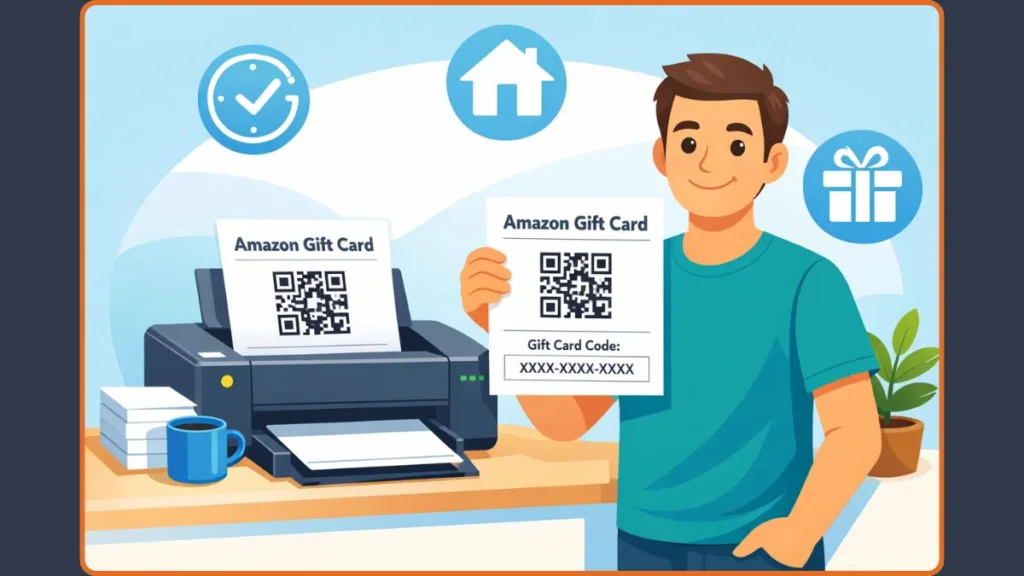
Many print-at-home Amazon gift card templates in 2025 include a QR code, adding an extra layer of convenience.
This QR code lets the recipient scan the card with their phone and instantly add the balance to the Amazon mobile app. There’s no need to manually type in the claim code, which reduces errors and speeds up redemption.
This hybrid approach blends the presentation of a printed gift with the ease of digital access, making it a great option for tech-savvy recipients.
Amazon Gift Card Printing Problems (Common Issues and Easy Fixes)
If the print option isn’t showing in Your Orders, the gift card is either still processing or has already been redeemed. Amazon disables printing in these cases to protect the balance.
If the PDF won’t open, installing or updating Adobe Reader or another PDF viewer usually fixes the problem. For formatting or alignment issues, setting the print scale to 100% and using standard letter or A4 paper helps ensure everything prints correctly.
You can print the gift card PDF multiple times if needed, but remember that the gift card code can only be redeemed once, no matter how many copies you print.
Why Printing an Amazon Gift Card Is the Safest Last-Minute Gift Right Now
With shipping deadlines closing, carrier surcharges increasing costs, winter weather causing delays, and popular items going out of stock, printing an Amazon gift card removes nearly every holiday gifting risk.
A printed Amazon gift card delivers instantly, avoids logistics entirely, and gives recipients the flexibility to shop when items restock in January. When timing is tight, it’s one of the most dependable gifting options available.
Amazon Gift Card Printing FAQs (Quick Answers)
Can Amazon gift cards be printed?
Yes, Amazon provides a printable PDF for print-at-home gift cards.
Is it safe to print an Amazon gift card?
Yes. Printing is safe as long as the code is kept secure until gifting.
Can I reprint an Amazon gift card?
Yes, you can print it multiple times if needed.
What if my Amazon gift card won’t print?
Check processing status, confirm it hasn’t been redeemed, and make sure a PDF reader is installed.
Can someone redeem the gift card before I give it?
Only if they have access to the code, so store printed copies securely.
Final Thoughts: Last-Minute Amazon Gift Cards Can Still Feel Thoughtful
Running out of shipping time doesn’t mean settling for a rushed or impersonal gift. A printed Amazon gift card is instant, reliable, and still meaningful when customized with the right message or QR-code upgrade.
With guaranteed delivery, personalization options, and zero shipping stress, printing an Amazon gift card remains one of the smartest gifting choices in December 2025.
Visit Our Post Page: Blog Page