
Trying to send an Amazon cart to someone? Learn the best way to share your cart in 2026 using wish lists—simple, secure, and private
Have you ever found yourself with a fully loaded Amazon cart, thinking, “I really wish I could just send this entire thing to someone”? Whether you are shopping alongside a partner, seeking approval on a purchase, planning a surprise gift, or simply sharing ideas with friends and family, this scenario is likely all too familiar.
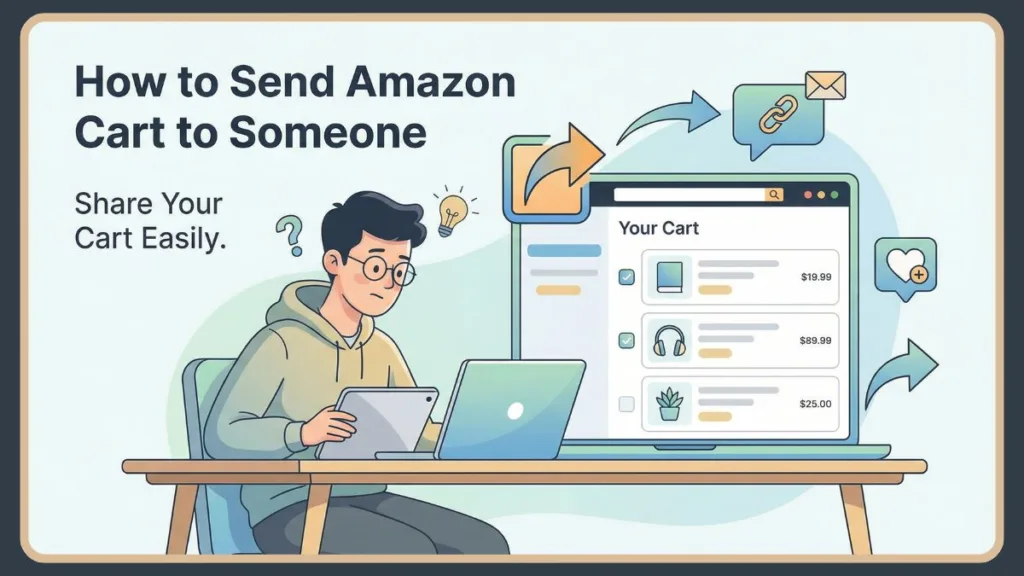
You want a seamless way to send an Amazon cart to someone, but when you scour the site for that specific option, it is nowhere to be found.
The reason is straightforward: Amazon simply does not support direct cart sharing. However, you are not out of luck. There is a trusted, official workaround that Amazon fully supports: Amazon Wish Lists.
By utilizing a wish list, you can effectively share the contents of your Amazon cart, generate a unique Amazon wish list link, and send it to anyone you choose—all while keeping your personal privacy and shipping address completely secure.
In this guide, you will learn exactly how to send an Amazon cart to someone by converting it into a wish list. You will also discover how to share an Amazon wish list on the app, on iPhone, on Android, and across platforms like WhatsApp, Facebook, Instagram, email, and text message.
Can You Send an Amazon Cart to Someone Directly?
If you are wondering whether there is a way to directly share your Amazon cart, the answer is a simple no. Amazon does not currently offer a feature that permits you to send your active cart to another person.
This limitation exists because your cart is intricately tied to your specific Amazon account and holds sensitive data that cannot be easily transferred.
Your shopping cart is linked to personalized pricing structures, saved payment methods that are unique to your profile, and individual delivery preferences. Furthermore, strict account-level security settings prevent this data from being shared to ensure your financial and personal details remain safe.
Permitting direct cart sharing could potentially expose this sensitive information, which is why Amazon avoids the feature entirely.
The solution that actually works is to move your cart items into an Amazon Wish List. When you do this, you build a shareable Amazon list that functions just like a cart but without the associated security risks.
This approach is particularly useful when you need to get purchase approval, share specific gift ideas, plan group shopping, manage birthdays or holidays, or simply show items to others without checking out.
How to Share Amazon Wish List: Best Way to Send Your Cart
When you search for “send Amazon cart to someone”, what you truly require is a method that allows you to share Amazon items, retain control over who sees or edits them, and protect your personal details. Amazon Wish Lists address all of these needs in one central place.
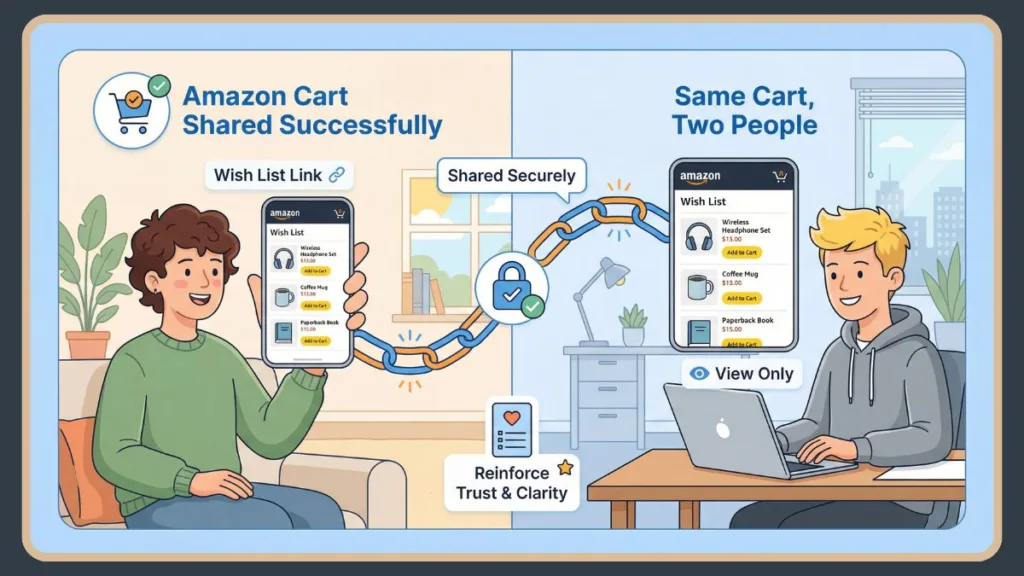
By using a wish list, you have the power to decide whether the person you share with receives view-only access or edit access.
You also maintain full control over the privacy of the list, giving you the flexibility to keep it private, share it only with select individuals, or make it publicly accessible to anyone with the link.
Once created, you can easily share the Amazon wish list link via WhatsApp, Facebook, Instagram, email, or text message, making it a far more flexible tool than a standard shopping cart.
How to Create an Amazon Wish List From Your Cart
To transform your Amazon cart into a shareable list, you will need to move items from your active cart to a saved list.
Start by opening your cart and reviewing the items you intend to send. For each product you wish to move, click the “Save for later” text link located directly beneath the item description.
Once the items have been moved, scroll down to the “Saved for later” section within your cart view.
Next to each item, click “Move to List” (or “Add to List”). You can then select an existing list or choose “Create a List” and name it clearly—such as “Shopping Cart Share”—so the recipient immediately understands its purpose.
Many people utilize this method to curate a birthday wish list, Christmas wish list, baby shower list, holiday wish list, or housewarming list. Once all items are added, your wish list becomes a single, organized destination where others can view everything you intended to share.
How to Find Your Amazon Wish List Link
A frequently asked question is, “How do I find my shareable link on Amazon?” You can locate it directly from your Amazon account using any web browser.
Begin by hovering over the “Account & Lists” menu in the top right corner of the Amazon homepage. Under the “Your Lists” column, click on the specific list you have created.
Once the list is open, locate the “Invite” button positioned near the top right of the list header, or look for the “+ Invite” icon.
When you click this, you will be prompted to choose your permission level, either View Only or View and Edit. After selecting the appropriate option, click “Copy Link” to grab the URL.
At this stage, Amazon allows you to choose whether the list is view only or editable. After you select the permission level, Amazon generates a unique Amazon wish list link. This link is exactly what you send instead of your cart, allowing others to access your selected items with ease.
How to Share Amazon Wish List on App
How to Share Amazon Wish List on iPhone
If you are using an iPhone, the process is seamlessly integrated into the mobile app’s navigation.
Open the Amazon app and tap the Profile icon (the person silhouette) found in the bottom navigation bar. From the menu that appears, tap the “Your Lists” button near the top of the screen.
Next, tap on the specific wish list you wish to send. In the top left corner of the list view, tap the “Invite” button. Alternatively, you can tap the three dots menu in the top right corner and select “Invite to List.”
You will then need to select “View Only” to prevent any changes, or “View and Edit” to allow for collaboration.
Finally, tap “Copy Link” or choose a messaging app like Messages or WhatsApp to send it instantly.
You can quickly send your Amazon wish list through text message, email, or WhatsApp, making it ideal for fast sharing while on the go.
How to Share Amazon Wish List on Android
On Android, the steps are nearly identical to the iPhone experience.
Open the Amazon app and tap the Profile icon (person) at the bottom of the screen. Tap “Your Lists” to view all your active lists and select the one you want to share.
Once the list is open, tap the “Invite” button.
You will be prompted to choose a permission level; select “View Only” if you do not want the recipient to make changes, and then tap “Copy Link”.
From there, you can share Amazon wish list links directly to Facebook, Instagram, WhatsApp, or any messaging app installed on your device. This makes it incredibly easy to share Amazon lists with friends and family in just a few taps.
How to Send Amazon Wish List to Someone Privately
When you share a list, privacy is often a top concern. You might ask, “Does the other person see my address on my Amazon wish list?”
The answer is no. Amazon protects your shipping address privacy by default.
As long as your privacy settings are enabled, the person viewing or buying from your list will never see your full address. They will only see your Name, City, and State to confirm they are sending the package to the correct person.
You can further protect yourself by relying on Amazon’s built-in checkout process and enabling the “Don’t spoil my surprises” option in the list settings. While a general location like city or state may appear, your exact street address remains hidden.
View-Only List vs Edit List Collaborative Amazon Lists
When sharing a list, it is important to distinguish between view-only and collaborative modes.
A View-Only List is the superior choice when you are sharing items for gifting. In this mode, the recipient can view and purchase items, but they cannot make any changes to the list content. This is ideal when you want full control over your list and simply want to show others what you need.
In contrast, an Edit List Collaborative allows invited users to add or remove items. This option works exceptionally well for shared planning, group shopping, or household lists where multiple people need to contribute.
You can invite specific list recipients and control exactly who has editing access by selecting “View and Edit” when generating your invite link.
Can You See Who Bought From Your Amazon Wish List?
Amazon provides limited visibility into purchases made from your wish list.
You can usually see when an item has been purchased because the “Needs” count will drop or the item will be automatically moved to the “Purchased” filter.
In some cases, you may see the buyer’s name if they explicitly choose to share it in a gift note. However, payment details and personal information are always kept private.
If you need more structured tracking, a gift registry may be a better option, but for everyday sharing, wish lists are simpler and faster.
Amazon Wish List Share Link Not Working? Try These Fixes
If your Amazon wish list share link is not working, there are a few common settings you should check.
First, verify the privacy settings of your list. Go to the list, click the three dots (…), select “Manage List,” and ensure “Privacy” is set to Shared or Public. If it is set to Private, the link will not work for others.
Another common issue is related to Amazon region differences. If you are sharing a US link with someone using a different country’s Amazon site, like Amazon UK or Amazon Canada, the link may not open correctly.
Additionally, you may encounter app-related glitches. Trying to share the link from a web browser instead of the app often resolves the problem. Finally, checking your Amazon profile visibility settings can help ensure your list is accessible to others.
Wish List vs Gift Registry Wedding, Baby, Events
Choosing between a wish list and a registry largely depends on the occasion.
A Wish List is ideal when you want a quick and flexible way to share items without formal tracking. It works well for casual gifting, approvals, and everyday sharing where strict organization is not required.
A Gift Registry, on the other hand, is better suited for structured events like weddings or baby showers. Registries include specific search features, event-specific tools, extended return windows, and more detailed purchase tracking to prevent duplicate gifts.
Both options are useful, and the right choice depends on your specific needs and the event type.
FAQ: Amazon Wish List Sharing
Why can’t I share my Amazon wish list?
If you find that you cannot share your Amazon wish list, it is usually because the list is set to private or restricted. Adjusting the privacy settings typically resolves the issue.
Is my address safe?
If you are concerned about address visibility, remember that Amazon automatically hides full addresses when sharing wish lists. Only limited location details (City/State) may be shown.
Can others edit my list?
Someone else can edit your list only if you invite them with “View and Edit” permissions. Otherwise, they can only view or purchase items.
How do I find a lost list?
To find a wish list that someone shared with you, you can open the shared link directly or use the Find a Wish List option on Amazon by navigating to “Account & Lists” and selecting “Find a List or Registry.”
Final Thoughts: Best Way to Send Amazon Cart to Someone
Even though you cannot send an Amazon cart directly, Amazon Wish Lists remain the most reliable and secure way to achieve the same result. They let you share Amazon items, control access, protect your privacy, and communicate clearly with anyone you choose.
When you want to send an Amazon cart to someone, simply convert it into a wish list, copy the link, and share it. Once you do that, you’ll have a smooth, safe, and effective way to share exactly what you want—without ever needing cart sharing.
Visit Our Post Page: Blog Page