
Want to share Prime with family without breaking the rules? Learn how to set up Amazon Household in 2026, with clear steps, limits, and eligibility explained.
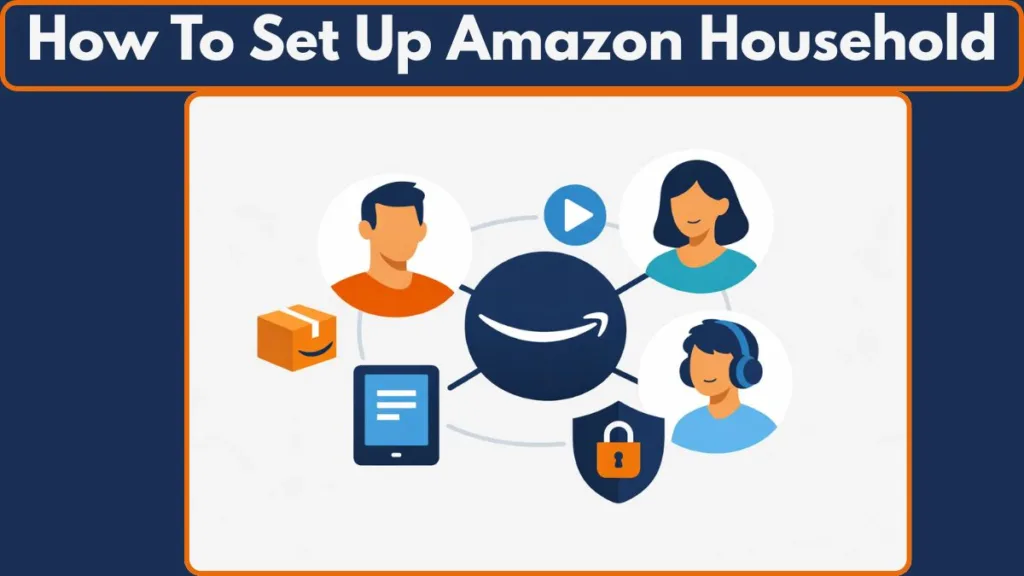
Amazon Household—now branded as Amazon Family—lets you share Prime benefits and digital content with your family under one membership. If you’re already paying for Prime, this setup is designed to reduce duplicate costs, centralize family management, and give each member access to key benefits without forcing everyone onto a single Amazon account.
In 2026, the rules are stricter than they used to be, so setting it up correctly matters more than ever.
Important: Starting October 1, 2025, Amazon ended its older Prime Invitee program that allowed sharing free shipping outside your household.
Prime sharing is now strictly tied to Amazon Family within the same primary residence.
What Amazon Household Is (And Why It Exists for Prime Sharing)
Amazon Household exists to make Prime work at the family level. Instead of every adult paying separately for Prime and rebuying the same movies, books, or apps, Amazon allows one Prime membership to power a shared ecosystem.
Each adult still keeps an individual account, purchase history, and recommendations, but Prime perks and selected digital content can be shared across the Household.
Tip: Amazon now groups all of this under the “Your Amazon Family” hub, where you manage members, sharing, and permissions from one place.
Amazon Household vs Amazon Family: What Changed in Recent Years
Amazon increasingly uses the name Amazon Family to remove confusion and discourage misuse. In the past, Prime shipping could be shared with people outside your home through invite-based programs.
That option is gone. Amazon now positions this feature as family-only, with tighter controls around residency, payments, and eligibility. Teen accounts are no longer broadly supported, and adult sharing requires explicit agreement to payment linking.
Key takeaway: If you’re thinking about sharing Prime with friends, roommates, or relatives who don’t live with you—this is no longer supported.
What Problem Amazon Household Solves for Families
At its core, Amazon Household solves three practical problems.
First, it prevents families from paying for Prime more than once.
Second, it eliminates duplicate spending on digital content by allowing sharing through the Family Library.
Third, it gives parents structured tools to manage children’s access to books, video, apps, and devices without handing over a full Amazon account.
Who Can Join an Amazon Household (2026 Eligibility Rules)
Adult Members (Prime Holder + One Adult)
An Amazon Household can include a maximum of two adults. Each adult must have their own Amazon account, but only one of them needs to hold an active Prime membership. Both adults must be in the same country, and Amazon may enforce a same primary residential address requirement when Prime benefits are shared.
The most important rule is financial: when you add another adult, payment methods are shared between both accounts. This is mandatory and cannot be bypassed, which is why Amazon Household is intended for partners with shared finances.
Critical warning: Adding an adult means shared access to saved credit and debit cards.
This setup is suitable for spouses or long-term partners, not casual sharing.
Children Profiles (Managed, Non-Shopping Accounts)
You can add up to four children to an Amazon Household. Children do not get independent Amazon logins and cannot shop on Amazon. Instead, they exist as managed profiles under the adult account. These profiles are designed for controlled access to books, video, and apps, with parents deciding exactly what a child can see and use.
Tip: Child profiles are where Amazon’s parental controls are strongest—content, time limits, and access are all adjustable.
Teen Accounts (Legacy Only, No New Additions)
Amazon no longer allows new teen additions. As officially confirmed by Amazon, teen profiles can no longer be added to Amazon Household as of April 7, 2025. Teen profiles that were added before this date can continue to function until the teen turns 18, but this is legacy support only. This change is documented in Amazon’s own help page on teen purchasing and monitoring in Amazon Household.
In 2026, you should assume that new Households will consist only of adults and children.
What You Can Share With Amazon Household
Prime Benefits You Can Share Across the Family
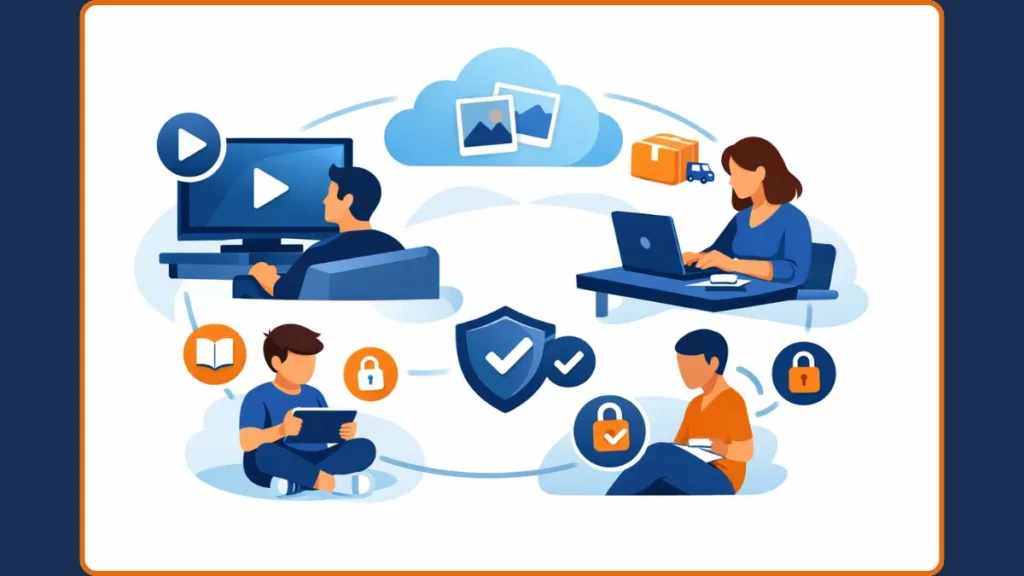
With Amazon Household enabled, Prime benefits extend across the family. This includes free Prime delivery on eligible items, access to Prime Video, Prime Reading and First Reads, Amazon Photos with separate private storage for each adult, and early access to Lightning Deals. According to Amazon’s official guidance, you can also share additional digital content like eBooks, audiobooks, apps, and games.
Note: Some Prime perks are region-specific and may vary by country.
Digital Content Sharing (Family Library Explained)
Amazon Household allows digital content sharing through the Family Library. This covers eBooks, audiobooks, movies, TV shows, apps, and games. Sharing is optional and fully configurable. Purchased content always remains owned by the original buyer, but access can be granted to other Household members. You can change these sharing settings at any time, and child profiles require manual approval for each item.
Important: Ownership never transfers. Sharing gives access, not control.
What You Need Before Setting Up Amazon Household
Account & Membership Requirements (Before You Start)
To set up Amazon Household, you need an active full Prime membership. Discounted plans such as Prime Student are not eligible to create a Household. The second adult must have their own Amazon account, but they do not need Prime. If you are only a guest on someone else’s Prime, you cannot create or manage an Amazon Household.
Tip: Decide who should be the Prime holder before setup—changing this later is inconvenient.
Decisions to Make First (Avoid Setup Mistakes)
Before starting setup, decide who will be the Prime holder, whether you are comfortable sharing payment methods with the other adult, and which categories of digital content you want to share. Making these decisions early avoids mistakes that can be time-consuming or restrictive to reverse later.
How to Set Up Amazon Household: Step-by-Step Process
Step 1: Open the Amazon Household / Family Page
On desktop, go to Accounts & Lists > Your Account > Your Amazon Family. In the Amazon mobile app, tap Me > Your Account > Manage Your Amazon Family. This is the central dashboard for adding members and controlling sharing.
Tip: Bookmark this page—you’ll return to it often for changes and reviews.
Step 2: Add Another Adult (Payment & Prime Sharing)
Select Add Adult and choose whether to send an email invitation or sign up together.
During this process, both adults must agree to share payment methods and confirm which types of digital content will be shared. Invitations expire after 14 days, and the invited adult must accept within that time.
If the invited adult already has Prime, they will be prompted to cancel it during acceptance to avoid duplicate billing.
Important: Amazon may notify you if a shared payment method is moved into another adult’s wallet.
Step 3: Add a Child Profile (Parental Controls Setup)
Adding a child does not require an email invitation. You enter the child’s name and birthdate, then configure age-based content access.
From the start, you control what the child can view, read, or use across supported Amazon devices and services.
Tip: Younger children benefit most from granular content approval rather than broad sharing.
Step 4: Review Family Library Settings (Fine-Tuning Access)
Once members are added, review Family Library settings to fine-tune content sharing.
You can enable or disable categories like books, video, and apps, and you can change these settings at any time. For children, content sharing remains granular and approval-based.
Privacy: Who Can See Orders, Payments, and Activity
Adult-to-Adult Privacy Rules
Adults in an Amazon Household cannot see each other’s order history or browsing activity. However, both adults can use any shared payment methods linked to the Household wallet.
Important: Privacy for orders does not mean privacy for payments.
Teen Activity (Legacy Accounts Only)
For legacy teen profiles, adults review orders before shipping, receive purchase notifications, and can set spending limits. These controls remain active until the teen ages out of the Household.
Child Activity Monitoring
Parents have full visibility and control over child activity. This includes managing accessible content, setting screen time limits, and defining educational goals where supported.
Amazon Household Limitations You Should Know
Hard Limits You Cannot Bypass
Amazon Household is limited to two adults and four children. All members must be in the same country, and Amazon may enforce address verification when Prime benefits are shared. Starting October 2025, benefit sharing is restricted to users who live together at the same primary address.
Key point: This is policy-enforced, not optional.
Financial Reality of Shared Wallets
Because payment methods are shared between adults, both parties effectively have access to the same wallet. This makes Amazon Household appropriate only for partners who already share financial responsibility.
Cooldown Rules (Long-Term Commitment)
If an adult leaves or is removed from an Amazon Household, a 180-day lockout applies. During this period, neither adult can join or create another Household, which makes frequent changes impractical.
Tip: Treat Amazon Household as a long-term setup, not something to experiment with.
How to Leave or Remove Someone From Amazon Household
Remove a Member (Adults or Children)
To remove someone, open Manage Your Amazon Family, select the member, and choose Remove. This applies to both adults and children.
What Happens After Removal
The Prime holder retains Prime benefits. The removed member immediately loses access to shared content and benefits, and the cooldown period begins.
Is Amazon Household Worth Setting Up in 2026?
Yes—If Amazon Household Fits Your Situation
Amazon Household makes sense if you are married or share finances, already pay for Prime, and want to extend benefits and content to children without buying everything twice.
No—If Your Use Case Doesn’t Match
It is not a good fit for roommates, friends, or anyone who prefers to keep finances completely separate, or for short-term sharing needs.
FAQ: Amazon Household Setup (Quick Answers)
How do I set up Amazon Household?
Go to Your Amazon Family, add an adult or child, agree to payment sharing, and configure content sharing.
Can I share Prime with someone who doesn’t live with me?
Generally no. Amazon now enforces household and address rules for Prime sharing.
How many people can be in Amazon Household?
Up to two adults and four children.
Do adults share payment methods?
Yes. Payment sharing is mandatory between adults.
Can I remove someone later?
Yes, but a 180-day cooldown applies.
Why can’t I add a teen anymore?
Amazon stopped new teen additions in April 2025.
Is Amazon Household free?
Yes. You only pay for one Prime membership.
Bottom line: If you already have Prime and trust the other adult financially, Amazon Household remains one of the most practical ways to maximize Prime in 2026. Set it up carefully, understand the limits, and it works exactly as intended.
Visit Our Post Page: Blog Page