
Learn how to watch age restricted YouTube videos in 2026 without signing in or sharing ID. Discover safe, working methods to bypass YouTube age restrictions across all devices.
Stuck on the “Sign in to confirm your age” message? You’re not alone. With stricter verification rolling out in 2026—including ID checks, credit card prompts, and even AI-based selfie verification—watching certain YouTube videos has become more complicated than ever.
The good news? There are still safe, practical, and working ways to watch age-restricted YouTube videos without compromising your privacy or sharing sensitive documents.
In this guide, you’ll learn the best working methods to bypass YouTube age restrictions safely in 2026 across all your devices.
Understanding What Is YouTube Age Restriction & Why It Exists for Certain Content
YouTube uses an age gate to limit access to content that may not be suitable for younger audiences.
Why videos get age-restricted:
- Mature Themes: Content involving mild violence, nudity, or sensitive social topics.
- Community Guidelines: Videos that push the limits of safety but aren’t quite “bannable.”
- Legal Compliance: Regulations like COPPA (US), the UK Online Safety Act (2025), and GDPR (EU) require platforms to verify the age of viewers for specific content.
Key Point: Age-restricted content isn’t necessarily “bad”—it often includes educational medical videos, news reports, or artistic content that YouTube simply wants to ensure is viewed by an adult audience.
Why YouTube is Asking for ID or Credit Card Verification: The 2026 Update Explained
In 2026, a simple “I am 18” checkbox is no longer enough. YouTube has introduced stricter measures due to global legal pressures:
- AI-Based Estimation: YouTube now uses your watch history, account behavior, and even device usage patterns to guess your age. Advanced models from partners like FaceTec or Yoti are sometimes used to estimate age from selfies.
- Mandatory Verification: In certain regions (like the EU and UK), you may be forced to upload a Government ID, add a Credit Card, or submit a Selfie Scan for facial recognition.
- Regional Rollouts: As of August 2025, even U.S. users began seeing AI-driven age estimation prompts, where a “flagged” account must verify identity to regain full access.
Restricted Mode vs. Age Verification: Identifying the Difference to Find a Fix
Many users confuse these two—but the fix for each is different:
| Feature | What it is | Can you turn it off? |
| Restricted Mode | An optional filter to hide “mature” content. | Yes. In your YouTube settings. |
| Age Verification | A mandatory lock on specific videos. | No. Requires proof of age or a workaround. |
How to Watch Restricted Content Instantly: Quick Fixes to Try First
Before moving to advanced methods, try these three simple steps:
1. How to Turn Off Restricted Mode in Settings
Go to Settings > General > Restricted Mode and toggle it OFF.
2. Check and Update Your Google Account Age
Visit Google Personal Info and ensure your birthdate is set to 18+.
3. Sign Out and Use Incognito Mode to Bypass “Soft” Gates
Sometimes, watching while logged out in a private browser window can bypass “soft” age gates.
Important Note: For “hard” age gates (highly sensitive content), YouTube may still block the video even in Incognito mode.
Best Working Methods to Bypass YouTube Age Restrictions Safely in 2026
If the quick fixes didn’t work, use these reliable 2026 solutions.
1. Use a VPN: The Best Privacy Solution for Age Verification Bypassing
A Virtual Private Network (VPN) allows you to change your virtual location to a country with more relaxed age-verification laws.
- Recommended Services: NordVPN, Proton VPN, or ExpressVPN.
- How to do it: Connect your VPN to a country like Switzerland, Iceland, or the United States (if you are currently in a highly regulated region like the UK or Australia).
- Why it works: It prevents YouTube from triggering region-specific ID verification prompts mandated by local laws.
2. Create a “Clean” 18+ Account to Avoid ID Requests
If your main account is stuck in a verification loop, creating a fresh account is often the easiest path.
- The Trick: Set the age to 20+ years old. Avoid linking this account to your primary phone number if you’ve already been “age-flagged” on your main account.
- Pro Tip: Use a dedicated browser profile just for this 18+ account to keep your main data separate.
3. Use the Tampermonkey Extension: Advanced Desktop Age Bypass
For power users on Chrome, Brave, or Firefox, this is the most effective way to watch without signing in.
- Recommended Tools: Use Violentmonkey or Tampermonkey.
- Steps: 1. Install the extension.2. Visit GreasyFork.org and search for the “Simple YouTube Age Restriction Bypass” script.3. The script intercepts the video request and serves the embed version, which often lacks the age gate check.
4. Use Alternative “Front-Ends” and Privacy-Focused YouTube Apps
There are websites and apps that let you watch YouTube videos without actually using the YouTube site/app.
- Invidious: A web-based alternative. Use an “instance” like yewtu.be or invidious.io.
- FreeTube (Desktop): An open-source desktop app for Windows, Mac, and Linux that lets you subscribe to channels without a Google account.
- Grayjay (Android): A powerful multi-platform app that allows you to follow creators while bypassing standard tracking and restrictions.
- NewPipe (Android): A lightweight, open-source app available on F-Droid that allows age-restricted viewing and background play.
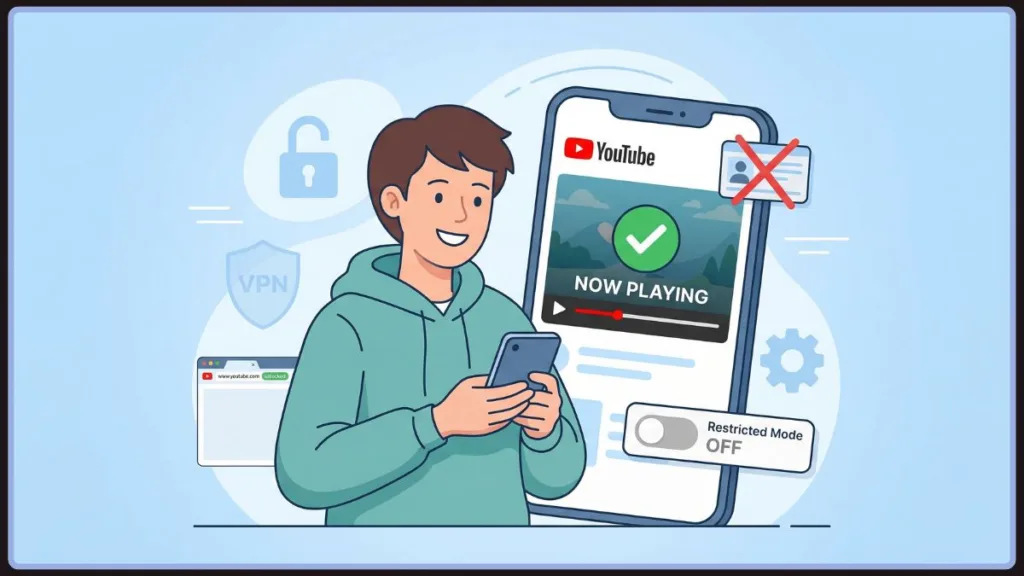
Watch Age Restricted YouTube Videos on Phone, PC, or TV: Solutions by Device
How to Bypass Age Restrictions on Android and iPhone
- Android: Use NewPipe or PipePipe. You can also use YouTube ReVanced, which includes built-in patches to bypass age restrictions.
- iPhone: Use the Yattee app or access YouTube via the Brave Browser with a VPN enabled.
Watching Restricted Content on PC or Laptop
Use browser extensions (Tampermonkey/Violentmonkey) or a dedicated privacy browser like LibreWolf.
How to Access Restricted Content on Smart TV and FireStick
- SmartTube (Android TV/FireStick): This is the best alternative app for TVs. It includes features to bypass age gates, skip ads, and skip sponsored segments.
- Casting: Alternatively, use Cast/AirPlay from a phone that already has a bypass app like NewPipe installed.
What NO LONGER Works for YouTube Bypassing in 2026: Outdated Methods
Don’t waste your time on these outdated “hacks”:
- URL Modifying Tricks: Changing
/watch?v=to/v/or/embed/is now almost entirely blocked by server-side checks. - ListenOnRepeat: Its bypass capabilities have been patched for most age-restricted content.
- NSFWYouTube Mirror Sites: Most of these sites are now filled with malware or have been taken down.
- Simple Proxy Websites: Usually too slow for 4K streaming and easily detected by Google.
A Note on Safety: Protecting Your Privacy and Avoiding Identity Theft
Safety Alert: Never upload your Government ID or Credit Card details to a third-party “bypass” website. These are almost always phishing scams designed to steal your identity.
Only provide information directly to Google if you are comfortable with their privacy policy. For maximum privacy, stick to VPNs and Open Source apps (FOSS) like NewPipe or FreeTube.
Conclusion: The Smart Way to Watch YouTube Without Interruptions
In 2026, the goal isn’t just to bypass a restriction—it’s to do it safely. For most users, adjusting your Google Account settings or using a trusted VPN is the most reliable and secure way to get back to your videos.
By moving to privacy-focused apps like Grayjay or FreeTube, you gain full control over your data while enjoying an ad-free experience.
Visit Our Post Page: Blog Page