
Unable to change your PayPal password? Learn why PayPal password reset isn’t working and how to use the logged-out chat method to reach support quickly.
It happens to the best of us. You go to log in, realize you’ve forgotten your credentials, and hit the reset link. But instead of a quick fix, you hit a wall. You are unable to change PayPal password because of a glitch, a loop, or a vague error message.
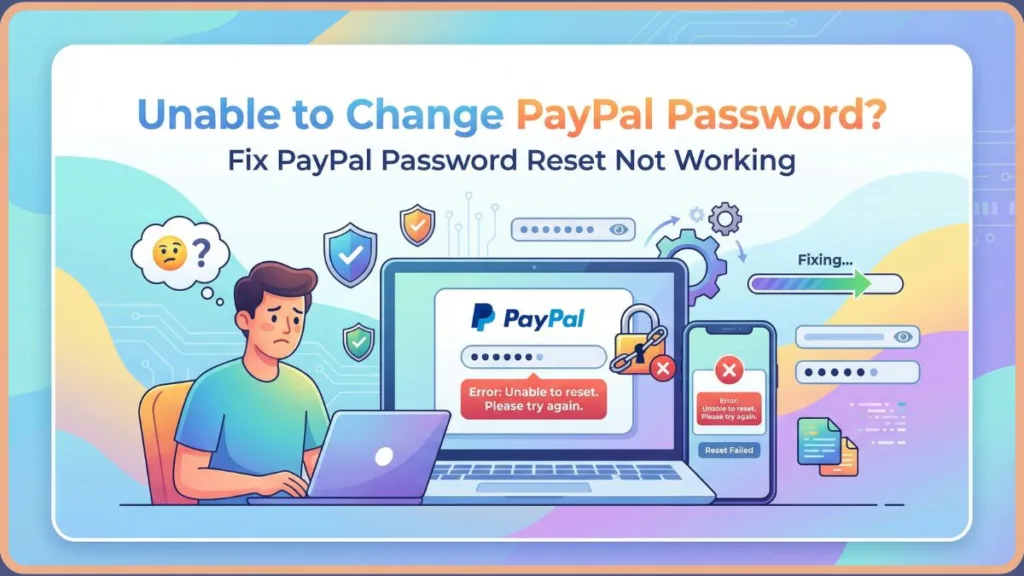
Naturally, you try to contact customer support, but here is the catch: they ask you to log in to chat with an agent. It is the ultimate “Support Paradox”—you need help because you can’t log in, but you can’t get help unless you log in.
If PayPal won’t let me change password, you aren’t banned—you’re likely just stuck in a security loop. This guide covers the common causes and, most importantly, a community-verified trick to contact PayPal support without logging in.
Why PayPal Won’t Let Me Change Password: Common PayPal Change Password Errors
Before we get to the fix, it helps to know why this is happening. It is rarely a human error; it is usually an over-aggressive security bot.
Dealing with PayPal Account Locked Password Reset Issues
When you see a generic PayPal change password error (like “Sorry, something went wrong on our end”), it usually means the system has “soft locked” your account. This can happen for several reasons.
PayPal security settings are extremely sensitive. If you are traveling, using a new device, or have a VPN switched on, PayPal’s fraud detection might flag your IP address and block the reset to “protect” you. Similarly, you might face PayPal two factor authentication issues where you know your password, but the SMS code never arrives, or the old phone number on file is inaccessible.
Important Note: Interesting data from user communities suggests that even a small negative balance (e.g., owing $5 for a subscription) can sometimes disable the automated reset function, leading to a situation where the PayPal account locked password reset requires a human agent to unlock it.
The Fix: How to Contact PayPal Support Without Logging In for PayPal Password Recovery
This is the golden ticket. Most users think they are stuck because PayPal login problems prevent them from reaching a human. However, there is a hidden “Guest Chat” option buried in the help menu.
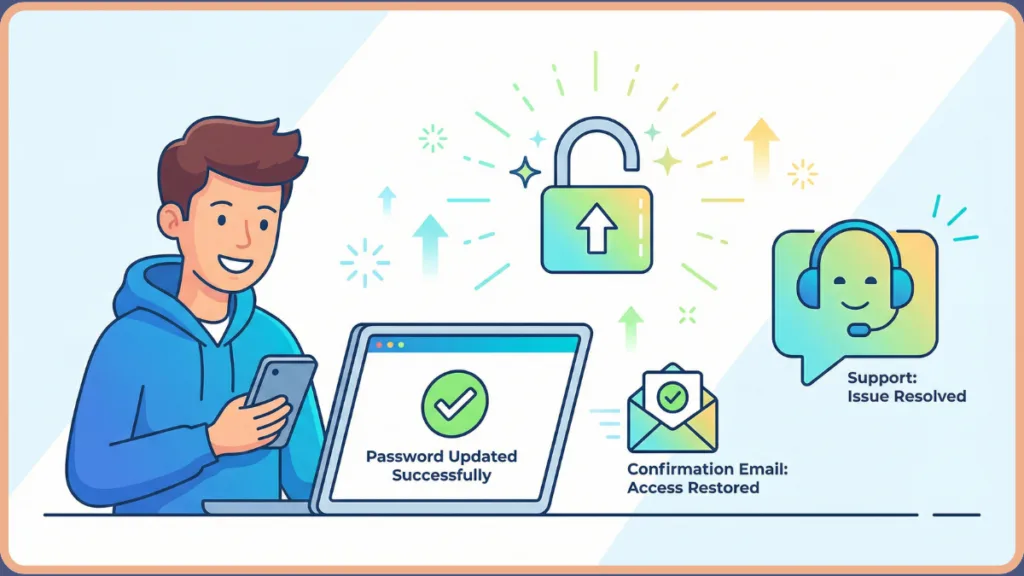
Solving PayPal Login Problems with the “Guest Chat” Method
If the automated reset fails, follow these exact steps to bypass the bot and chat with a real person.
First, go to paypal.com/smarthelp/contact-us. Please make sure you do not use the main ‘Contact’ page, as that will likely loop you back to the login screen.
Next, select Password and account access from the menu options. Once that menu expands, click on Login Problems.
Here is the crucial step: Ignore the automated articles and the “This information might help” box. Scroll down until you see the “Message Us” option. Finally, select “Chat with us while logged out”.
This method allows you to bypass the standard PayPal password recovery bot. When the chat starts, type “Agent” or “Person” immediately to escalate the conversation.
App vs. Website: Why PayPal App Password Change Fails
If you are trying to do this on your phone, that might be the problem.
How to Change PayPal Password on Website Instead
We frequently hear from users who can’t change PayPal password in the app. PayPal often restricts high-level security changes (like password resets) on mobile devices to prevent fraud.
The fix here is to force the system to accept the request by trying to change PayPal password on website (using a desktop browser like Chrome or Firefox or Bing) instead of the mobile app.
Pro Tip: If you find the PayPal password reset link not working on Chrome, try opening the link in “Incognito Mode.” This ensures that old cookies or cached data aren’t interfering with the new session.
PayPal Password Reset Troubleshooting: What to Do If PayPal Password Reset Link Not Working
Sometimes the email arrives, but the link leads to a dead end.
How to Fix Verify Identity PayPal Issues and Lost Emails
If the link loops you back to the start, you need to verify identity PayPal struggles with by clearing your browser cookies. PayPal is trying to “remember” your old session, which conflicts with the new reset token.
If the PayPal reset email not received, it is common for these to get filtered. Check your Spam/Junk folders and whitelist service@paypal.com.
Finally, if your PayPal password expired, remember that you cannot reuse old passwords. If you try, the system may throw a generic error rather than telling you the specific reason.
FAQ
Why can’t I change my PayPal password?
It is usually due to a security flag, a browser cache error, or the PayPal app password change feature being disabled for security purposes.
How do I reset my PayPal password if the reset link doesn’t work?
Clear your browser cache, switch to a desktop computer, or use the “Chat without logging in” method outlined above to get a manual reset link from an agent.
Can I change my PayPal password in the app?
Often, no. For security reasons, the app has limited functionality for account recovery. You should try to change password in PayPal account via a desktop browser for the best results.
How do I contact PayPal if I can’t access my account?
Use the specific smarthelp/contact-us link (not the general home page) to access the “Chat as Guest” feature detailed in the guide above.
What to do if PayPal won’t let me log in or reset my password?
This usually indicates a “soft lock” on the account. Wait 24 hours to let the security flags clear, or contact PayPal support for locked account immediately using the guest chat.
Conclusion: Secure PayPal Account After Hack or Lockout
Being unable to change PayPal password is frustrating, but it is often a sign that PayPal’s security measures are working a little too well. By moving to a desktop browser and using the “Logged Out” chat feature, you can usually resolve the issue in minutes.
Did this PayPal password reset troubleshooting guide help you get back in? Let us know in the comments below.
Visit Our Post Page: Blog Page