
Are you charged full price for Amazon Prime Student? Learn why it happened, how to restore your student discount, and how to request a refund within 60 days.
You check your bank statement expecting to see a $7.49 monthly charge or $69 for the year. Instead, Amazon has billed you $14.99 or even $139. Maybe you signed up for the free trial and got charged immediately instead.
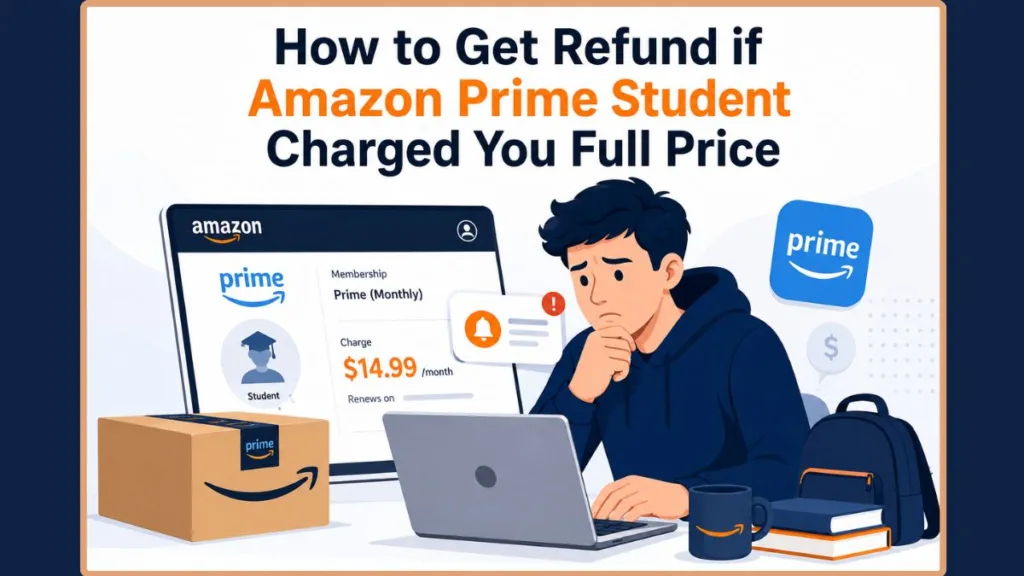
The good news is that both situations can usually be fixed. If Amazon charged you the standard Prime price by mistake, there’s a way to restore your student discount and, in many cases, get your money back.
Quick Answer: If Amazon charged you the regular Prime price instead of the discounted student rate, you have 60 days to reverify your eligibility and request a refund. The right fix depends on why you were charged, so use the table below to find your situation.
| Situation | Likely Cause | What You Should Do |
|---|---|---|
| Your discount disappeared after being active for a while | Your reverification window expired, or your documents weren’t approved in time | Reverify your student status and request a refund within the 60-day window |
| You were charged full price as soon as you signed up | Your verification wasn’t fully processed before signup completed | Contact Amazon Customer Service to correct the charge |
| You signed up using the iOS app and got an unexpected charge | Some users report being enrolled in a shipping-only Prime plan after signing up this way | Sign up again through a web browser, or contact support to fix your membership |
Important: Prime Student (now also called Prime for Young Adults) requires periodic reverification. If you miss the deadline or your documents aren’t approved in time, Amazon automatically renews your membership at the standard Prime price.
Why Amazon Prime Student Renewed at Full Price
If your Prime Student discount suddenly disappeared, the most common reason is that your student status wasn’t reverified in time. This can happen right after the six-month free trial ends or during any later renewal.
Prime Student, now also called Prime for Young Adults, isn’t something you verify once and forget about. Amazon periodically asks you to confirm that you’re still eligible. If you miss the reverification deadline or your documents aren’t approved before the deadline, your membership automatically renews at the standard Prime price.
This applies whether you qualified through your student status or through the 18–24 age-based Prime for Young Adults program. (Our Prime for Young Adults guide explains how both eligibility paths work.) It also applies to both monthly and annual memberships, although you’ll find the reverification option in a different place depending on your plan.
Important: Reverifying your student status restores your discounted membership, but it doesn’t automatically issue a refund for an earlier full-price charge. To get your money back, you must request a refund within 60 days of the charge.
How to Reverify Your Amazon Prime Student Status
The steps to reverify your Prime Student membership depend on the type of plan you have.
- If you’re on an annual plan, go to Manage Your Student Membership in Your Account.
- If you’re on a monthly plan, open Manage Your Prime Membership instead.
- Submit your current proof of eligibility. This can be your .edu email address or a document such as a student ID, transcript, or enrollment letter if your school email isn’t accepted.
- Wait for Amazon to review your submission. Many reverifications are approved within one or two days, although manual reviews may take longer if Amazon needs to verify your enrollment with your school.
Tip: Keep a digital copy of your student ID, enrollment letter, or transcript ready. Amazon may ask you to reverify again next year, and having your documents available can make the process faster.
Important: Reverification alone doesn’t trigger a refund. After your eligibility is approved, you’ll still need to submit a refund request if you want Amazon to reverse the full-price charge.
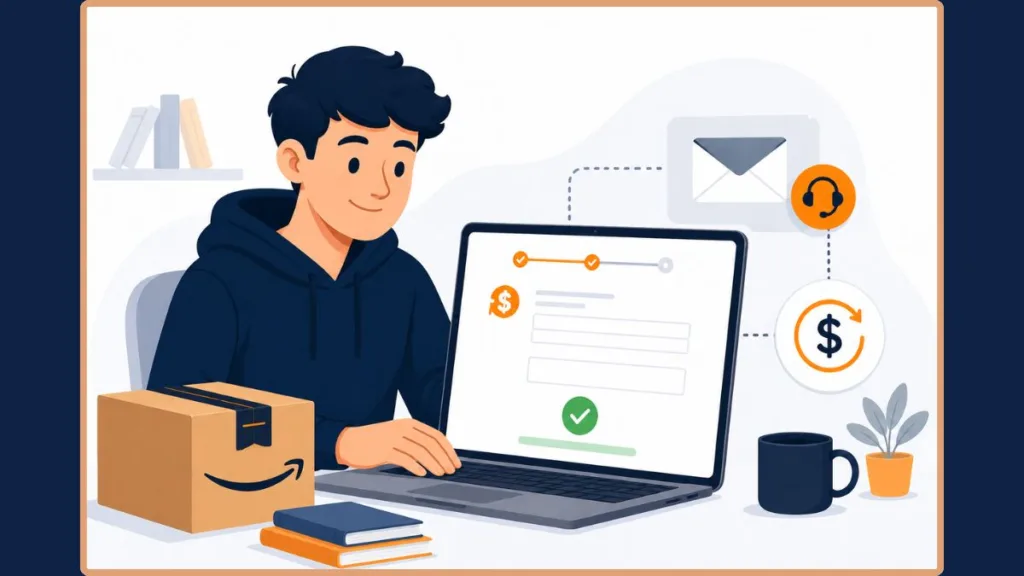
How to Request a Refund After Reverifying Your Prime Student Status
Once your student status has been reverified, follow these steps to request your refund:
- Submit your eligibility documents within 60 days of the full-price charge.
- Amazon reviews your account and calculates your refund based on your Prime usage. If you haven’t used any Prime benefits since the charge, you’re more likely to receive a full refund. If you’ve already used benefits like free shipping or Prime Video, Amazon typically issues a prorated refund instead.
- After your refund is processed, your membership returns to the Prime Student rate, and you’ll continue paying the discounted price going forward.
Remember: Submitting your documentation is what triggers the refund review. Simply restoring your Prime Student membership won’t automatically refund an earlier full-price charge.
Important: If you were charged the standard Prime price during signup, this is usually a verification or billing issue, not a problem with your eligibility. In most cases, Amazon Customer Service can correct it.
Why You Were Charged Full Price at Amazon Prime Student Signup
Unlike a renewal issue, this happens during signup instead of after your membership renews. Even if you completed the verification steps, the student discount may not apply if your verification wasn’t fully processed before the signup finished. As a result, Amazon may charge you the standard Prime price right away, even before your free trial begins.
In many cases, the problem comes down to a verification mismatch. Your .edu email address may not have linked correctly to your Amazon account, or your signup may have finished before the verification process was complete.
Some users have also reported completing every step correctly but still ending up with a standard Prime membership instead of Prime Student. If that happened to you, it’s usually something Amazon Customer Service can correct.
Tip: Before contacting support, make sure your .edu email is linked correctly or that your eligibility documents show as approved. This can help speed up the process.
How to Fix an Amazon Prime Student Billing Error at Signup
If you were charged the standard Prime price during signup, here’s what to do:
- Check your account first. Confirm that your .edu email is linked correctly or that your uploaded eligibility documents have been approved. If needed, try submitting them again.
- Contact Amazon Customer Service. Billing errors during signup usually require help from a live representative, not the self-service membership page.
- Keep your verification details ready. Let the representative know that you intended to sign up for Prime Student or Prime for Young Adults but were charged the standard Prime price instead. Have your eligibility documents available in case they’re requested.
- Cancel the incorrect membership if you’re concerned about another charge, then sign up again after Amazon confirms the issue has been resolved.
Billing issues like these are usually resolved within a few business days because they’re typically related to the signup process rather than your eligibility.
Note: Some users have reported unexpected billing or being enrolled in a shipping-only Prime membership after signing up through the iOS app. Amazon hasn’t explained why this happens, but signing up through a web browser instead may help you avoid the issue.
Tip: If Amazon’s chat assistant keeps directing you to help articles instead of a person, ask for a “customer representative” and choose “Need more help” or “Something else” when prompted. This usually connects you with a live agent who can handle billing issues.
Important: Amazon doesn’t publish an official refund timeline. The time it takes depends on how quickly your student verification is approved and how your bank processes the refund.
How Long Does an Amazon Prime Student Refund Take?
Although Amazon doesn’t provide a fixed timeline, here’s what you can generally expect:
- Student verification is often reviewed within a few business days, although manual reviews can take longer.
- Once your verification is approved, the refund is usually processed shortly afterward. Many users receive it within about a week or by their next billing cycle.
If you still haven’t received your refund after that, contact Amazon Customer Service and ask for an update instead of waiting longer.
Tip: Some users say Amazon support asked them to cancel their current membership and sign up again as a student instead of correcting the existing membership. While this adds an extra step, it has worked for some people.
Important: If a support representative tells you a refund has been approved, ask for written confirmation by email. Some users report being told a refund was submitted when it actually wasn’t. Keep an eye on your bank statement over the next few days to confirm the credit has been processed.
Tip: A few simple checks each year can help you avoid losing your Prime Student discount or being charged the standard Prime price unexpectedly.
How to Prevent Future Amazon Prime Student Charges
Taking a few preventive steps can reduce the chances of running into the same problem again.
- Set a reminder a few weeks before your reverification date so you don’t miss Amazon’s deadline.
- Keep a current enrollment letter, student ID, or transcript available instead of relying only on your .edu email. Some schools deactivate student email accounts shortly after graduation, even if you’re still enrolled.
- Check your Prime membership status at the beginning of each semester, especially if you’ve had verification issues before.
- Know your eligibility period. Prime Student is available for up to four years or until graduation, whichever comes first. See our Prime Student 4-year rule guide for a detailed explanation, and keep your annual reverification date in mind.
- Review your bank statement from time to time. One reader only noticed an incorrect full-price Prime charge after seven months, by which point the extra charges had already added up.
Important: If your full-price charge happened recently, don’t wait to act. The 60-day refund window starts from the date of the charge, so submitting your documents as soon as possible gives you the best chance of receiving a refund.
Frequently Asked Questions
Can I get a refund if I missed reverifying Amazon Prime Student?
Yes. If you submit your eligibility documents within 60 days of the full-price charge, you can still request a refund. The sooner you complete the process, the less likely you are to miss the deadline.
Does this refund process apply to Prime for Young Adults (age-based) too?
Yes. Whether you qualified through student status or the 18–24 Prime for Young Adults program, Amazon follows the same reverification and refund process for both.
What if Amazon denies my refund request?
First, check that your student documentation clearly shows your name, school, and current enrollment period. Missing or outdated information is one of the most common reasons a request is denied.
If everything is correct and you believe the decision was a mistake, contact Amazon Customer Service and ask them to review your case again.
Will Amazon charge me retroactively if my student status wasn’t fully verified?
Amazon doesn’t mention retroactive billing in its official documentation.
However, based on reports from readers, Amazon doesn’t appear to charge the price difference for months you already used Prime Student at the discounted rate, even if there were later questions about your eligibility. Since Amazon hasn’t officially confirmed this policy, treat it as user experience, not a guarantee.
Final Thoughts
If Amazon charged you the standard Prime price instead of the Prime Student rate, the first step is figuring out why it happened.
If your student discount expired, reverify your eligibility and submit your documents within the 60-day refund window. If you were charged during signup, contacting Amazon Customer Service is usually the fastest way to get the issue corrected.
The sooner you act, the better your chances of receiving a full refund instead of a prorated refund.
Have you dealt with a different Prime Student billing issue, or found a faster solution that worked for you? Share your experience in the comments. It could help someone else facing the same problem.
Visit Our Post Page: Blog Page
Discover more from Izoate
Subscribe to get the latest posts sent to your email.