
Want to change your Amazon address after shipping in 2026? Learn what to do if you can’t update your delivery address. From checking your order status to using carrier rerouting options, fix a wrong Amazon delivery address quickly.
You just clicked the “Place Order” button, and a split second later, your stomach drops. You realize your package is heading straight to your old apartment, your workplace, or maybe even your parents’ house across the country.
Take a deep breath! You are definitely not the first person to make this mistake. Whether you are ordering a last-minute gift or stocking up on household essentials, checking out too fast happens to the best of us. In fact, with e-commerce giants shipping millions of packages every single day, addressing errors are one of the most common customer service inquiries across all major online retailers.
If you act quickly, you have a few solid options to get your package back on the right track. This guide will walk you through exactly how to fix your address before the item leaves the warehouse, what your options are if it is already in transit, and how you can use delivery carrier networks to intercept your box.
The Golden Rule: Has Your Package Actually Shipped?
When you are trying to fix a delivery mistake, time is your biggest asset. The most important thing you need to check right now is the current status of your purchase.
As confirmed by official staff on the Amazon Customer Forum, there is a massive difference between an order that is “Preparing for Shipment” and one that is “Shipped.”
If your order has not entered the shipping process, you can easily change the destination directly through your account.
Once the warehouse team boxes up your items and slaps a shipping label on them, the system locks your delivery details. So, before you do anything else, check your order status! For standard shipments, this window might be a few hours. However, if you are purchasing a Prime Next-Day Delivery item, that order can enter the fulfillment phase in as little as 15 to 30 minutes, giving you a very narrow timeframe to make modifications.
How to Change Your Address Before the Order Ships
If you caught your mistake immediately and the items haven’t left the warehouse yet, fixing the problem is incredibly simple. You can handle this right from your computer or smartphone:
- Log into your account and navigate to Your Orders.
- Locate the specific purchase you need to fix and click View Order Details.
- Look for the Change button right next to your current shipping address.
- Select a saved address from your address book, or click Add a new delivery address to input fresh details.
- Review the information carefully and click Use this address to confirm the change.
If you are using the mobile app, the process is nearly identical: tap the three horizontal lines in the bottom right corner, select “Orders,” tap your item, and look for the “Update Delivery Instructions” or “Change Address” prompt before the item locks.
What to Do If Your Amazon Order Already Shipped
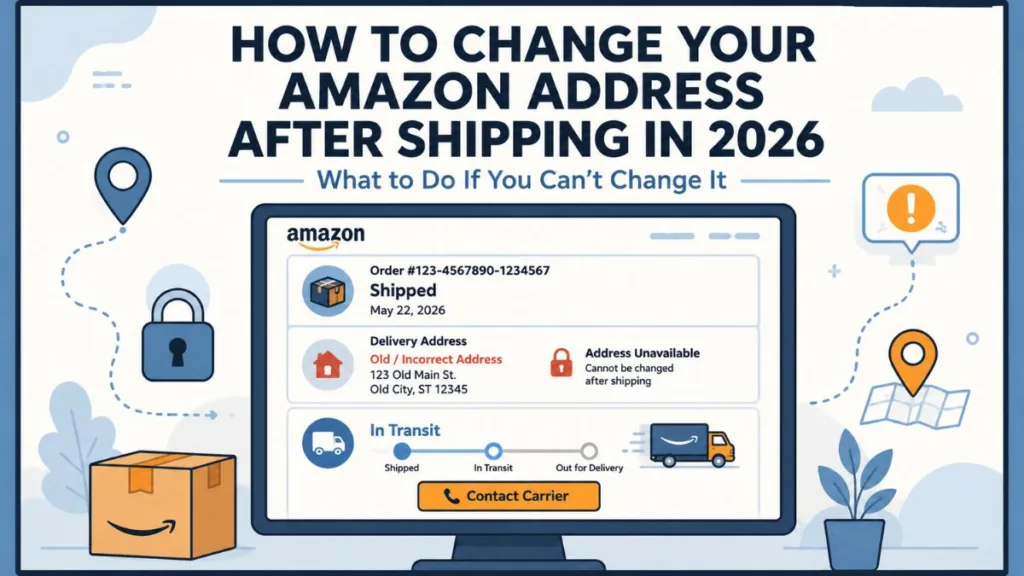
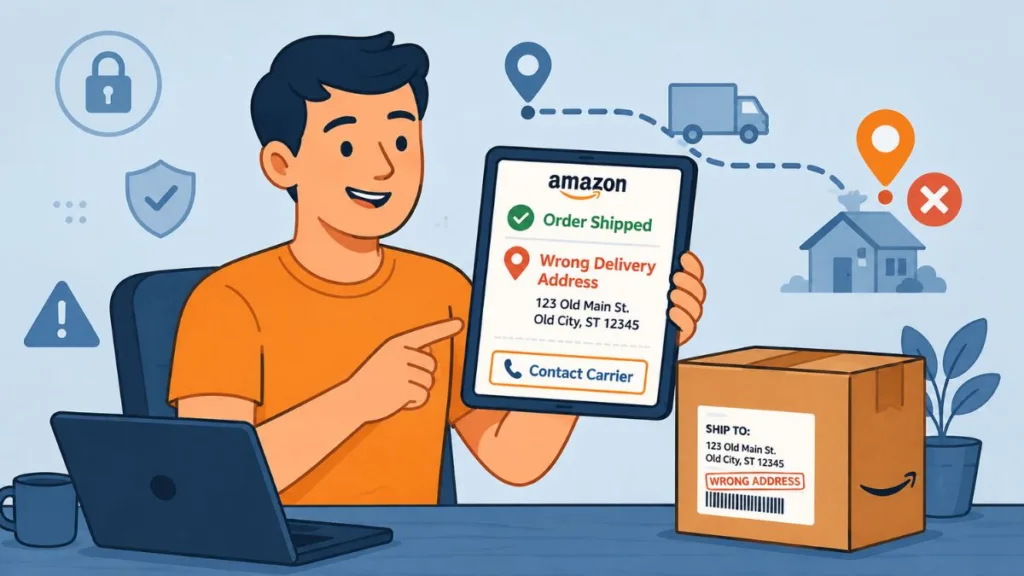
Once your order status officially flips to “Shipped,” we have to face some hard truth: you can no longer change the destination through your account settings. The warehouse team has locked the order and handed it off to the carrier.
But don’t panic just yet! Just like when you order from other major retailers like Target, Walmart, or Best Buy, once the package leaves the warehouse, your best option is to deal directly with the delivery carrier handling your box. You will know you have reached this stage when a tracking number is generated.
If your tracking number starts with “TBA,” it is being delivered by Amazon Logistics, which unfortunately does not offer a customer-facing reroute tool. If it starts with a standard carrier code (like “1Z” for UPS), you have more options.
Rerouting Packages Using Carrier Services
If your package is in the hands of a major shipping company, you can often use their specialized tools to redirect your delivery.
- UPS My Choice: If your tracking number shows UPS has your box, you can use this free service to reroute the package to your correct address or have it held at a local UPS Access Point for you to pick up. Keep in mind that while holding a package at an Access Point is often free, rerouting it to a completely different home address may incur a fee of around $5.99 if you are not a Premium tier member. You can access it at UPS My Choice.
- USPS Package Intercept: If your order is moving through the postal service, you can pay a small fee to redirect domestic shipments. You can send it back to the sender, hold it at a local post office, or send it to a new destination. The post office currently charges an intercept fee of about $17.50 plus any applicable priority postage costs, and this service is only available for domestic shipments that include a tracking barcode. Learn more at USPS Package Intercept.
- FedEx Delivery Manager: If FedEx is managing the delivery, you can log into their platform to request a vacation hold or redirect the box to a nearby Walgreens or FedEx Office location for secure pickup. Holding a package at a local Walgreens or FedEx location is typically free of charge, but changing the residential delivery address entirely will often result in an address correction fee. Sign up at FedEx Delivery Manager.
Handling Orders from Third-Party Sellers
If you purchased an item from an independent seller on the platform, you might run into slightly different rules. Just like on Etsy or eBay, and explicitly stated on the Amazon Support Forum, third-party sellers generally cannot alter your shipping address for you once your order is submitted. This is a standard security practice designed to protect both you and the seller from fraud.
If your third-party order hasn’t shipped yet, you will need to take a different approach:
- Immediately request an order cancellation through your order dashboard.
- Wait for the seller to confirm the cancellation.
- Place a brand-new order using your correct delivery details.
Many third-party sellers process their orders quickly, so aim to submit this cancellation request within the first 30 minutes of placing the order. If the seller has already shipped the item, you will need to wait for it to arrive, initiate a standard return under the A-to-z Guarantee, and re-order the product.
Frequently Asked Questions (FAQ)
When you are dealing with a misdirected package, you probably have a lot of specific questions running through your head. Here are the answers to the most common scenarios you might run into.
Can I change my Amazon delivery address after shipping?
You cannot change the destination directly through the app or website once the item has shipped. Your best bet at this stage is to contact the delivery carrier (like UPS or FedEx) to see if they can intercept it.
Always verify the tracking number first to see which carrier has your package.
Can I change my Amazon address while the package is in transit?
Because in-transit packages are completely out of the retailer’s hands, you cannot update the address on the shopping platform. You will need to use third-party services like UPS My Choice or FedEx Delivery Manager to attempt a reroute.
You must submit these intercept requests before the package reaches the final sorting facility in the destination city, otherwise, it will likely be placed on the delivery truck.
Can Amazon redirect a package?
Generally, their customer service team cannot redirect a package once it has been handed off to the postal service or a private carrier. The carrier controls the route at that point.
If the package is being delivered by their own Amazon Logistics (TBA tracking), drivers are generally instructed to attempt delivery at the printed label address and cannot be redirected mid-route.
What happens if I entered the wrong address on Amazon?
A few things might happen. The package might be successfully delivered to the current resident of that address, it might be returned to the sender as undeliverable, or it could be held at a local post office if the carrier realizes the mistake.
If a package is deemed truly undeliverable, carriers typically hold it for 10 to 15 days before officially returning it to the fulfillment center.
Can I change the address after placing an Amazon order?
Yes, but only if you act fast! You have a small window of time to make changes before the warehouse begins processing and packing your order.
For standard shipping, this could be a few hours; for expedited shipping, it could be just minutes.
What if Amazon shipped my order to my old address?
If you still live near your old address, your best option is to contact the current resident or your old leasing office to see if they can hold the box for you. Otherwise, keep a close eye on the tracking status to see if the carrier marks it as “Return to Sender.”
If the order was delivered and you have a good relationship with your former landlord or neighbors, a quick phone call is often the fastest way to recover your items.
Can I change the address after Amazon says “Shipped”?
No, the app and website will lock your order details once the status changes to “Shipped.” You will need to rely on carrier interception tools instead.
Even if you call their 24/7 customer service line at 1-888-280-4331, representatives will confirm that they cannot override a shipped status.
What do I do if my Amazon order shipped to my old address?
First, check your tracking information to see who is delivering it. Next, attempt to use a carrier intercept tool. If that fails, try reaching out to the old address. Finally, contact customer support if tracking shows the item is being returned to the facility.
Be sure to look closely at the delivery photo if one is provided in your dashboard to confirm exactly where the driver left the box.
Can I stop an Amazon package in transit?
Stopping a package entirely is very difficult, but you can sometimes request that a carrier return it to the sender by using tools like USPS Package Intercept.
Keep in mind that intercept requests are never 100% guaranteed, as they depend entirely on where the package is in the logistics network at the exact moment you submit the form.
Will Amazon refund a package sent to the wrong address?
If the tracking shows your package was successfully delivered to the exact address you provided at checkout, the company is generally not obligated to issue a refund. However, if the package is returned to their warehouse as “undeliverable,” you will automatically receive a full refund.
If customer service does grant a one-time courtesy refund for a misdelivered package, those funds typically take 3 to 5 business days to process back to your original payment method.
How to change address on Amazon Prime delivery
Because Prime deliveries move incredibly fast, you have a very narrow window to cancel your order or change the destination. You need to check your order details immediately to see if the item has entered the shipping process yet.
Because Prime items can move from order confirmation to a loaded truck in under an hour, you must check your dashboard the moment you realize the error.
Forgot to change address on Amazon before shipping
If this happens to you, the most proactive thing you can do is go into your account settings right now and set your current home as your default address. Delete any old apartments or workplaces you no longer use so you never have to deal with this headache again!
You can easily manage this by navigating to “Your Account” and selecting the “Your Addresses” tab to add, remove, or set default locations for all future purchases.
Conclusion
When you accidentally ship an online order to the wrong place, speed is everything. If you catch your mistake before the package leaves the warehouse, you can fix it with just a few clicks. If your box is already on the move, delivery carrier tools are your best fallback plan. With millions of successful deliveries happening every day, knowing the exact steps to manage your logistics makes you a much savvier online shopper.
Have you ever had to scramble to reroute an online order? Did you manage to intercept it in time, or did you have to knock on the door of your old apartment? Let us know your experience or ask any lingering questions in the comments below!
Visit Our Post Page: Blog Page
Discover more from Izoate
Subscribe to get the latest posts sent to your email.