
Getting the “Error 401 Unauthorized” in ChatGPT? Don’t panic. Here is a complete step-by-step guide to fix app login glitches, resolve API keys, and get back to work fast.
If you are currently using the ChatGPT app to finish an important task or calling the OpenAI API for a critical project and suddenly see an authentication warning, don’t panic. You are certainly not alone. This specific ChatGPT error 401 often strikes without warning, even when your internet connection is lightning-fast and your account is in perfect standing.
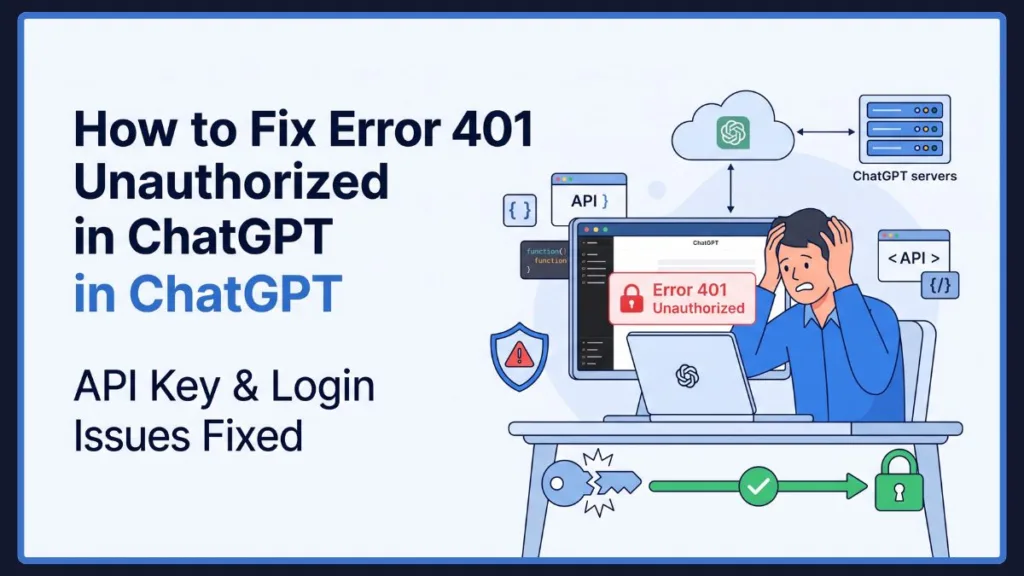
Many developers and everyday users report seeing these frustrating messages:
API Error 401: Incorrect API key provided
or
Unusual activity has been detected from your device.
While it completely disrupts your workflow, the good news is that this issue is almost always a simple authentication mismatch. You haven’t broken your code, and your account hasn’t been restricted. In this comprehensive guide, we will walk you through exactly what this error means, why it’s happening on your devices, and the specific steps you can take to get back to work.
What Does “ChatGPT 401 Unauthorized” Actually Mean?
To solve the problem, we first need to define what the error signals. Think of a 401 error like a security guard stopping you at the entrance of a building because your digital badge didn’t scan correctly. The server knows exactly who you are trying to talk to, but your credentials failed the verification check.
When your terminal or screen displays a ChatGPT 401 unauthorized message, it means:
- Your session expired: For app users, your local login token no longer matches the server’s records.
- Access token missing or invalid: For developers, you might be using a revoked API key or passing improperly formatted headers.
- Client-Side Issue: Unlike a 500 error, a 401 means the fix is usually in your hands (or requires a quick workaround on your device).
Why Are You Getting ChatGPT Error 401?
Based on recent community reports, this error usually stems from one of the following two triggers:
1. Automatic Background App Updates (iOS & Mac)
If you are dealing with a ChatGPT app login error 401 or a ChatGPT Mac app error 401, a sudden background update is likely the culprit. When your Apple devices automatically pull down major platform rollouts, structural code changes can cause your local app to fall out of sync with OpenAI’s security servers. The app gets confused and throws a ChatGPT unusual activity error.
2. Hallucinated Code and Unofficial Libraries (Developers)
If you are hit with a 401 incorrect API key provided ChatGPT error, the root cause is usually syntax. Interestingly, developers frequently run into this issue when they ask ChatGPT to write the integration code for its own API! Because AI models have knowledge cutoffs, they often hallucinate deprecated endpoints. Furthermore, if you use unverified, third-party code wrappers, they frequently format headers incorrectly, leading to a flat rejection.
ChatGPT App Error vs API Key Error: What’s the Difference?
It is easy to confuse these two forms of the error, but knowing the difference helps you decide exactly what to fix.
| Feature | App Glitch (iOS / macOS) | API Key Error (Developers) |
| Primary Message | “Unusual activity has been detected…” | “401: Incorrect API key provided.” |
| The Meaning | Your app version is out of sync. | Your authentication headers failed. |
| The Source | Background iOS or Mac app updates. | Deprecated code or unofficial wrappers. |
| The Fix | Move to a standard web browser. | Revert to official SDKs and check keys. |
Key Takeaway: If you see the “unusual activity” loop on your phone, stop trying to log in and out. The issue requires a simple platform switch, not a password reset.
How to Check If ChatGPT Is Down
Before you start messing with your settings or rewriting your code, verify the system status. Sometimes an authentication server goes down globally.
- Visit the Official Page: Head directly to the OpenAI Status Page.
- Check Specific Services: Look for “chatgpt.com” and “API.” Sometimes the web interface works while the API is struggling.
- Read the Indicators: If you see an ongoing incident flagged for iOS users, note that it almost always impacts the macOS desktop environment as well.
How to Fix ChatGPT 401 Error: A Step-by-Step Workaround Guide
You can confidently clear this hurdle by following these targeted steps.
Fixes for Everyday App Users
Step 1: Stop Trying to Reinstall the App
Do not delete and reinstall your application. This is a server-side security flag regarding the app’s current version build, so reinstalling will not bypass the block and will only waste your time.
Step 2: Switch to Your Web Browser
The easiest and most reliable workaround is to skip the app entirely.
- Open Safari, Google Chrome, or Microsoft Edge.
- Navigate directly to chatgpt.com.
- Log in with your standard credentials. The web platform bypasses app-specific update bugs, giving you full access to your chats.
Step 3: Clear Browser Cache (If Needed)
If you encounter a secondary login loop on the web, you need to clear your old cookies.
- Chrome: Go to Settings > Privacy and security > Clear browser cache and cookies.
- Safari: Go to Settings > Safari > Clear History and Website Data.
Fixes for API Developers
Step 1: Generate a Brand New API Token
If you suspect you have an invalid API key, minting a fresh one is the fastest diagnostic step.
- Log into your OpenAI developer dashboard.
- Navigate to Settings > API Keys.
- Click Create new secret key and copy it immediately.
- Delete the old, problematic key to ensure your system isn’t caching it.
Step 2: Audit Your Code and Organization ID
If you are working in an enterprise environment (like a ChatGPT 401 unauthorized Azure OpenAI setup), check your headers.
- Ensure your authorization header includes the word “Bearer” (e.g.,
Authorization: Bearer YOUR_API_KEY). - If you are part of an enterprise team, verify you don’t have an organization ID mismatch. You may need to pass
OpenAI-Organization: org-yourorgidin your header.
Step 3: Switch to the Official SDK
If you are routing your requests through custom community packages, migrate back to the official libraries, as third-party wrappers notoriously mishandle headers.
- Python: Open your terminal and run
pip install openai. - Node.js: Open your terminal and run
npm install openai.
Developer Tip: Stop relying on AI to write your API connection syntax! Always manually reference the live OpenAI API Documentation to ensure you aren’t using hallucinated, deprecated endpoints.
ChatGPT Error Codes: A Quick Reference
This table helps you quickly identify whether the ball is in your court or OpenAI’s.
| Error Code | Category | Meaning | Recommended Action |
| 400 | Client | Bad Request | Check JSON formatting or missing parameters. |
| 401 | Client | Unauthorized | Verify your API key is active or refresh your session. |
| 403 | Client | Forbidden | Check your permissions (e.g., tier restrictions). |
| 404 | Client | Not Found | Check for typos in your requested endpoint URL. |
| 429 | Client | Rate Limit | You hit your rate limits; slow down your requests. |
| 500 | Server | Internal Error | OpenAI glitch; wait 60 seconds and retry. |
Frequently Asked Questions (FAQ)
Why do I keep getting error 401 on ChatGPT?
It means your connection failed a security check. For app users, it’s usually a glitch after an app update. For developers, it means your API key is incorrect or your headers are formatted wrong.
How do I fix a ChatGPT network proxy 401 error?
If you are on a corporate network, your firewall or proxy (like Cisco Umbrella) might be stripping the authorization headers out of your requests before they reach OpenAI. You will need to ask your IT department to whitelist the OpenAI API endpoints.
Will I lose my chats if I switch from the app to the browser?
Not at all! Your chat history is synced to your account in the cloud, not saved locally on your device. When you log in via your browser, everything will be exactly where you left it.
Final Thoughts
The ChatGPT error 401 is a temporary annoyance, but it is highly solvable. While it is frustrating to have your flow interrupted, remember that simply migrating to the web browser or ensuring you use the official OpenAI SDKs will quickly get you back on track.
When authentication bugs or server outages become persistent, having a fallback plan is the best way to stay productive. You can easily switch to a different platform, such as Claude 3.5 Sonnet or Google Gemini, to keep your momentum going while you wait for the glitch to clear.
Visit Our Post Page: Blog Page
Discover more from Izoate
Subscribe to get the latest posts sent to your email.