
Google Pixel 11 trade-in error showing “Unknown or Unsupported Phone”? Learn how to fix the Pixel 10 trade-in issue, resolve the $0 trade-in problem, and get your Google Store refund.
You packed up your flawless Pixel 10, shipped it off for your much-anticipated Pixel 11 upgrade, and waited for your promotional credit to hit your account.
Whether you sent in the base model, a Pixel 10 Pro, or a Pixel 10 Pro XL, the terrifying result was the same for many.
Instead, you woke up to a heart-dropping email: your device was rejected as an “unknown or unsupported phone,” and your credit card was just slapped with a massive charge for the full retail price of your new phone.
Specifically, many users saw their Google Store Order History page update with a dreaded “Device assessed [Unknown or unsupported phone received]” message.
Take a deep breath! You are not alone, and there is absolutely nothing wrong with the phone you sent in.
Even if your phone was in mint condition and factory reset perfectly, the rejection was purely an automated failure.
This Google Pixel trade-in error is a confirmed, widespread system glitch on the store’s end.
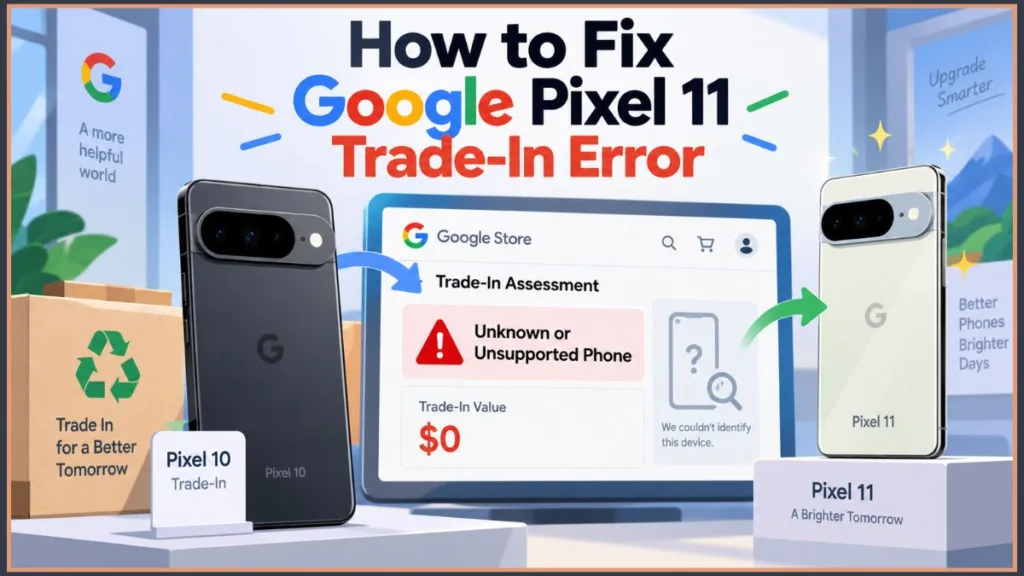
We are here to help you navigate exactly what went wrong, answer your most pressing questions, and show you how to ensure your hard-earned refund makes it back to your wallet.
Let’s break down exactly how this happened and the steps to make you whole.
Why Did Google Reject My Pixel 10 Trade-In as an “Unknown Phone”?
The root of this massive headache comes down to a warehouse scanning glitch.
When Google’s third-party processing partner received the influx of recent trade-ins, their automated scanners and database completely failed to recognize the newly released Pixel 10 and Pixel 10 Pro models.
In simple terms, the trade-in partner did not yet have the Pixel 10 series devices correctly inputted into their matching system.
Because the system logged the devices incorrectly, it essentially stated your Pixel 10 trade-in failed.
The exact fallout depended on how you purchased your new phone.
If you used the “instant trade-in credit” method, the system failure authorized a charge on your card to claw back that discount.
If you opted for a delayed refund, the system simply halted your payout, leaving your refund uncredited.
This triggered an automatic rejection and ultimately reversed the expected promotional credit.
In some extreme cases, the system misidentified phones entirely (like logging a pristine Pixel 10 as an older Pixel 8) or even generated return labels for completely different devices!
This caused mass panic, especially because frontline customer service representatives (CSRs) were initially not authorized to manually override the system’s automated mismatch charges.
Will I Get My Refund for the Pixel 11 Upgrade Error?
Yes, you absolutely will!
The good news is that the fix is already in motion.
Google has officially acknowledged the system error processing issue and is actively working to resolve it for all impacted customers.
After elevating the issue to higher support tiers, Google confirmed that a permanent fix is rolling out.
You do not need to panic about losing your promotional value.
Google has confirmed that anyone impacted by the Google Store unknown phone error will automatically receive a full refund for their initially quoted trade-in value.
Many customers are already receiving a specific follow-up email from Google stating: “Due to a system error, we incorrectly processed your recent Google trade-in as $0. You will still receive the full quoted value of your trade-in”.
How Do I Fix a Google Store Trade-In Credit Reversal?
While Google is handling the automatic reversals on their end, it is always best to be proactive.
Here is a step-by-step guide to securing your refund and ensuring nothing falls through the cracks:
- Step 1: Document Everything. Gather your receipts. Save a PDF or screenshot of your initial trade-in quote, the dreaded rejection email, and any photos or tracking numbers you have from when you shipped the device. Make sure to capture the specific screen that shows your device was marked as “Unknown or unsupported,” as this proves you are a victim of this exact glitch.
- Step 2: Monitor Your Inbox. Keep a close eye on your email over the next few days. You are waiting for a specific, official Google Store support refund notification confirming that they have caught the error and are processing your credit. This follow-up email is your golden ticket, usually confirming that the funds will be available pending your bank’s processing times.
- Step 3: Check Your Bank Statements. Over the next 10 business days, regularly check the credit card you used for the purchase. You want to verify that the original reversal charge has been canceled or that a new refund deposit has cleared. If you used multiple payment methods (like a mix of a card and store credit), Google typically refunds the card first up to the original charge amount, and issues the rest as Google Store credit.
Do I Need to Contact Google Support Immediately?
For most users, no. The refund process is automated.
However, if 10 business days pass and you still haven’t received an email or your money, it’s time to escalate.
Head to your Google Store “Order History” page, track your specific device order, and use the contact options there to reach out to a support agent with your documented proof in hand. You can also visit the official Google Store Help Center to start a chat.
Keep in mind that calling immediately upon receiving the initial rejection might be frustrating, as standard reps may still see the system error on their end and lack the authorization to process an instant manual refund.
Waiting for the automated batch fix is your best bet.
What Should I Do If Google Returned My Trade-In Device by Mistake?
Because the automated system triggered a total rejection, many users received notifications that their “unsupported” phones were being shipped back to them.
If you are one of these lucky people, there is a massive silver lining.
If Google has already initiated the return shipping for your “rejected” Pixel 10, you do not have to send it back once the refund is issued.
Google is reportedly allowing affected users to keep their old devices as an apology for the hassle.
The automated resolution emails even clarify this, stating explicitly, “don’t worry about sending it back to us”.
Does This Mean I Get to Keep Both Phones?
Yes!
If your device was already shipped back to you due to this error, you get to keep your new Pixel 11, receive your original promotional credit, and keep your fully functional Pixel 10 to use as a backup or for future trade-ins.
This means you could potentially hold onto that Pixel 10 in a drawer and use it to score another massive trade-in discount when the Pixel 12 rolls around next year!
Dealing with billing glitches is never fun, but rest assured that your credit is safe and on its way back to you!
Your wallet (and your new Pixel 11) will be just fine.
Visit Our Post Page: Blog Page
Discover more from Izoate
Subscribe to get the latest posts sent to your email.