
Stuck on an infinite loading screen? Learn how to check the Star Citizen server status today and fix frustrating connection or login issues quickly.
If you are staring at a long loading screen or dealing with unexpected login errors, you are probably wondering if the problem is on your end or if the servers are currently struggling. With the ongoing rollout of the highly anticipated Alpha 4.8 and Alpha 4.8.1 updates in mid-2026, server loads have fluctuated significantly. Getting geared up for a session in the Persistent Universe (PU) only to face star citizen login issues or a sudden star citizen server outage is incredibly frustrating.
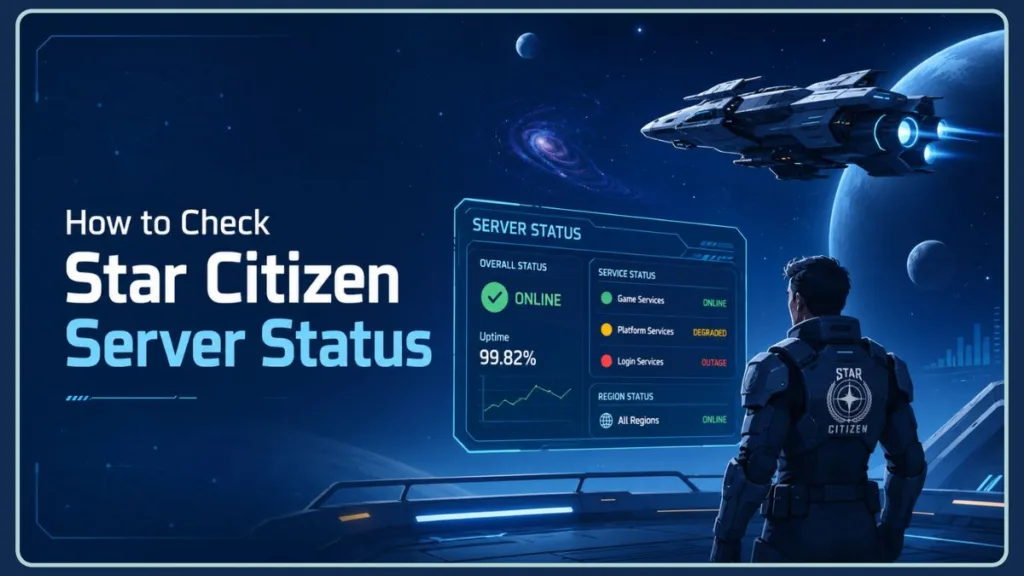
Whether you are dealing with a star citizen infinite loading screen or just asking yourself, “is star citizen down?“, you need answers quickly so you can either fix the problem or step away until it is resolved.
This guide will show you exactly how to check star citizen server status, troubleshoot common connection errors, and explain what is happening with the star citizen persistent universe status right now.
Are Star Citizen Servers Down Right Now? How to Check
Before you start troubleshooting your own PC or router, the very first step is verifying if the game servers are actually online. Here is how you can check the star citizen server status today. Keeping an eye on these resources is especially important during major patch cycles, like the recent June 2026 deployments, when Cloud Imperium Games (CIG) frequently updates the backend.
The Official RSI Status Page
The most reliable place to check is the official RSI status page provided by Roberts Space Industries. You can find this by visiting status.robertsspaceindustries.com.
This page provides a Star Citizen public advisory that tells you exactly what is going on. Here is how to read the indicators:
- Green: The platform is operational and servers are healthy.
- Yellow (Degraded): You might experience login delays, matchmaking issues, or missing inventory.
- Red (Outage): Major services are down, meaning you will likely not be able to connect.
For instance, during the recent Alpha 4.8.1 deployment, the status frequently shifted to Yellow due to elevated error rates preventing players from joining the Persistent Universe shards.
Pro Tip: You can also check the top right corner of your RSI Launcher. Clicking the status icon there will drop down a menu with the current server status without even needing to open a browser.
Does Star Citizen Have an API for Status?
If you are wondering about a star citizen server status API, the community has built several tools that pull data directly from the developers. Many automation tools—such as the RSI Status Discord Bot—and fan-made mobile apps hook into this data, allowing you to get push notifications whenever the server status changes. This is incredibly handy if you are waiting for a patch deployment to finish while watching YouTube or chatting in Discord.
Using Community Tools: Star Citizen Down Detector and Reddit
Sometimes the official status page shows “green,” but you still cannot connect. In these cases, it is helpful to see if other players are experiencing the same thing.
- Check out the Star Citizen server status reddit via the r/starcitizen Reddit community. If there is a massive unannounced outage, you will usually see a flood of new posts confirming that Star Citizen is offline. During the Alpha 4.8 rollout, this subreddit became the primary hub for players tracking real-time server stability.
- You can also check community-driven tracking sites like the Star Citizen Downdetector page to see if there is a sudden spike in player reports regarding connectivity issues.
Common Star Citizen Connection Problems and How to Fix Them
If the servers are online but you are still getting kicked back to the main menu, you might be dealing with a specific error code.
Why Am I Getting Error 30k in Star Citizen?
A star citizen error 30k (or 30000) is the most notorious error in the game. It simply means that your client has lost its connection to the game server. This usually happens when the server itself crashes, disconnecting everyone inside that specific server shard.
While you generally just have to wait for the server to recover, if you are getting 30k errors frequently while your friends are not, here is a star citizen known issues workaround to try:
- Check your connection: Ensure you are playing on a stable, wired Ethernet connection rather than Wi-Fi.
- Restart your router: Sometimes a simple reset clears out local network routing issues.
- Check your firewall: Ensure both
RSI Launcher.exeandStarCitizen.exeare whitelisted in your Windows Firewall or anti-virus software.
If you are dealing with a different connection timeout just trying to get past the menus, you might need to fix Star Citizen error 30009 instead, which requires a slightly different approach.
What Does Error 19k Mean in Star Citizen?
A star citizen error 19k (or Star Citizen error code 19000) means there is a problem with the login service. You will typically see this when there are launcher authentication issues or your account data is failing to synchronize with the network.
If you encounter this, try the following steps:
- Log out and log back in: Fully log out of the RSI Launcher, close it completely (check your system tray), and log back in.
- Flush your DNS: Open your Windows Command Prompt as an administrator, type
ipconfig /flushdns, and press Enter. This can often resolve local network hangups preventing authentication. - Wait it out: Sometimes the authentication servers are simply overloaded during a major free-fly event or new patch launch.
Why Is Star Citizen Not Letting Me Log In?
If you are facing general Star Citizen matchmaking errors where you are stuck infinitely loading into a server, your account might be in a bad state. Alternatively, if your session fails to authorize correctly, you should review how to troubleshoot Star Citizen error 3001.
Sometimes the issue happens before the game even launches. Third-party software or background apps can trigger a Star Citizen anti-cheat error 30033, which completely blocks you from accessing the servers. Additionally, if you are experiencing a continuous timeout fetching data during startup, learning how to fix Star Citizen error 41058 can get you past that initial roadblock.
Historically, players would use the Character Repair tool on the RSI website to fix bad account states. However, keep an eye on the official status page—sometimes the character repair tool disabled notice is active if the developers are investigating a major database issue. If the tool is disabled, you will unfortunately have to wait for the developers to deploy a fix. As an example, during a major Live Services Disruption in June 2026, CIG temporarily disabled the Character Repair tool as a precaution while they investigated a widespread bug causing player inventories to become inaccessible.
Monitoring In-Game Server Stability and Performance
Sometimes you can log in just fine, but the game feels incredibly laggy, NPCs are unresponsive, and doors take five seconds to open.
How Can You Tell If a Star Citizen Server is Performing Poorly?
Before you blame your PC hardware for poor star citizen server stability, you should check how the server itself is performing. You can do this by enabling an in-game telemetry overlay.
Here is how to display server fps star citizen:
- Press the tilde key (~) on your keyboard to open the developer console.
- Type
r_displayinfo 2and press Enter. - Press the tilde key (~) again to close the console.
Look at the top right of your screen for a stat called Server FPS. Ideally, you want this number to be above 10. If the Server FPS is dipping down to 3 or 4, the server is struggling, and you should expect massive delays in gameplay actions. You can also check star citizen server ping in this same overlay to see your connection speed to the Shard server ping.
Star Citizen Maintenance Schedule and Updates
Because the game is in active Alpha development, planned downtime is a regular occurrence.
When Is Star Citizen Maintenance Scheduled?
To find the official star citizen maintenance schedule or check if there is Star Citizen maintenance today, you should look at the RSI Status page or the official Spectrum forums.
Additionally, keeping tabs on the official Roberts Space Industries X account is an excellent way to get immediate alerts for hotfixes, server deployments, and live service windows. Major infrastructure updates and new Alpha patch updates require the servers to be brought down, and the developers will always drop a warning detailing exactly when the servers will go offline. Recently, players have seen numerous maintenance windows starting around 11:00 UTC or 12:00 UTC, specifically targeting persistent database issues and matchmaking stability for the Alpha 4.8.1 patch.
How Long Do Star Citizen Outages Usually Last?
Looking at recent star citizen downtime history, a routine server hotfix rollout might only take 30 to 60 minutes. However, massive platform database updates or deploying a brand new major Alpha patch can result in maintenance windows lasting anywhere from 4 to 9 hours. During the June 2026 infrastructure updates, CIG noted that specific maintenance windows were “not expected to exceed 5 hours,” though players in the community often prepare for extended downtime if the QA team identifies new server crashes during validation.
FAQ
What is the current status of Star Citizen? The quickest way to check the current status is to look at the top right corner of your RSI Launcher or visit the official RSI Status page at status.robertsspaceindustries.com.
How do I know if Star Citizen is operational? If the official status page shows all green indicators, the game is fully operational. If you still cannot connect, the issue is likely on your local network or PC.
Why can’t I load into Star Citizen? If you are stuck on an infinite loading screen, it is often due to server-side database issues or corrupted local game files. Try verifying your game files in the RSI Launcher.
Why is Star Citizen not working? It could be due to a Persistent Universe down event, scheduled maintenance, or a local client crash. Always check the official status page first to rule out widespread outages.
Is Star Citizen CPU or GPU heavy? Star Citizen is incredibly CPU-heavy and requires a fast NVMe SSD and at least 32GB of RAM to run smoothly. If you have low framerates but the server FPS is high, your hardware may be struggling.
Is Star Citizen down for maintenance? Maintenance windows are always announced in advance. Check the RSI Status page for active alerts regarding temporary offline periods for server updates.
Conclusion
Dealing with a star citizen server outage or confusing error codes is never fun, but knowing exactly where to look for answers makes the process much less painful. Whether you are checking the launcher status, running a DNS flush for an error code, or monitoring the server FPS in-game, you now have the tools to figure out exactly what is going wrong.
Fluctuations in star citizen server status are a normal part of the alpha experience. Bookmark the official status page, keep an eye on community tools, and the next time you get booted from the game, you will know exactly what to do.
Visit Our Post Page: Blog Page
Discover more from Izoate
Subscribe to get the latest posts sent to your email.