
Accidentally posted the wrong price or photos on Facebook Marketplace? Learn the best way to edit your listing in 2026: update titles, descriptions, and shipping options to boost visibility. Get full step-by-step guides for mobile and desktop.
In the fast-paced world of digital resale, a “set it and forget it” mentality is the fastest way to let your inventory gather digital dust. As we move through 2026, the Facebook Marketplace algorithm has become increasingly sensitive to listing activity, shifting toward a highly personalized, AI-driven model that prioritizes items based on deep user engagement signals.
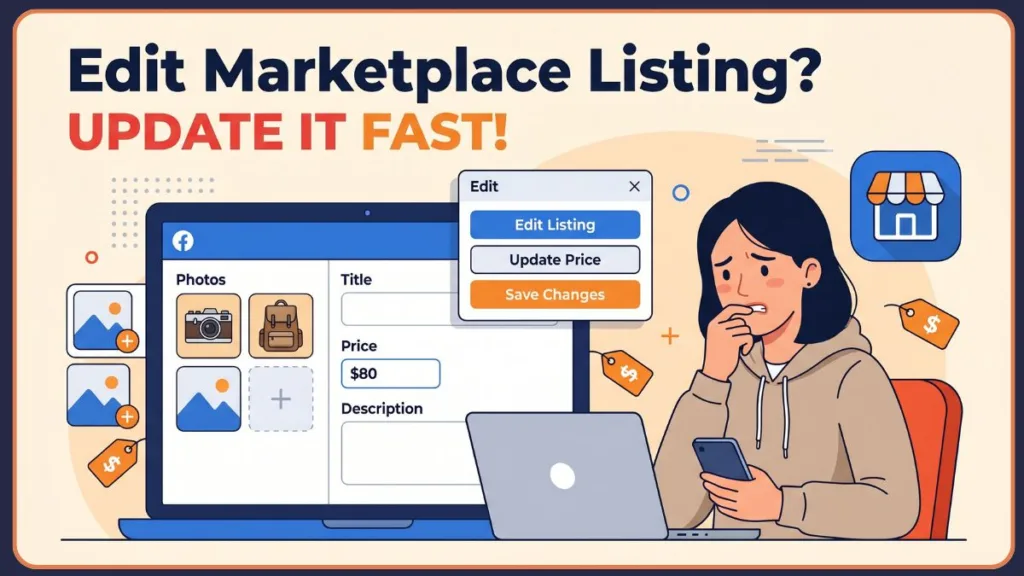
Learning how to edit a Facebook Marketplace listing to stay relevant is more critical than ever, as the 2026 system now uses advanced predictions to match your goods with buyers most likely to interact. Whether you’ve spotted a typo in your price or your once-hot item has gone cold, knowing how to efficiently refresh your post is the difference between a quick sale and a dead lead in an era where short-form video and original content reign supreme.
Why You Might Want To Edit Your Listing
Maintaining an active, accurate listing isn’t just about administrative neatness; it’s a strategic sales move. Even a minor adjustment can “nudge” the algorithm to re-index your item for fresh eyes, as modern fb marketplace settings now track your responsiveness and listing accuracy as key credibility markers.
- Boost Search Visibility: Updating your title with high-performing LSI keywords helps your item appear in more specific searches.
- Trigger Price Drop Alerts: Knowing how to change price on Facebook Marketplace listing posts is vital; lowering your price by at least 10% often sends direct notifications to users who have “Saved” your item.
- Pre-empt Buyer Questions: Editing your description to include dimensions or flaws saves you hours of repetitive back-and-forth on Messenger.
- Refining Your Aesthetic: Swapping a blurry cover photo for a high-definition, well-lit shot can instantly increase your click-through rate.
- Enable E-commerce Features: Frequent edits allow you to verify your identity and add bank account details, which are now required for receiving payouts on high-value shipping orders.
Can You Still Edit Listings in 2026?
Yes, the core functionality remains, but Facebook has introduced stricter “Transaction Locks” and AI content moderation to prevent bait-and-switch tactics and combat common scams. In 2026, the most significant shift is the Pending Status Lock and the heightened importance of seller identity verification. If you have marked an item as “Pending” to hold it for a buyer, the platform temporarily freezes your ability to edit the price or description to protect the integrity of the agreed-upon deal.
Official Note: Listings that have triggered a “Policy Review” or have a generated shipping label attached cannot be edited until the review is cleared or the label is cancelled. Furthermore, 2026 updates have integrated stricter data protection guidelines, meaning significant category changes may trigger a manual re-verification of your listing status.
Primary Method: How to Edit Facebook Marketplace Listing on iPhone
Most sellers manage their inventory on the go using the edit Facebook Marketplace listing on iPhone or Android workflows. This method is the fastest way to push updates to the live Marketplace feed and utilize the new 2026 “Door Drop-off” shipping integration.
- Navigate to Marketplace: Tap the Storefront icon in your navigation menu.
- Access Your Dashboard: Tap the Profile/User icon (top right) and select Your Listings from your seller dashboard.
- Find and Manage: Locate the item you wish to change. Tap the three-dot menu (…) or the Manage button next to it.
- Enter Edit Mode: Select Edit Listing.
- Modify Fields: Adjust your photos, title, price, category, or description as needed.
- Update Visuals: If you need to know how to add photos to existing Facebook Marketplace listing records, simply tap the photo area to upload new shots, where you can now reorder or crop images to highlight the best features.
- Enable Shipping: Scroll down to the delivery method and select “Shipping and Local Pickup.” You can now use the new how to edit a Facebook Marketplace listing to offer shipping steps by selecting the “Door Drop-off” menu to expand your selling radius.
- Finalize: Tap Save in the top right corner to apply your save changes command.
Key Points to Remember
- Always double-check your price after saving; a misplaced decimal point can be a costly mistake.
- Adding “Tags” (up to 20) during an edit can significantly help the 2026 AI categorize your item.
- Ensure your location is still accurate if you are cross-posting in different regions.
- Transparency is key in 2026; include honest close-ups of any defects to avoid “Misleading Content” reports that could damage your seller score.
Alternative Method: Edit Facebook Marketplace Listing on Desktop
If you are managing a large inventory or need to copy-paste detailed technical specifications, the edit Facebook Marketplace listing on desktop interface is far superior for precision and bulk management of active listings.
The Approach
Log into Facebook on your browser and click the Marketplace icon in the left-hand sidebar. Select Selling and then Your Listings. Hover over the item and click the three dots to find the Edit Listing option. This view gives you a wider look at your product description and allows for easier keyword placement to satisfy the Facebook Marketplace algorithm.
Caveat
The desktop version occasionally experiences “Sync Delays” due to the complex AI filters running in the background. If your edits don’t appear immediately on your mobile app, refresh your browser cache or wait 2-3 minutes for the server to propagate the changes and update your public listing status.
Long-Term Strategy: The “7-Day Relist” Cycle
For items that simply aren’t moving despite edits, you need a more robust solution than a simple text change to increase marketplace views. Professional sellers on Izoate often use the how to renew Facebook Marketplace listing strategy alongside the 7-day cycle.
How to do it
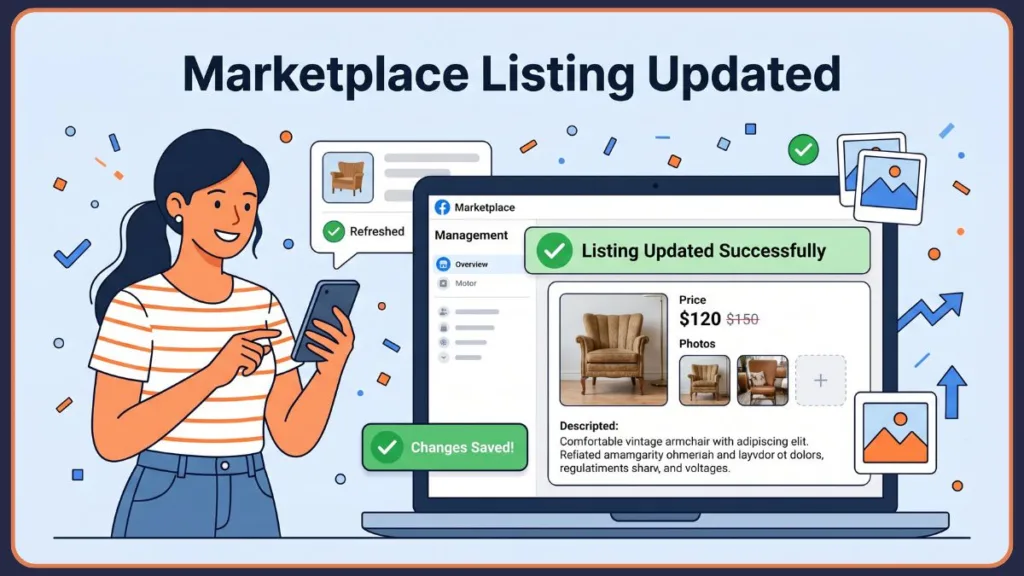
If a listing is older than 7 days, navigate to your listing management screen and look for the Renew option. If you have already used your renewals, select Delete Listing, and when prompted, select “No, I haven’t sold it.” Facebook will then offer to Relist the item as brand new. Since the Facebook Marketplace algorithm in 2026 prioritizes original content, this reset can bypass old engagement signals and find a fresh audience.
Benefits
- Resets the “Days Listed” counter and clears negative engagement signals.
- Provides a “New Listing” boost in local search results.
- Allows you to completely change the primary category if the first one didn’t perform.
- Enables you to boost Marketplace listing posts with a fresh ad budget if the organic reach is stalling.
Additional Selling & Productivity Tips
- A/B Test Your Cover Photo: If views are low, edit the listing to move your third or fourth photo to the primary slot. Sometimes a different angle is all it takes to capture attention.
- Use Seasonal Keywords: In your description, add phrases like “Perfect for graduation” or “Holiday gift idea” to catch trending 2026 social media topics.
- The 10% Rule: To trigger a “Price Drop” badge (which catches the eye in the feed), ensure your price edit is a reduction of at least 10% from the previous active listings price.
- Mark as Unavailable: If you’re going out of town, don’t delete your posts. Edit the availability to “Mark as Unavailable” to pause inquiries without losing your SEO momentum or damaging your response rate.
- Leverage Reels: In 2026, you can link your Marketplace listing to a short-form video (Reels). Creating a 15-second “product tour” can dramatically increase marketplace views by hitting the “Video” signal in the new algorithm.
Limitations Section: Cannot Edit Facebook Marketplace Listing
While the editing tool is powerful, it isn’t a magic wand, and there are several reasons why you might find you cannot edit Facebook Marketplace listing posts.
- Cannot Revert: There is no “Undo” button for edits. Once you save, the previous description is gone forever.
- Review Re-trigger: Significant changes to the price or category may trigger a fresh “Automated Review,” temporarily hiding your listing from search for a few minutes while the AI checks for compliance.
- Locked Attributes: Some attributes in the “Vehicle” or “Home for Sale” categories cannot be changed once the listing has reached a certain number of views to prevent fraudulent sales.
- Eligibility Restrictions: Not all categories are eligible for shipping; if your item is too heavy or in a restricted category, the “Offer Shipping” edit will remain greyed out.
Final Thoughts
Mastering the art of the edit allows you to treat your Facebook Marketplace listings as a living strategy rather than a static post. By shifting your photos, sharpening your titles, and understanding when to utilize the “Relist” cycle, you stay ahead of the casual seller.
The key is to remain active and responsive to what the data is telling you—if the views aren’t climbing, the listing needs a change. Stay proactive, keep your descriptions transparent to build trust, and use these tools to build a reliable seller reputation. Honest trading is more important than ever in 2026 to avoid account restrictions and maintain a high credibility score.
- Recap: Identify the bottleneck (price/photo/title).
- Recap: Use the mobile app for quick updates and desktop for bulk edits.
- Recap: Use the 7-day rule for a total visibility reset.
Your next sale is likely just one well-placed keyword edit away.
FAQ: Why Won’t Facebook Let Me Edit My Marketplace Listing?
1. Why is the “Edit” button missing on my listing? If you find you cannot edit Facebook Marketplace listing posts, it usually happens if an order is pending, you have a generated shipping label, or your account is currently undergoing an identity verification check.
2. Does editing a listing cost money? No, editing is a free feature of the standard Facebook Marketplace. Only choosing to boost Marketplace listing posts as an advertisement will incur a cost.
3. Will my followers be notified when I edit a post? Generally, no. However, users who have “Saved” the item may get a notification if the price is significantly lowered.
4. Can I change the location to a different city? Yes. You can edit the location to any zip code, which is helpful if you are willing to travel or meet halfway for facebook local selling.
5. How many times can I edit a listing? There is no set limit, but excessive editing (multiple times per hour) may trigger a temporary “Action Blocked” flag for spam-like behavior or trigger a manual listing status review.
Visit Our Post Page: Blog Page
Discover more from Izoate
Subscribe to get the latest posts sent to your email.