
Is your Audible audiobook stopping mid-playback? Learn how to fix Audible Error Code IP-4562 in minutes without losing progress using verified, community-tested solutions.
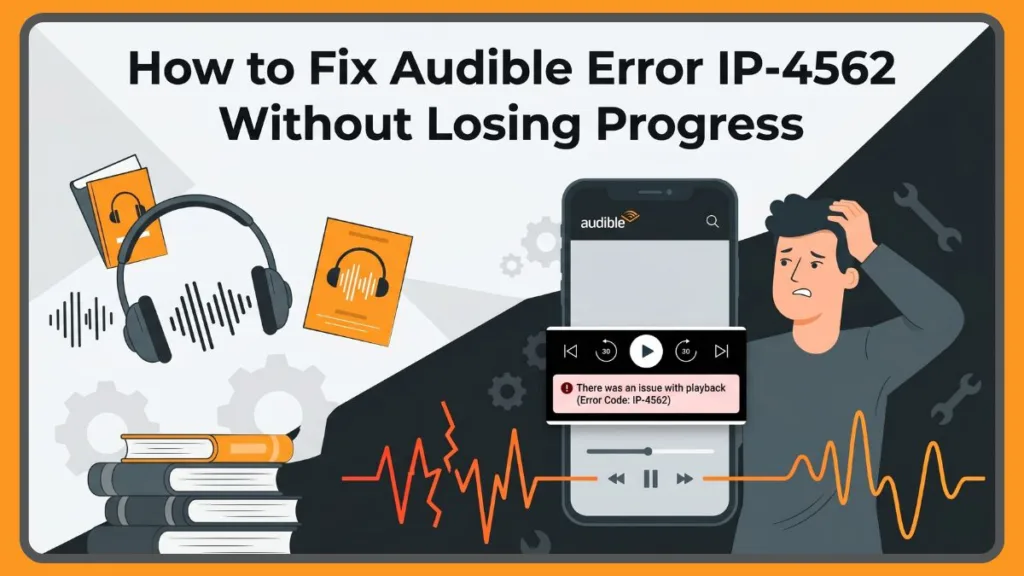
There is nothing quite as frustrating as being deeply invested in an audiobook, only for the narrator to abruptly cut out right at a cliffhanger. If your screen is flashing Audible Error Code IP-4562, you are experiencing a known, highly stubborn playback glitch.
The good news is that you are not alone, and your audiobook is not permanently broken. Here is exactly what is happening behind the scenes and the community-tested methods to get your book playing again in under a minute.
Why Reinstalling Audible Doesn’t Fix IP-4562
When an app glitches, our first instinct is usually the classic “turn it off and on again” approach. You might have already tried restarting your phone, signing out of your account, or completely deleting and reinstalling the Audible app.
Unfortunately, standard tech troubleshooting rarely works here. Reinstalling Audible does not fix the issue because the root cause is local file corruption, not a core app failure. When you delete and reinstall the app, you are simply prompting Audible to redownload the same faulty file parameters, leaving you stuck with the exact same error loop.
Why Audible Error IP-4562 Happens Mid-Playback
Many listeners report that their book was working perfectly until suddenly, halfway through a chapter, it refused to continue. This Audible Error IP-4562 mid-playback issue is usually tied to a localized download snag.
During the initial download, a brief interruption in your Wi-Fi or cellular connection can corrupt a tiny segment of the audio file. When the playback slider hits that specific corrupted timestamp, the app does not know how to read the broken data and throws the IP-4562 error code. It can also be caused by the app struggling to manage its “stream while downloading” feature.
Why IP-4562 Affects Only One Audiobook
If you test out other titles in your library, you will likely find that they play without a hitch. This can be confusing, but it perfectly explains why IP-4562 Affects Only One Audiobook.
Because the error is tied exclusively to the unique, localized audio file of that single title on your device, the rest of your library remains entirely unaffected. Your account is perfectly fine; it is just that one specific downloaded file that needs to be addressed.
What Reddit Users Say About Audible IP-4562
When standard troubleshooting fails, people turn to forums. Reddit discussions Say About Audible IP-4562 highlights a massive shared frustration. In a popular thread addressing the issue, users noted spending days trying to fix the app to no avail.
However, the Reddit community actually crowdsourced the most reliable workarounds for this issue, proving that the best solution relies on bypassing the downloaded file altogether. These community-verified fixes work instantly, often succeeding where standard customer service scripts fail.
How to Fix Corrupted Audible Book Without Losing Progress
Before you delete anything, you might be worried about losing your bookmarks or your exact listening position. Fortunately, your listening history is saved to Audible’s cloud servers, not the local file. Here’s how to fix a corrupted Audible book without losing your progress using the top three methods.
Fix 1: The “Stream-Only” Method (Reddit’s Top Fix)
This is the most highly recommended fix by the community and is consistently reported as the fastest solution.
- Tap the three dots next to the corrupted audiobook in your Audible library.
- Select Remove Download from the menu.
- Do not hit the download button again.
- Simply tap Play on the book cover.
- The app will stream the book directly over your Wi-Fi or cellular data, completely bypassing the broken file on your phone.
Fix 2: The “High Quality” Redownload Method
If you need to listen offline (like on a flight or a road trip) and streaming isn’t an option, use this method to force the app to grab a fresh, uncorrupted version of the file.
- Remove the corrupted download from your device using the steps above.
- Navigate to Profile > Settings (the Gear Icon) > Data & Storage.
- Change your Download Quality setting to High.
- Go back to your library and redownload the audiobook.
Fix 3: The Official Audible Support Fix
The official Audible Support team eventually stepped into the community forums to offer an app-settings adjustment to prevent this error from recurring.
- Ensure your Audible app is updated to the latest version in the Apple App Store or Google Play Store.
- Open the app and go to Profile > Settings > Data & Storage.
- Toggle off the Stream to Download feature.
By switching off “Stream to Download,” you prevent the app from trying to play the file while simultaneously saving it to your device—a process that frequently causes the file corruption leading to the IP-4562 error.
Visit Our Post Page: Blog Page
Discover more from Izoate
Subscribe to get the latest posts sent to your email.