
Want to change your Facebook profile URL in 2026? Learn how to edit your Facebook username, customize your profile link, and create a clean vanity URL on mobile or desktop.
Have you ever updated your resume or personal profile, only to realize your Facebook URL is a long, unreadable string of numbers? If you’re wondering, “how to edit profile link on facebook,” you’re definitely not alone.
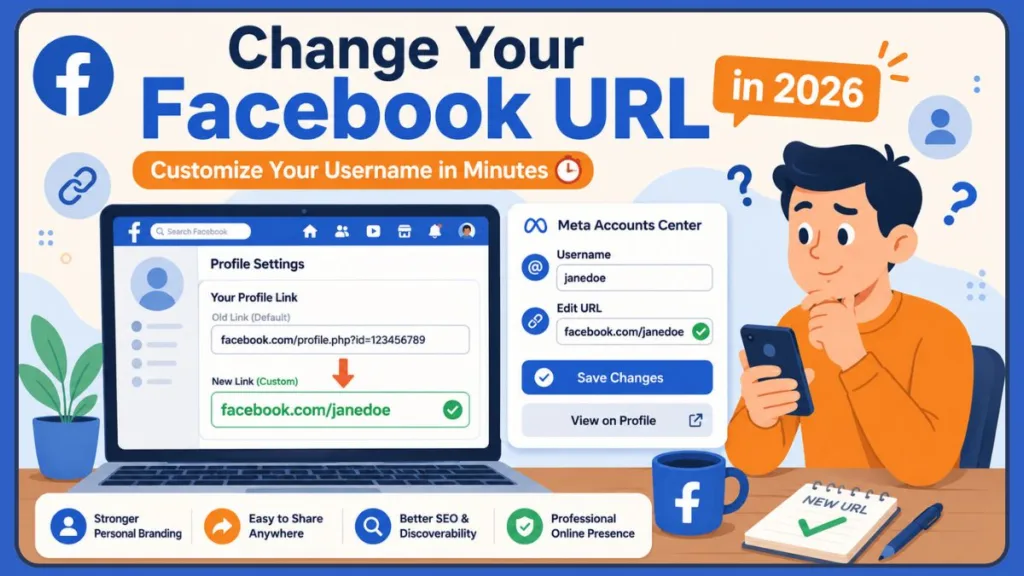
Yes, you can customize your Facebook profile URL in 2026. By default, Facebook gives everyone a Profile ID made of random numbers (e.g., facebook.com/profile.php?id=123456789). But if you’re asking, “how to change my facebook link,” we’ve got you covered. Changing your link gives your digital presence a friendly, polished appearance. In this guide, we’ll walk through exactly how to change facebook profile url, what happens when you do, and the easiest practical ways to get it done on both mobile and desktop.
What Is a Personalized Link on Facebook Used For?
A personalized link gives you control over your online identity, turning a generic string of numbers into a recognizable, human-friendly asset. It’s a simple change that makes a significant difference.
Having a custom username provides clear branding benefits. It looks far more professional on a business card or portfolio. Plus, it makes sharing your profile a breeze—telling someone to visit “facebook.com/janedoe” is much easier than reciting a 15-digit number. Maintaining the same handle across platforms ensures better social media consistency, making it straightforward for friends or clients to find you.
So, what is a Facebook vanity URL? A “vanity URL” is just the technical term for this customized, easy-to-read web address. It exists purely for aesthetic and branding purposes to make your profile look neat and on-brand.
You might also wonder: is a Facebook username different from a profile name? Yes, it is. Your profile name is the display name everyone sees (like Jane Doe), and it can include spaces. Your username, however, is the unique identifier in your URL (like @janedoe123). While many people can have the profile name “Jane Doe,” only one person can own the custom username “janedoe123”. As a bonus, this clean link even helps with SEO, making it easier for folks to find you on search engines.
Where Is My Facebook URL on Mobile?
Before you figure out how to change facebook url on mobile, it helps to know what your current link looks like. Finding it is quick and easy.
How to Find Your Facebook Profile Link on Android
- Open the Facebook app and tap your profile picture.
- Tap the three dots (
...) right next to “Edit Profile.” - Scroll down to the bottom of the “Profile Settings” menu.
- You’ll see your current link displayed under “Your Profile Link.”
How to Find Your Facebook Profile Link on iPhone
- Open your iOS app and navigate to your profile.
- Tap the three dots (
...) next to “Edit Profile.” - Look toward the bottom of your screen.
- Your custom URL is clearly listed under “Your Profile Link.”
How Do I Copy My Facebook Profile Link?
To share your profile in a snap, just follow the steps above to find your link. Right under the URL, simply tap the Copy Link button. It instantly copies to your clipboard, so you can paste it into texts or emails.
A quick tip: Always paste and check your copied link in a mobile browser before printing it on any materials to ensure it works correctly.
How to Change Profile Link on Facebook Using Phone
Updating your URL from your smartphone is very straightforward. Recently, Facebook moved these settings around to streamline things, so we’ll be using the Meta Accounts Center.
How to Change Facebook Profile URL on Android
If you want to edit your link on an Android device, you’ll just need to navigate through the Meta Accounts Center, which now smoothly handles all username changes.
How to Change Facebook Profile URL on iPhone
The process for how to change facebook profile link on iphone is exactly the same as Android since both use the unified Meta Accounts Center within the app.
Can I Change My Facebook Profile URL on Mobile?
Yes, you certainly can. Here’s the updated process for a facebook profile link edit in 2026:
- Open the Facebook app and tap the menu icon (the three horizontal lines).
- Tap the gear icon to open Settings & Privacy.
- Tap Meta Accounts Center at the very top.
- Select Profiles and tap your Facebook account.
- Tap Username.
- Type in your new desired username.
- Tap Done to save your changes.
Note: If your Instagram and Facebook are linked here, you can seamlessly sync your usernames for consistent branding. Just keep in mind there might be a slight delay while the global servers update.
How to Personalize Facebook Profile Link on Desktop
If you prefer using a computer, changing your link on a desktop browser is incredibly fast and reliable.
How Do I Create a Custom Facebook Link?
- Log into Facebook on your desktop browser.
- Click your profile picture in the top right and choose Settings & privacy, then Settings.
- Click on Accounts Center (usually located on the top left sidebar).
- Click Profiles and select your personal Facebook profile.
- Click Username.
- Type out your desired URL and hit Done.
Can I Customize My Facebook Profile URL?
Yes. The system will helpfully check username availability in real-time. If you see a green checkmark, your URL formatting examples meet all the criteria. For the best look, we recommend using a clean combination of your first and last name.
Helpful hint: Doing this on a desktop makes it easy to open an incognito window right after saving to test your new link.
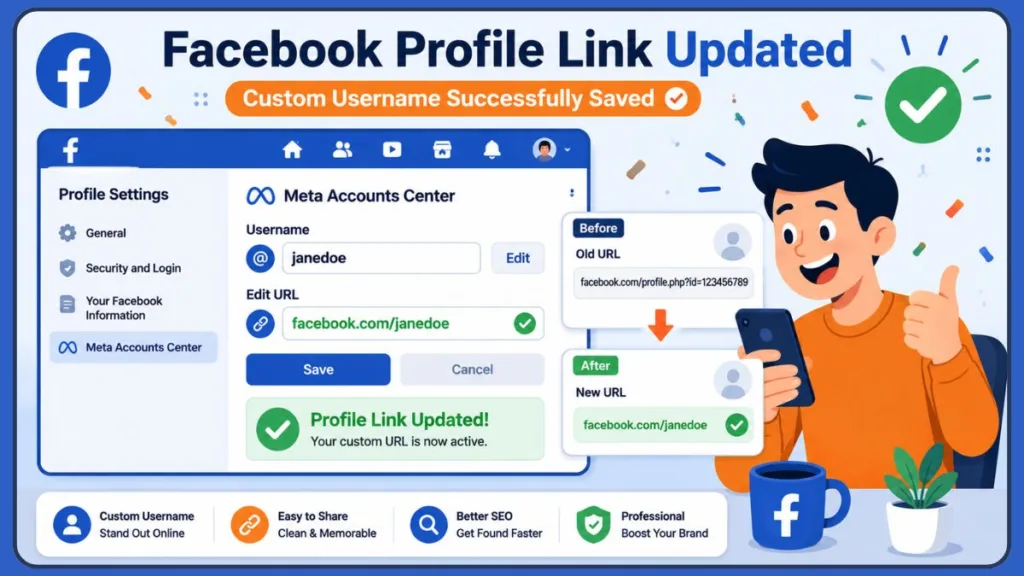
Facebook Username Rules and Requirements
To keep things organized and safe for everyone, Facebook has a few formatting rules you’ll need to follow when you change facebook username.
Why Can’t I Edit My Facebook Username?
If the system isn’t letting you save, check your character limits. Usernames need to be between 5 and 50 characters long. Anything shorter or longer will keep the save button grayed out.
Why Is My Facebook Username Unavailable?
If you see that your facebook username is not available, it simply means someone else has already claimed it. You can’t bypass these uniqueness rules, and you also can’t use restricted words or profanity. Remember, you are only allowed to use alphanumeric characters (A-Z, 0-9) and periods (.). Facebook also strictly prohibits generic extensions like .com or .net in your username. Additionally, dashes (-) and underscores (_) are completely banned and will immediately cause the system to reject your submission.
Can Two Facebook Accounts Have the Same Username?
No, they cannot. Usernames are unique global identifiers. If someone else owns “johndoe”, you’ll need to get creative with a variation. Also, it’s good to know that periods don’t count as character separators on Facebook’s backend, so johndoe and john.doe are seen as the exact same thing. The same rule applies to capitalization. Typing JohnDoe or johndoe will direct to the exact same profile, though you can use capital letters to make your link easier to read on printed materials. If you are on a recently changed username restriction, you’ll just need to wait out the cooldown period before trying again.
Does Changing My Facebook Username Change My Profile Link?
Yes, it does. Your username and your profile link are exactly the same thing. So, when you change your username to “newname,” your profile URL instantly updates to facebook.com/newname.
It’s important to understand what this means for your old links: your previous URL is immediately released back to the public pool. This means your old links will break, and redirects generally do not work. Anyone clicking an old link will see a “Page Not Found” error, which can affect your discoverability. To avoid losing connections, make a quick checklist of everywhere your current link is posted so you can update them right after you save.
How Long Does Facebook Take to Update a New Username?
The database update is almost always immediate. As soon as you hit save, your new URL is live and ready to go.
However, you might occasionally notice minor cache delays on your own device. If you still see the old URL, it’s usually just a browser sync timing issue or an app refresh issue. Simply close the app fully or clear your desktop browser cache, and the new link should display correctly.
How Many Times Can You Change Your Facebook Username?
While Facebook doesn’t state a strict lifetime limit, changing your username too often will trigger a waiting period. Facebook’s security systems automatically flag rapid changes as spammy behavior to keep the platform safe.
As a best practice, try to wait at least 60 days before changing it again to keep your account in good standing. Treat your custom link like a permanent asset—finding a good one and sticking to it is the best way to build your digital identity and avoid broken links.
How Do I Make My Facebook Profile Link Shorter?
A long URL can be tough to remember and looks clunky in print. To shorten it and make it punchier, try removing middle names or extra numbers.
Great vanity URL examples include your first initial and last name (like facebook.com/jdoe) or a short brand name. Choosing cleaner usernames without birth years looks more professional. Try to match your handle on Instagram or Twitter for brand consistency. If your exact name is taken, adding a short, professional industry keyword (like “art” or “tech”) is a practical alternative to random numbers.
How Do I Reset My Facebook Profile URL?
If you decide you don’t prefer your new URL, resetting it simply means manually reverting usernames back to your old one using the exact same steps we covered above.
However, keep in mind there are recovery limitations. Because your old username returns to the public pool immediately, there is a chance it might be unavailable if someone else claims it. There isn’t an “undo” button, so always be sure you’re ready to part with your old username before you save. If you represent a registered business and a squatter has taken your exact brand name, you can submit an Intellectual Property (IP) report to Meta. If you provide a registered trademark certificate, Meta can sometimes recover dormant or inactive usernames for your official business use.
How Do I Edit My Facebook Page Link?
If you manage a business, note that Business Pages use slightly different menus than personal profiles. Let’s look at how to change facebook page url desktop and mobile rules.
Difference Between Facebook Profile URL and Page URL
A profile URL belongs to a personal account (for connecting with friends), while a Page URL belongs to a business, brand, or public figure (for connecting with followers).
Steps to Change Facebook Page Username
To figure out how to change business page url on facebook, you first need full Admin rights.
- Switch your active profile over to your Facebook Page.
- Go to your Page’s Settings.
- Under General Page Settings, find the Username field.
- Click Edit, type in your new business branding handle, and save.
A common page URL error happens when trying to claim a vanity name for a brand-new page. Sometimes, Facebook requires pages to be active for a few days or gather a few likes before granting custom URL privileges to prevent spam. Historically, Facebook enforces a 25-like minimum threshold before a new Page can claim a custom URL, though verified accounts can sometimes bypass this. Also note that while your Page Display Name can be up to 75 characters, your Page Username is strictly capped at 50 characters.
Common Problems When Changing Facebook Profile Links
Even with the best instructions, you might run into a minor issue. Here’s how to practically solve the most common roadblocks:
Username Already Taken
If the name you want is claimed, try adding a period, your middle initial, or a relevant professional keyword like “official” or “realtor” to make it uniquely yours.
Save Changes Button Not Working
If the button is grayed out, your proposed username likely violates formatting rules. Double-check that it isn’t too short, too long, or containing illegal characters (like dashes).
Facebook Username Change Not Available
This usually happens if your account is less than 24 hours old or if there’s a temporary restriction from a policy violation. Verify your account and wait until the restriction naturally lifts.
Mobile App Errors
If the app crashes or won’t save, force close it and ensure it’s updated. If that doesn’t work, logging in via your mobile browser or jumping on a desktop version usually clears it right up.
Browser Cache Problems
If the desktop site seems stuck in a loop, try clearing your cache and cookies, using an incognito window, or switching browsers (like moving from Chrome to Safari). Also, if you recently changed your actual display name, you might need to wait 60 days, as backend security restrictions sometimes overlap to keep your identity safe.
Best Practices for Choosing a Facebook Username
To help you pick the perfect link the very first time, keep these practical tips in mind:
- Keep it short: Fewer characters are easier to type and share.
- Use your real name or brand: Choose the exact name people will actually type into search engines to find you.
- Match other social media handles: Keeping things uniform across platforms helps maintain consistent personal branding.
- Avoid random numbers: Using a string of numbers can sometimes make an account look like spam.
- Think long-term branding: Try to avoid specific job titles or locations just in case you relocate or change careers down the road.
Frequently Asked Questions
How do I change my Facebook profile link?
Simply navigate to Settings & Privacy > Meta Accounts Center > Profiles > Username, and type in your new customized link.
Can I customize my Facebook profile URL?
Yes. Any user with an account in good standing can swap out their default Profile ID number for a customized vanity URL.
Why can’t I edit my Facebook username?
Your account might be brand new, you might be using invalid characters, or you could be on a temporary security restriction from a recent account change.
How do I create a custom Facebook link?
Access your profile settings, find the Username field in the Accounts Center, and enter a unique, alphanumeric name.
How do I copy my Facebook profile link?
Head to your profile page, click the three dots (…) menu next to ‘Edit Profile’, and select “Copy Link”.
How many times can you change your Facebook username?
There isn’t a strict lifetime limit, but changing it too rapidly will trigger temporary security blocks to keep your account safe.
Why is my Facebook username unavailable?
This means another user in the Facebook community has already claimed that specific combination of letters and numbers.
Can I change my Facebook profile URL on mobile?
Yes, you can easily do this using the Meta Accounts Center inside the Facebook app settings.
How do I edit my Facebook page link?
Switch your active session over to your Page profile, go to Page Settings, and edit the Username field (ensure you have full Page Admin rights).
What is a Facebook vanity URL?
A vanity URL is a customized, easy-to-read web address (like facebook.com/yourname) designed to help with your personal branding.
Does changing my Facebook username change my profile link?
Yes, your username and profile link are the exact same functional entity.
How long does Facebook take to update a new username?
The update happens immediately in the database, though your local browser cache might take a few minutes to catch up visually.
Can two Facebook accounts have the same username?
No, usernames act as unique web addresses, so they cannot be duplicated.
How do I make my Facebook profile link shorter?
You can edit your username to intentionally remove middle names, unnecessary numbers, or extra words.
How do I reset my Facebook profile URL?
You can reset it by manually changing your username back to the old one—provided no one else has claimed it in the meantime.
Is a Facebook username different from a profile name?
Yes. Your profile name is your highly visible display name, while your username is your unique, backend URL identifier.
Final Thoughts
Customizing your Facebook URL is a quick, practical task that provides clear long-term benefits. It gives your profile a professional polish, makes sharing your page frictionless, and helps ensure your branding stays consistent across the web.
Once you find and secure that perfect username, remember to update any old links pointing to your profile, such as email signatures or digital resumes. Since broken links can make it harder for folks to find you, take your time choosing a long-term username you are confident in.
A practical strategy is to create a spreadsheet of all your online profiles and URLs; that way, you’ll always know exactly which platforms need updating at a glance.
Visit Our Post Page: Blog Page
Discover more from Izoate
Subscribe to get the latest posts sent to your email.