
Task Bar Hero Error 500 on Steam? Don’t panic. Learn why this HTTP/1.1 Internal Server Error appears, whether you’re banned, and how to get back into the game.
Picture this: you are deeply focused on your solo grind. In the isolated world of an idle RPG, your heroes fight alone at the bottom of your screen. You have spent hours optimizing your idle game backend connection, waiting for that perfect Arcana drop. Then, suddenly—bam. A TBH protocol error 500 popup shatters your focus and kicks you straight back to your desktop.
As a seasoned player who leaves my party farming 24/7, I know the immediate dread that sets in. Did your internet just die? Are your local save files corrupted? Or worse, did you just fall victim to a Steam game false ban idle games sweep?
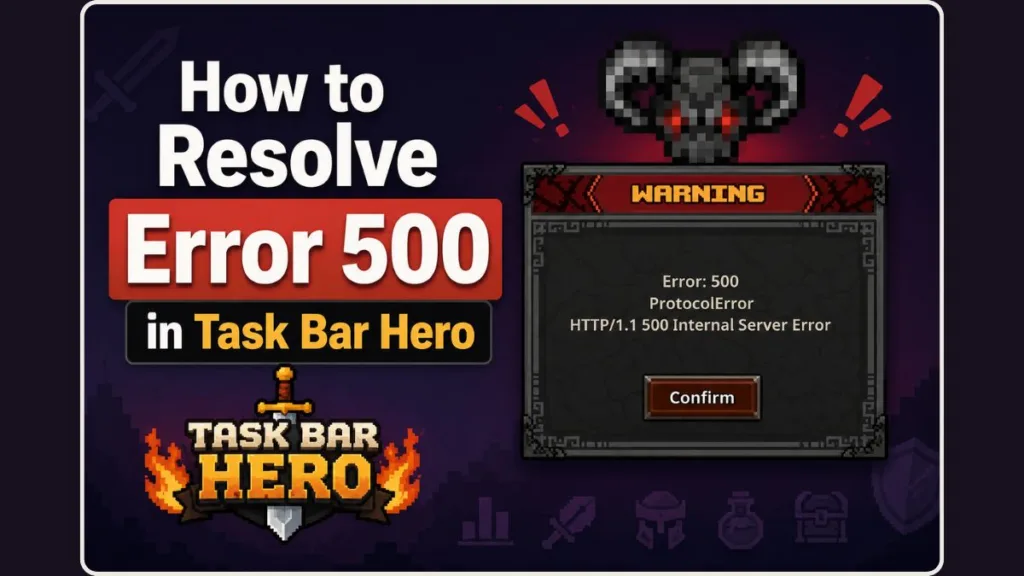
Let me pause you right there. You are not banned, and your precious save file is perfectly safe. Let’s break down exactly what is happening behind the scenes so you can get back to your adventure.
Pro Tip: Because TBH: Task Bar Hero heavily rewards active play over offline farming (you get zero chests while completely offline), being disconnected can feel extremely punishing. But remember, an Error 500 just means the server is catching its breath. Do not panic-delete your game!
Quick Fix: How to Resolve Error 500 in Task Bar Hero
- Do not restart your router or verify game files. The error is a backend server connection drop, not a local PC issue.
- Check Steam Server Status: Look out for routine Tuesday maintenance or broader Steam server outages.
- Check Community Hubs: Visit the r/TBHTaskBarHero subreddit or the Steam Discussions board to confirm if other players are experiencing the exact same issue.
- Wait 10 to 30 Minutes: If it is a known outage or maintenance window, simply wait for the servers to stabilize. Meanwhile, you can play GTA Vice City on your browser freely with no download required to pass the time.
- Restart Steam Client: Once the servers are back online, completely exit and relaunch Steam to force a clean connection.
- Read Developer Updates: Watch for official announcements from Nugem Studio and Tesseract Studio, such as the recent Server Migration Update (Ver 1.00.12) that was pushed specifically to resolve server overload issues.
What Does the Task Bar Hero Error 500 Actually Mean?
If you are staring at a TBH HTTP/1.1 500 internal server error, the game is simply telling you that it has lost its connection to the servers. Idle RPGs like this rely on constant background syncing with the Steam marketplace and developer APIs to track your inventory and verify your session.
When that Taskbar Hero Steam connection failed, the client automatically forced a shutdown to prevent any data loss or item duplication glitches. The “internal server” part is the key takeaway—it means the problem is entirely on the developer’s side, not your local Windows PC.
Nugem Studio and Tesseract Studio actively monitor the game’s Steam Marketplace economy, where items can be freely traded. Sometimes, the marketplace is temporarily taken offline to deal with bots, massive server strain, and aggressive anti-cheat scrutiny, which can directly cause these unexpected connection drops.
Why You Are Getting Kicked from the Game
Whenever an unexpected crash happens, a pro gamer always looks for patterns. Based on the latest Steam community discussions and recent developer announcements, here is what usually triggers this mass disconnect:
- Steam’s Tuesday Maintenance: Every veteran PC player knows that Steam refreshes its servers on Tuesdays. This routine downtime guarantees a temporary Task Bar Hero Error 500 for anyone currently running the game.
- Sudden Server Overloads: When a game goes viral and hits over 546,000 peak concurrent players, massive traffic spikes can easily choke the developer’s servers. The devs frequently have to push emergency maintenance just to handle the heavy load.
- API Bottlenecks: The bridge between the game client and Steam’s community network can occasionally drop requests, which sometimes results in a Task Bar Hero App Version Mismatch or an unauthorized exception error.
- Official Server Migrations: To fundamentally resolve the issues caused by server overload, the developers recently implemented a major Server Migration Update (Ver 1.00.12). During these massive infrastructure changes, connection instability and Error 500 popups are extremely common as the network stabilizes.
Stop Troubleshooting Your Wi-Fi (What Not to Do)
Save Your Time and Settings
As someone who has tried every troubleshooting trick in the book, I can promise you that jumping into your network settings will not help. When you see this specific Taskbar Hero internal server error, you need to leave your PC alone.
You absolutely do not need to do any of the following:
- Do not restart your home router or modem.
- Do not mess with your Windows time synchronization (unless you are explicitly receiving the “bad client date” error).
- Do not reinstall the client or attempt to verify integrity of game files.
- Do not alter your Windows taskbar optimization settings (though that is highly recommended if you want to learn how to fix Task Bar Hero black screen bugs).
How to Handle the TBH Internal Server Error on Steam
So, what is the actual TBH Error 500 fix? Since this is a server-side problem, your best strategy is gathering intel and waiting it out.
You can try the following steps to manage the outage:
- Check the community hubs first: Jump into the r/TBHTaskBarHero subreddit and sort by “New,” or check the Steam Discussions board. If you see a dozen fresh posts complaining about an outage or asking, “Is TBH Steam marketplace safe?“, you instantly know it is a global issue.
- Monitor the broader Steam network: If you notice connection drops in other major multiplayer games or see a widespread Steam server outage reported on third-party sites like Downdetector, the entire platform is likely struggling.
- Wait out the maintenance window: If it is a Tuesday or the developers just announced an emergency hotfix, just step away from your keyboard for 10 to 30 minutes. Your heroes will be ready when the network stabilizes. Meanwhile, you can play GTA Vice City on your browser freely with no download required to pass the time.
- Restart your Steam client: Once the community confirms the Task Bar Hero server status is green, completely exit Steam from your Windows system tray before relaunching it. This forces a clean handshake with the API.
Marketplace Tip: If you notice that the Steam Market is temporarily closed for trading when you log back in, this is a known developer action to prevent inventory loss during periods of high server strain. Just continue your hack-and-slash progression and hold onto your items until the market officially reopens!
Wrapping Up
Experiencing a Task Bar Hero Error 500 is an incredibly jarring roadblock, especially when you are deeply invested in your solitary grind. But remember, this is just a temporary server traffic jam, not a permanent break in your game. Keep your cool, and you will be back to leveling up your desktop heroes in no time.
If you are dealing with other major bugs or wondering why won’t Task Bar Hero launch on Steam, always double-check the developer’s recent patch notes first. Have you noticed this error popping up outside of standard maintenance hours? Let us know in the comments below, or share any quick tracking tips you use to check the server status!
Visit Our Post Page: Blog Page
Discover more from Izoate
Subscribe to get the latest posts sent to your email.