
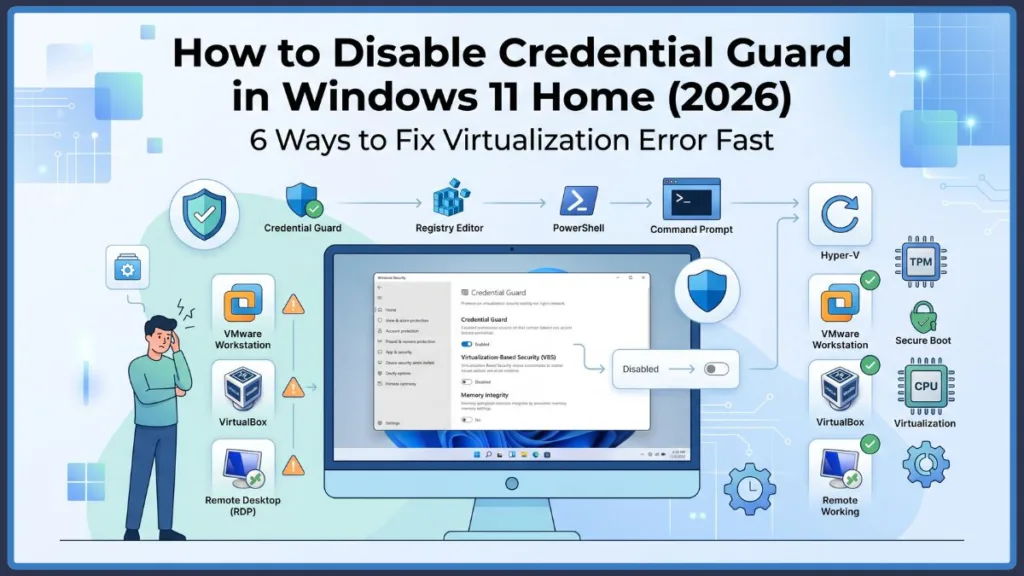
How to Disable Credential Guard in Windows 11 Home (2026): 6 Ways to Fix Virtualization Error Fast
Getting virtualization errors in Windows 11 Home in 2026? Learn how to disable Credential Guard in Windows 11 Home with 6 step by step methods.
Getting virtualization errors in Windows 11 Home in 2026? Learn how to disable Credential Guard in Windows 11 Home with 6 step by step methods.
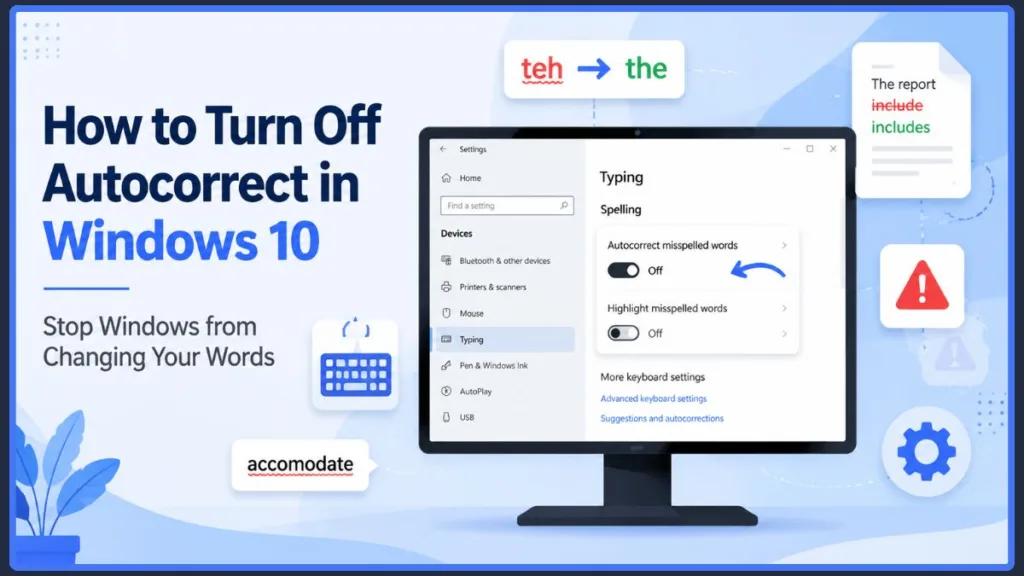
Windows 10 keeps changing the words you type? Learn how to turn off autocorrect in Windows 10 in just a few clicks — plus how to fix it in Word, Chrome, Outlook, and Edge.
How to Turn Off Autocorrect in Windows 10: Stop Windows from Changing Your Words Read Post »
Looking for the Windows 11 25H2 ISO (64-bit)? Follow this complete guide to download the official offline installer, verify the ISO, create bootable media, and install Windows 11.
How to Download Windows 11 25H2 ISO (64-Bit): Official Offline Installer Guide Read Post »
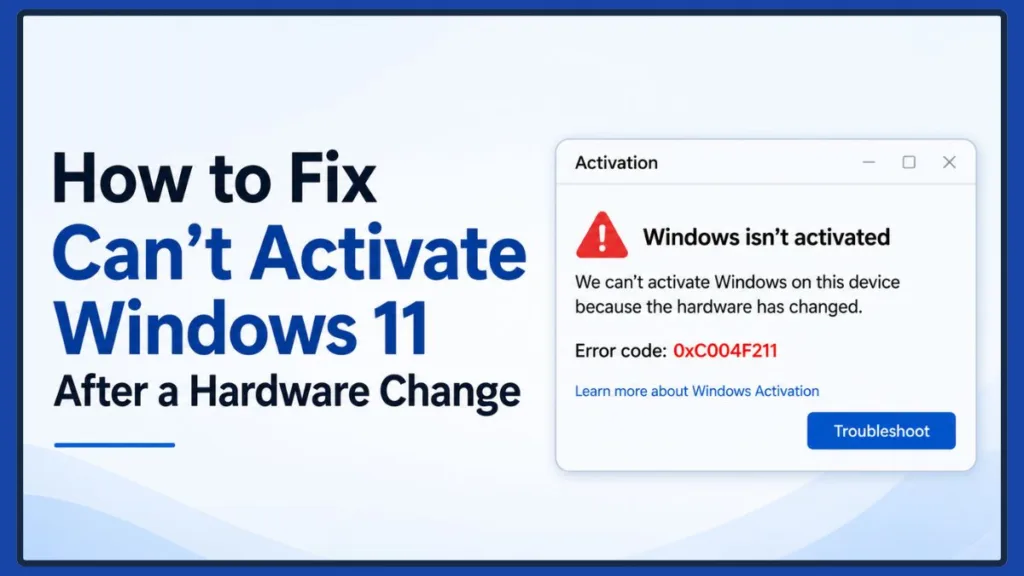
Windows 11 not activated after a motherboard or hardware change? Learn why it happens and how to activate Windows 11 after changing hardware—often without needing to buy a new license
Fix Windows 11 Activation Error After a Hardware Change Read Post »
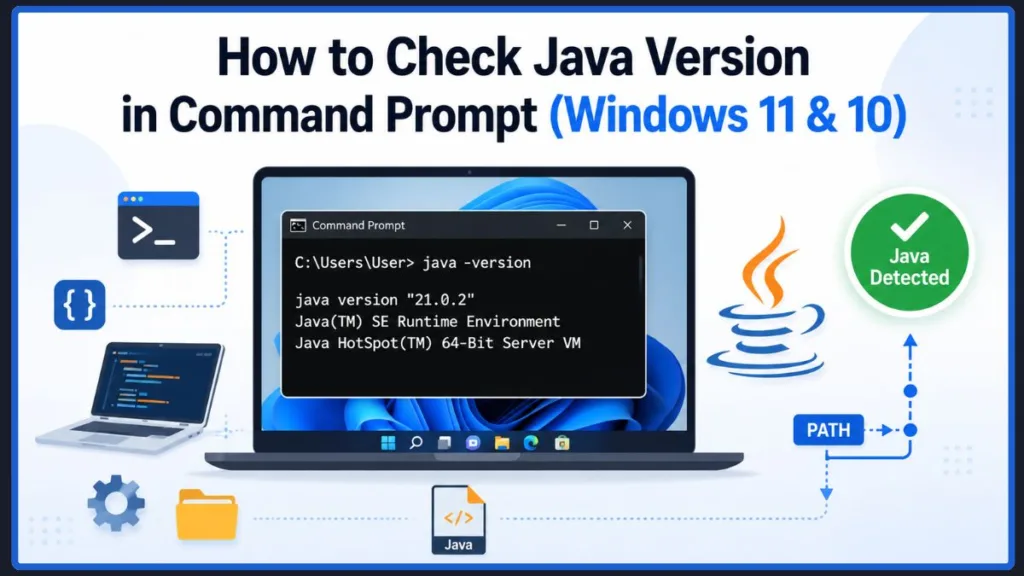
Are you getting the “Java is not recognized” error while installing or running an application? Learn how to check your Java version in Command Prompt, verify your JDK, and fix common Java command error on Windows 11 and 10.
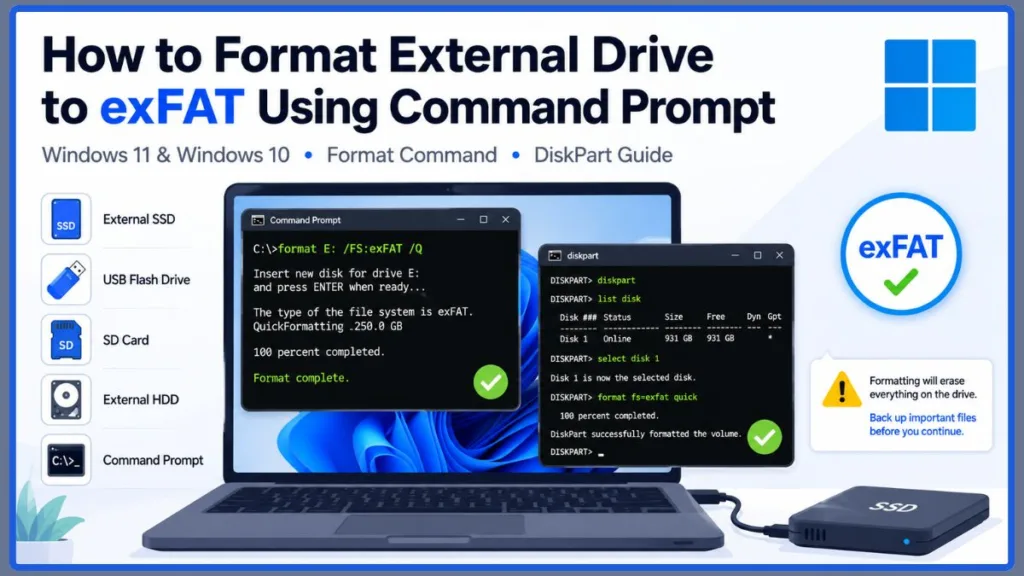
Can’t find the exFAT option in Windows or getting the “file is too large for the destination file system” error? Learn how to safely format an external drive to exFAT using Command Prompt with the Format command or DiskPart in Windows 11 and 10.
How to Format External Drive to exFAT Using Command Prompt: Fix Missing exFAT Option Read Post »
Looking for the latest qBittorrent download? Learn how to download qBittorrent safely from the official website, install it on Windows, Mac, or Linux, and start using it in minutes.
How to Download qBittorrent Safely: Latest Version for Windows, Mac & Linux Read Post »
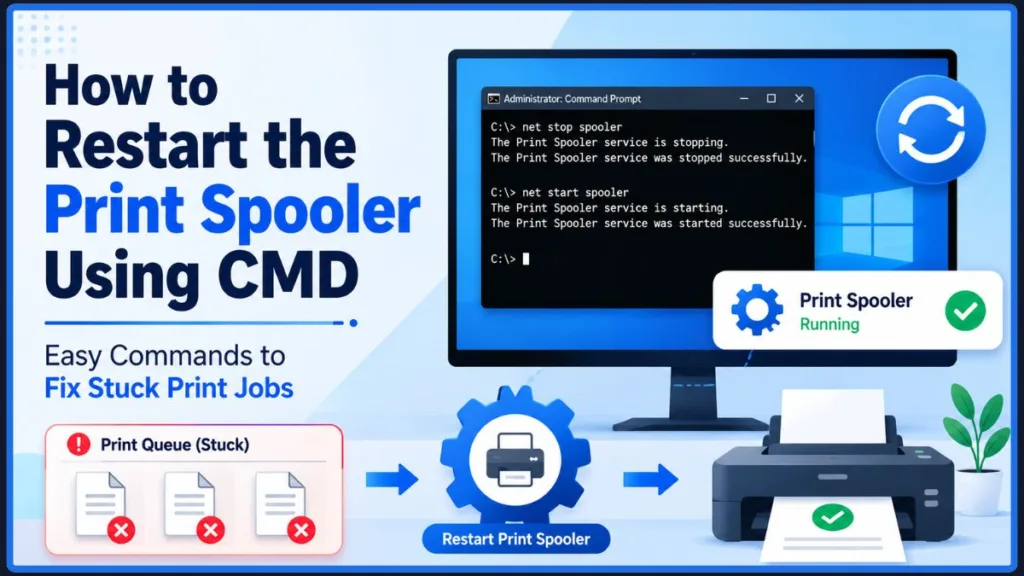
Want to fix stuck print jobs fast in 2026? Learn how to restart the Print Spooler using CMD with simple commands.
How to Restart the Print Spooler Using CMD: Easy Commands to Fix Stuck Print Jobs Read Post »
Wondering if your SSD is healthy? Learn how to check SSD health on Windows using 5 easy methods, monitor SMART status, and prevent data loss in 2026.
How to Check SSD Health on Windows (2026): 5 Easy Methods to Test SSD Health Read Post »
Want to make older websites work in Microsoft Edge? Learn how to enable Internet Explorer Mode, open legacy websites, fix IE Mode issues, and restore compatibility in 2026.
Lost your Microsoft Edge tabs after restarting your PC? Discover how to restore tabs on Microsoft Edge after restarting your PC, recover your previous browsing session, and continue right where you left off.
How to Restore Tabs on Microsoft Edge After Restarting Your PC Read Post »
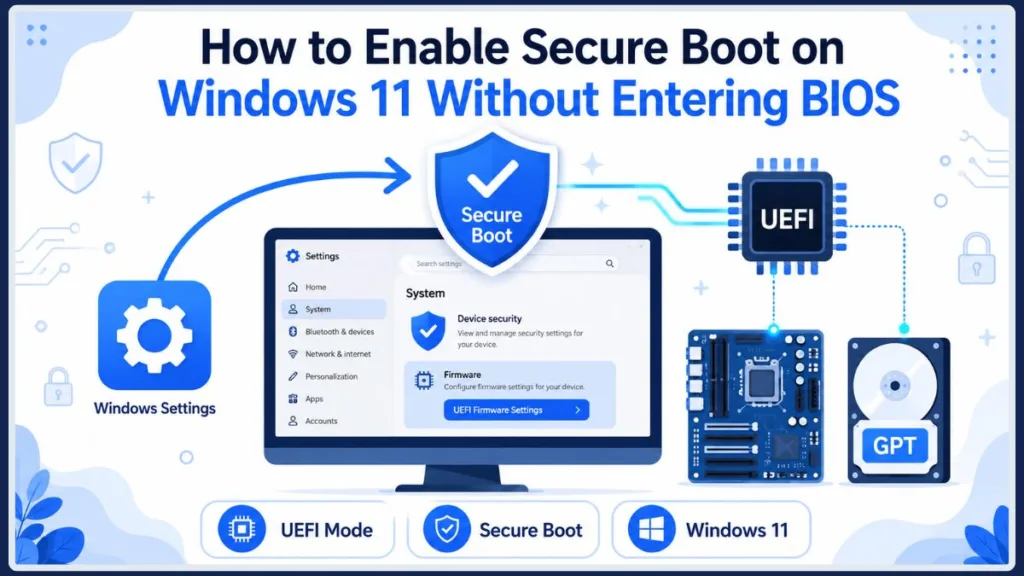
Want to enable Secure Boot on Windows 11 without entering BIOS? Learn how to check Secure Boot status, access UEFI firmware settings, and fix Secure Boot disabled error. Secure your PC the right way today.
How to Enable Secure Boot on Windows 11 Without Entering BIOS (Complete Guide) Read Post »